Need help?
Do you have a question about the Ovislink EVO-W300AR and is the answer not in the manual?
Provides step-by-step instructions for physically connecting the router.
Guides users to access the router's web interface for setup.
Walks users through initial router configuration steps.
Configures PPPoE connection settings for WAN.
Configures Static IP connection settings for WAN.
Configures fundamental wireless network parameters like SSID.
Sets up wireless security modes like WEP, WPA, WPA2.
Configures the DHCP server to assign IP addresses automatically.
Sets up public services by forwarding specific ports to internal IPs.
Configures forwarding for a range of ports for public services.
Protects the internal network from various network attacks.
Guides on upgrading the router's firmware.
Resets router configurations to their original default values.
Changes the router's login username and password for security.
 General
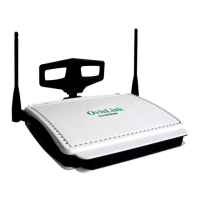
| Brand | Ovislink |
|---|---|
| Model | EVO-W300AR |
| Category | Wireless Router |
| Language | English |

 To Next Page