EasyManua.ls Logo

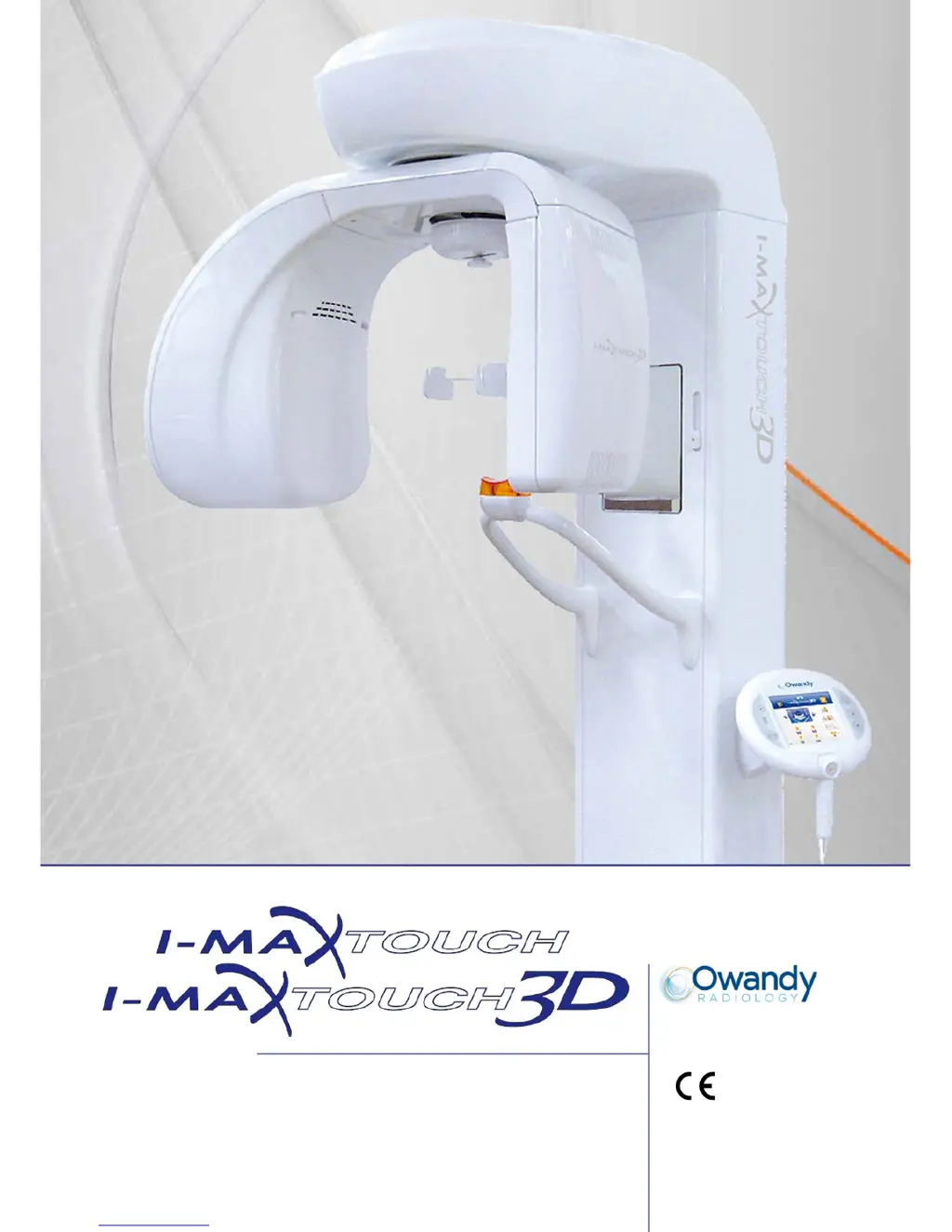
Owandy Radiology i-max touch 3D - User Manual

Default Icon
275 pages
Print Icon
To Next Page IconTo Next Page
Loading...
SERVICE MANUAL 0051
Revision 4 - July 2014

Table of Contents

Questions and Answers

Summary

Introduction to the I-Max Touch System

Safety Information and Regulations

Applicable Safety Standards and Classifications

Details the safety standards and device classifications relevant to the I-Max Touch system.

Operational Warnings and Precautions

Provides crucial warnings for safe operation, maintenance, and handling of the device.

I-Max Touch System Description

Technical Specifications and Characteristics

Detailed Technical Datasheets

Provides comprehensive technical specifications for the device.

Pre-Installation Requirements and Setup

Electrical Setup and Connections

Details the necessary electrical connections and setup procedures before installation.

Room Space and Computer Requirements

Specifies required room dimensions and minimum computer specifications for installation.

I-Max Touch Installation Procedures

Computer and Software Installation

Covers the installation of the computer, network, and necessary software for operation.

Troubleshooting and Error Resolution

LED Indicators and Board Status

Explains the meaning of LEDs on key boards and their status indications.

System Display Messages and Error Codes

Lists and explains error messages and codes displayed by the system.

Detailed Error Code Analysis (E000-E199)

Provides detailed troubleshooting steps for errors related to the main CPU board.

Maintenance and Calibration Procedures

3 D Sensor Calibration Process

Details the periodic calibration procedure for the 3D digital sensor.

Component Replacement Procedures

Covers the steps for replacing sensors, tubeheads, and CPU boards.

Appendices and Parameter Tables

Owandy Radiology i-max touch 3D Specifications

General IconGeneral
TechnologyCone Beam Computed Tomography (CBCT)
Field of viewMultiple FOV options (e.g., 5x5 cm, 8x8 cm, 11x8 cm, 15x15 cm)
Focal Spot Size0.5 mm
Sensor TypeFlat Panel Detector
CompatibilityDICOM compatible
DisplayTouchscreen interface
ResolutionHigh resolution mode
SoftwareProprietary Owandy Software
ConnectivityEthernet

Related product manuals