EasyManua.ls Logo

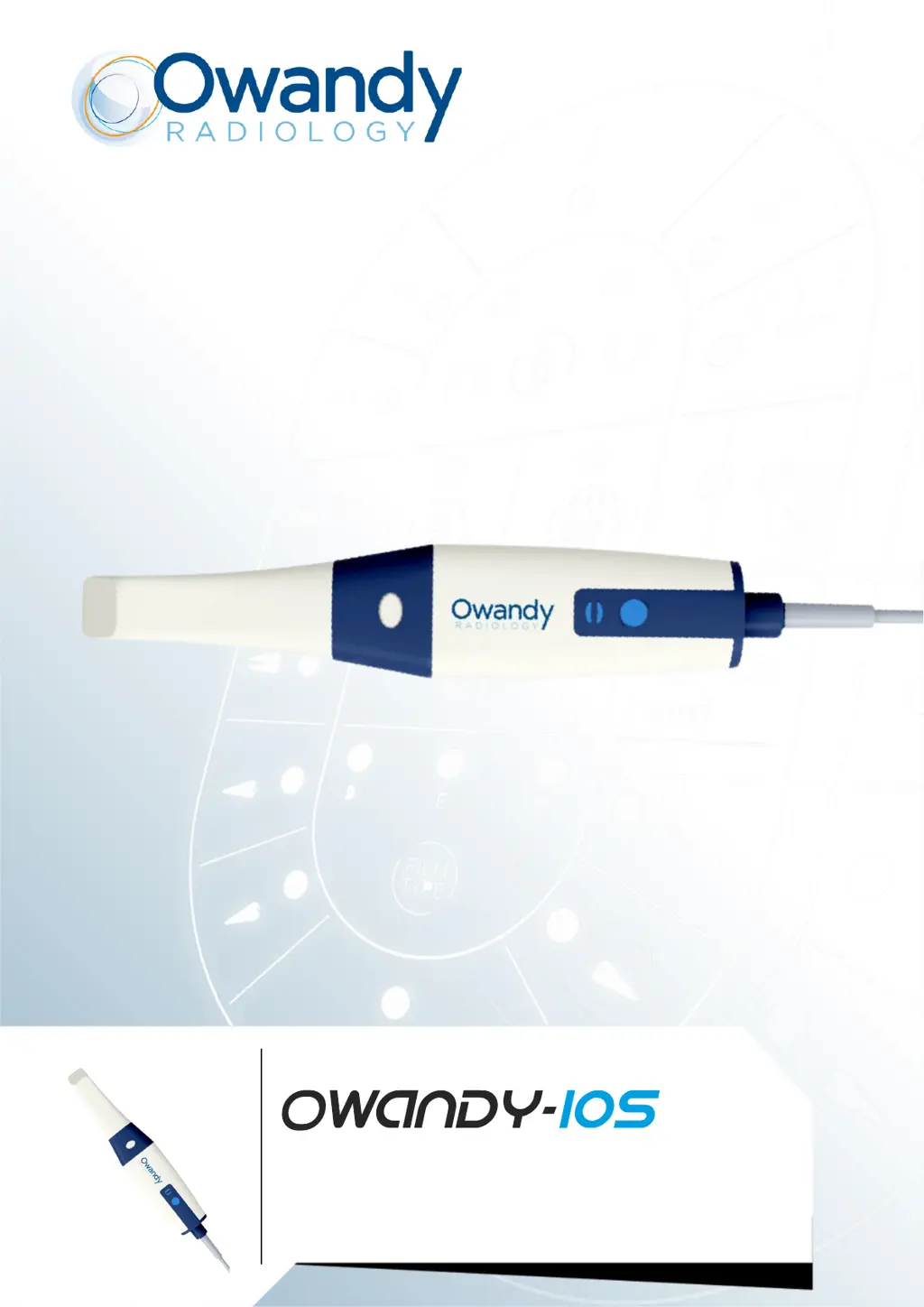
Owandy Radiology OWANDY-IOS TP101 - User Manual

Default Icon
222 pages
Print Icon
To Next Page IconTo Next Page
Loading...
COMMUNICATION MADE EASY
WIRED Instruction Manual Rev01

Table of Contents

Questions and Answers

Summary

Product Labels and Symbols

CE Marking

Explanation of the CE conformity mark applicable to the European Union.

EC REP - Authorized Representative

Symbol indicating the authorized representative in the European Community.

Importer Identification

Symbol indicating the importer of the device.

Refer to Instruction Manual

Symbol indicating to consult the user manual or booklet for information.

Electrical Insulation Class II

Symbol for double or reinforced insulation, Class II equipment.

Manual Introduction and Notice

User Notice

General disclaimer and information about the document's content and use.

Manual Conventions

Explains the meaning of warning, caution, and note symbols used in the manual.

Scanner Overview and Components

Scanner Functionality

Describes the scanner's purpose of acquiring 3D models of teeth and bites.

Scanner Nomenclature

Identifies and labels the different parts of the scanner.

System Components

Outlines the components included in the scanner system.

Scanner Features and Holder

Component Descriptions

Detailed list and description of the scanner's parts and their functions.

Status Indicator Meanings

Explains the meaning of different scanner status indicator lights.

Scanner Holder Usage

Instructions on how to use the scanner holder.

Scanner Safety Information

Intended Use and Benefits

Specifies the device's purpose and highlights its advantages in dental practices.

Contraindications

Lists conditions where the scanner should not be used.

General Safety Warnings

General safety precautions and warnings for scanner operation.

Scanner Safe Handling and Precautions

Safe Operating Procedures

Detailed list of "DO NOT" instructions for safe scanner handling and operation.

Equipment Compliance and Usage

Instructions regarding equipment compliance with standards and safe usage.

Computer and Disposal

Computer Safety Guidelines

Guidelines for safe placement of computer equipment near the patient.

Proper Equipment Disposal

Instructions for proper disposal of the scanner and its accessories.

Cleaning and Sterilization Basics

Regular Maintenance Schedule

Outlines regular maintenance activities for the scanner and accessories.

Scanner Tip Reprocessing Overview

Details the methods for cleaning, disinfecting, and sterilizing scanner tips.

Scanner and Tip Cleaning Procedures

Scanner Tip Model Compatibility

Lists different scanner tip models and their applicable reprocessing methods.

Scanner Cleaning Warnings

Important warnings and precautions before cleaning and disinfecting the scanner.

Scanner Cleaning Steps

Step-by-step instructions for cleaning the scanner.

Scanner Disinfection Steps

Procedures for disinfecting the scanner after patient use.

Scanner Tip Cleaning and Disinfection

Scanner Disinfection Process

Detailed steps for disinfecting the scanner using recommended wipes.

Manual Scanner Tip Cleaning

Instructions for cleaning the scanner tip manually.

Automatic Scanner Tip Cleaning

Instructions for cleaning the scanner tip in an automatic washer.

Scanner Tip Sterilization and Pre-Use Checks

Automatic Washer Disinfection Steps

Steps for cleaning the scanner tip using an automatic washer/disinfector.

High Level Disinfection (TP101)

Specific instructions for high-level disinfection of the TP101 scanner tip.

Autoclave Sterilization Procedure

Detailed steps for performing autoclave sterilization on scanner tips.

Scanner Damage Inspection

Instructions for visually checking the scanner for damage before use.

Scanner Tip and Lens Inspection

Scanner Tip Deterioration Check

Instructions for inspecting scanner tips for damage and cleanliness.

Lens Window Protection

Guidance on protecting and cleaning the scanner's lens window.

Scanner Setup and Holder Installation

Software Installation Guide

Steps for downloading and installing the scanner software.

Scanner USB Connection

Instructions for connecting the scanner to the computer via USB.

Scanner Status During Setup

Explains the scanner's status indicator behavior during setup.

Desktop Holder Installation

Step-by-step guide for setting up the scanner holder on a desktop.

Holder Installation Methods

Desktop Holder Cable Management

Further instructions for securing the USB cable and placing the scanner on the desktop holder.

Wall Mount Holder Installation

Instructions for mounting the scanner holder on a wall.

Wall Mount Holder Installation Methods

Wall Mount Method 1 Steps

Details for installing the wall mount holder using screws.

Wall Mount Method 2 Steps

Alternative method for installing the wall mount holder.

Getting Started: Software and Teeth Prep

Software Interface Access

Steps to log in and navigate the scanner software.

Audio Prompt Explanations

Explanation of audio cues for scanning status and warnings.

Tooth Preparation Steps

Instructions for preparing the patient's teeth before scanning.

Scanner Prep and Starting a Scan

Scanner and Tip Preparation

Steps to prepare the scanner and attach the scanner tip.

Initiating Scan Process

Initial steps to begin the scanning process.

Scanning Approach and Protocol

Recommended Scanning Approach

Advice on starting with a molar and maintaining an optimal scanning angle.

Scanning Protocol for Data Coverage

Describes the recommended 3-sweep protocol for comprehensive data acquisition.

Scanner Troubleshooting Guide

Problem and Solution Guide

A table detailing common problems and their solutions.

Regulatory Compliance and Standards

Applicable Regulations

Lists the regulations and directives the scanner complies with.

Relevant Standards

Lists relevant European and international standards for medical devices.

EMC Information and Declarations

Device Classification and EMC

Details the device classification and electromagnetic compatibility (EMC) requirements.

EMC Precautions for Use

Warnings and guidance regarding EMC for the scanner.

Electromagnetic Emissions Statement

Manufacturer's declaration regarding RF emissions.

Electromagnetic Immunity and Accessories

Immunity Test Compliance

Manufacturer's declaration regarding immunity to electromagnetic fields.

RF Wireless Immunity Levels

Specifies test levels for immunity to RF wireless communications equipment.

Accessory Compatibility Warning

Warning about using non-specified accessories.

Equipment Interaction Warnings

Interference Avoidance

Warning about using the scanner adjacent to or stacked with other equipment.

Scanner Technical Specifications

Model and Scanner Specs

Details physical and functional specifications of the scanner, including model.

Computer System Requirements

Lists the hardware and OS requirements for laptop and desktop computers.

Environmental and Operating Conditions

Temperature and Humidity Requirements

Specifies operating and storage conditions for temperature, humidity, and pressure.

Contact Information and Product ID

Manufacturer and Distributor Details

Provides contact information for the manufacturer and distributor.

European Representative Contact

Provides contact information for the EU representative.

Product Identification Data

Details like Part Number, Date, and Revision.

Owandy Radiology OWANDY-IOS TP101 Specifications

General IconGeneral
BrandOwandy Radiology
ModelOWANDY-IOS TP101
CategoryDental equipment
LanguageEnglish

Related product manuals