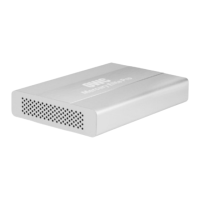
OWC Envoy for MacBook Air 2012
Owner’s Manual & Assembly Guide
OWC Envoy Assembly
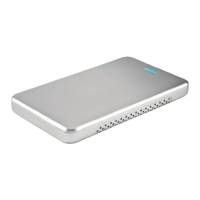
Remove the top cover and you will expose the interposer board inside of the OWC
Envoy.
Insert your SSD module into the interposer board connector - it is keyed so it will only
t one direction. The drive module plugs straight into the connector and ts snugly.
Replace the bottom cover onto the OWC Envoy. Reinsert the 2 Phillips screws through
the bottom and apply the 2 rubber feet to complete the assembly.
Your OWC Envoy connects using the included USB cable. if your SSD module is unfor-
mated, you will need to format it to be able to use it.
http://eshop.macsales.com/tech_center/fwhdd.cfm
Copyright ®2012 Other World Computing All Rights Reserved. Other World Computing’s Limited Warranty is not transferable and subject to limitations.
OWCMANENV12OGAM
R1 11/7/12 JD



 To Next Page