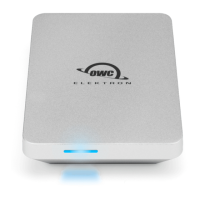
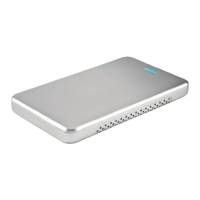
OWC Envoy Introduction
1.1 System Requirements
1.1.1 Mac Requirements
• Minimum PowerPC G4 CPU, 128MB RAM
• USB 3.0/2.0 interface, Mac OS X 10.2 or later
1.1.2 PC Requirements
• Minimum 500MHz Intel Pentium III CPU, 128MB RAM
• USB 3.0/2.0 interface, Windows 2000 / XP / Vista / Windows 7 / Windows 8
1.1.3 Supported SSD Drives
• MacBook Air 2012 SSD
• OWC Aura Pro SSD for the 2012 MacBook Air
➀ ➁
➂
➃
Item
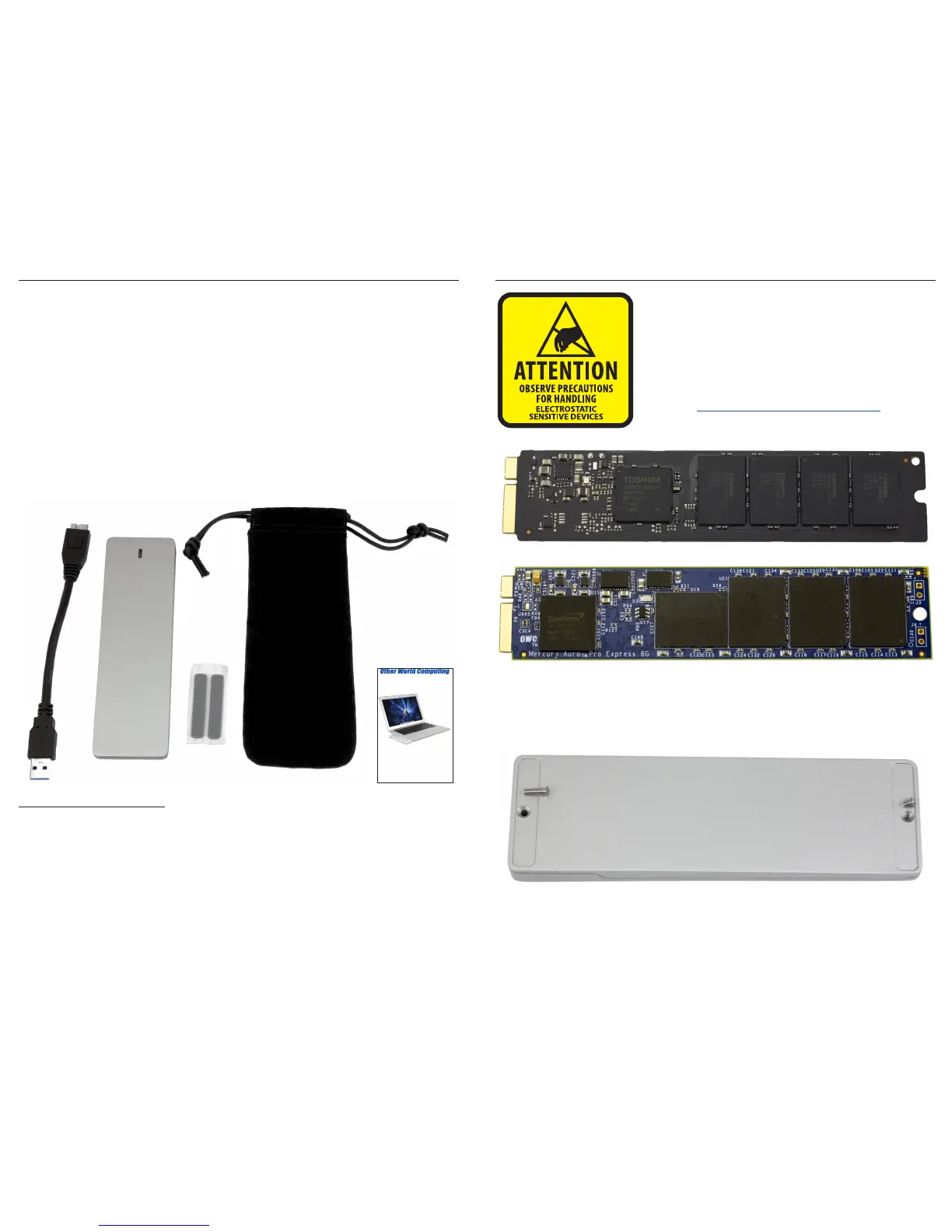
➀ USB 3.0 (A - Micro-B) cable
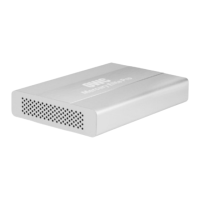
➁ OWC Envoy
➂ Adhesive Rubber Feet
➃ Plush Storage Bag
➄ Owner's Manual & Assembly Guide
OWC Envoy for MacBook Air 2012
Owner’s Manual & Assembly Guide
➄
OWC Envoy Assembly
Your computer is a static-sensitive device. It is susceptible
to invisible damage if not protected during installation.
We recommend proper grounding by using a grounding
strap. Make sure to work in a clean and static-free area,
and avoid wearing clothing that retains static charges.
For more information, please visit
http://www.macsales.com/static
The OWC Envoy is compatible with both factory MacBook Air 2012 SSD modules and
OWC Aura Pro for MacBook Air 2012 SSD modules.
Using a Phillips P0 screwdriver, remove the 2 Phillips screws that are holding the top
and bottom of the OWC Envoy together. Note they are two lengths, the short screw
goes on the skinny end of the OWC Envoy, and the longer screw goes on the thicker
end.



 To Previous Page