Page #18OWC Mercury Optical Drives Installation Manual
Reattach the small bracket to the left side of the drive using the Phillips screws you
removed from it. The old drive is shown in this picture, installation is identical.
Attach the drive controller cable to the back of the new drive as shown. It will t ush
once in place.
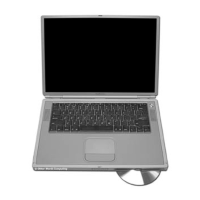
Take the assembled drive components and place it into the PowerBook, label side down,
with the modem and inverter board towards the outside.
You will need to place the rubber grommets from the frame on the inside portion of the
drive mechanism into the holes in the PowerBook chassis that line up with the drive,
and pivot the new drive downward into the chassis. Once inserted, the rubber grommets
on the outside portion of the frame will rest on their mounting pegs. Be sure the drive
is straight, and do not use force to insert the drive, it will slide right into place without
resistance if installed properly.
Inserting the drive into the PowerBook


 To Next Page