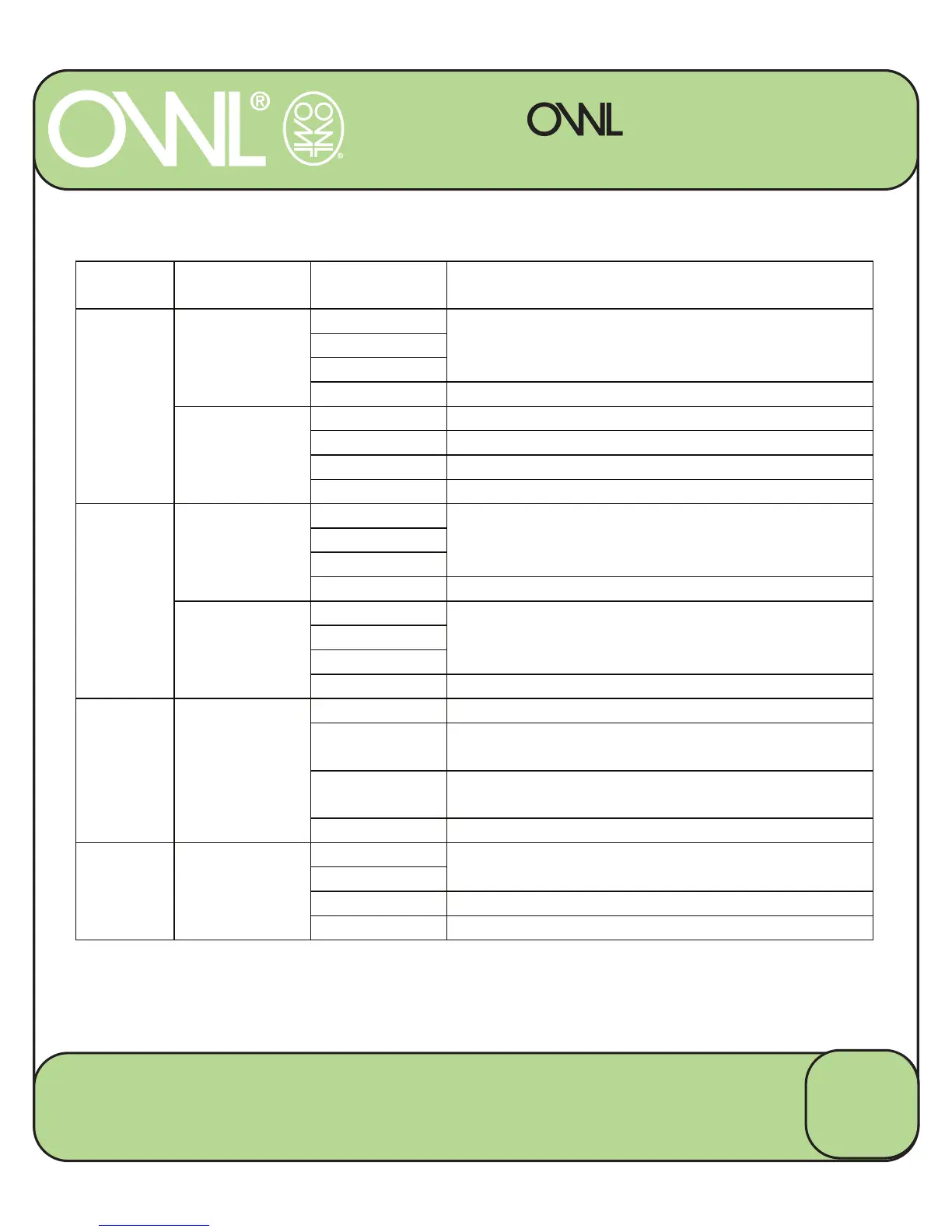
KEY FUNCTIONS
micro+
WIRELESS ELECTRICITY MONITOR
MODE
KEY FUNCTION
MODE
Press
Changes display mode Î
COSTE1ERG<CO2ET,MEDATECOST
History
Average
SET
Press
and
Hold
1ormal Enters History Mode
History Enters Average Mode
SET
Press
1ormal
1o Function
History
Average
SET Confirms selection
Press
and
Hold
Average
SET Returns to Display Mode
Ÿ & ź
Press
1ormal
Changes displayed value Î 1OW & TOTAL
History
Changes displayed value between Î ThisLast
– DayWeekMonth
Average
Changes displayed value between Î Average
– DayWeekMonth
SET ,ncrements Decrements Values
MODE
and
SET
Press and
Hold
(At the same
time)
1ormal Resets the TOTAL COST, KWH & CO2e to Zero
History 1o Function
16
2 Save Energy Limited
Chineham Lane, Basingstoke, Hants, RG24 9LR
www.theowl.com customer.services@theowl.com


 To Next Page