7
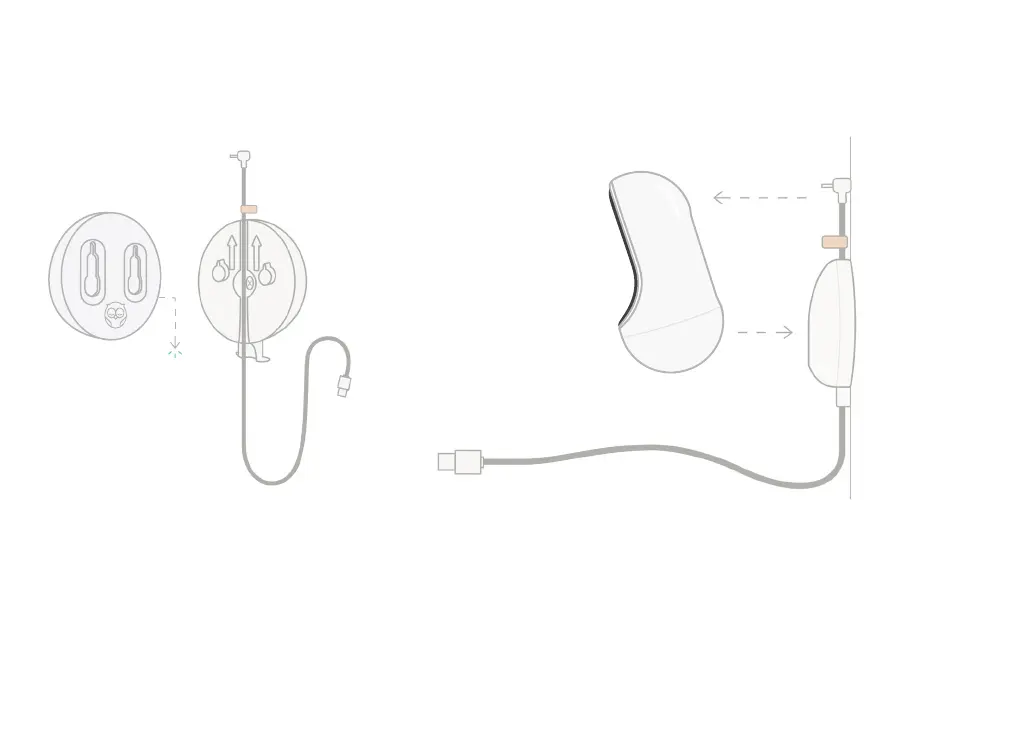
5 Mount the base
Position the large holes of the
magnetic base over the protruding
tabs on the mounting plate, then slide
downward until it clicks.
sticker
Attach the Cam 2 to the magnetic
base. Plug the cable into the Cam 2.
6 Attach the Cam 2
The orange sticker should be
placed just above the mounting
plate so that you have enough
cable slack to position the Cam 2
to your desired angle.



 To Next Page