3
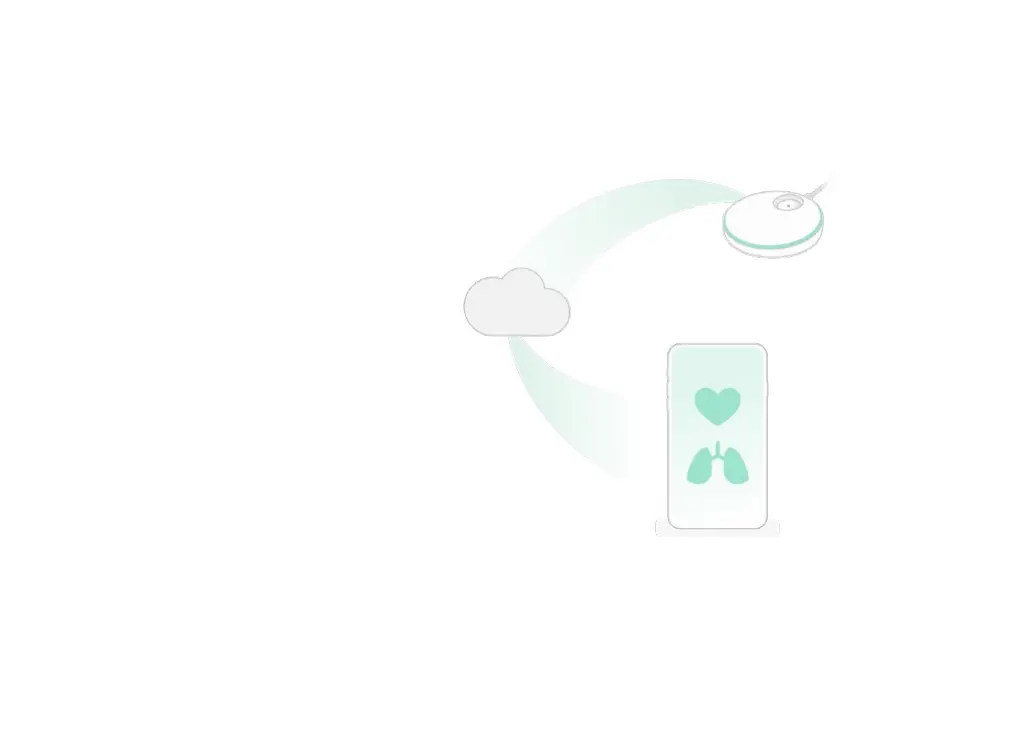
How the App works
When connected to Wi-Fi: The Base
Station sends information to the
Owlet cloud via Wi-Fi. The Owlet
cloud enables this data to be shown
in the app. This enables real-time
readings and notifications on the app
from anywhere.
LAN (Local area network) mode:
To use LAN mode your phone must
be on the same Wi-Fi connection
as your Base Station. Using Wi-Fi,
the app establishes an initial
connection to the Owlet cloud and
will deliver data to the app as long
as the app is not closed and the
Wi-Fi connection does not change
on the app or Base Station.


 To Next Page