5. Turn on and off the device
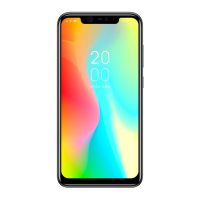
Turn on
Press and hold the power button that is located beside the device for a few seconds
to turn on the device. When you turn on the device for the first time the screen to
set up an account, follow the instructions on the screen to configure it.
ATTENTION: It is necessary to be connected to the internet when setting up an
account.
Turn off
To power off, press and hold the power button and then press [turn off].
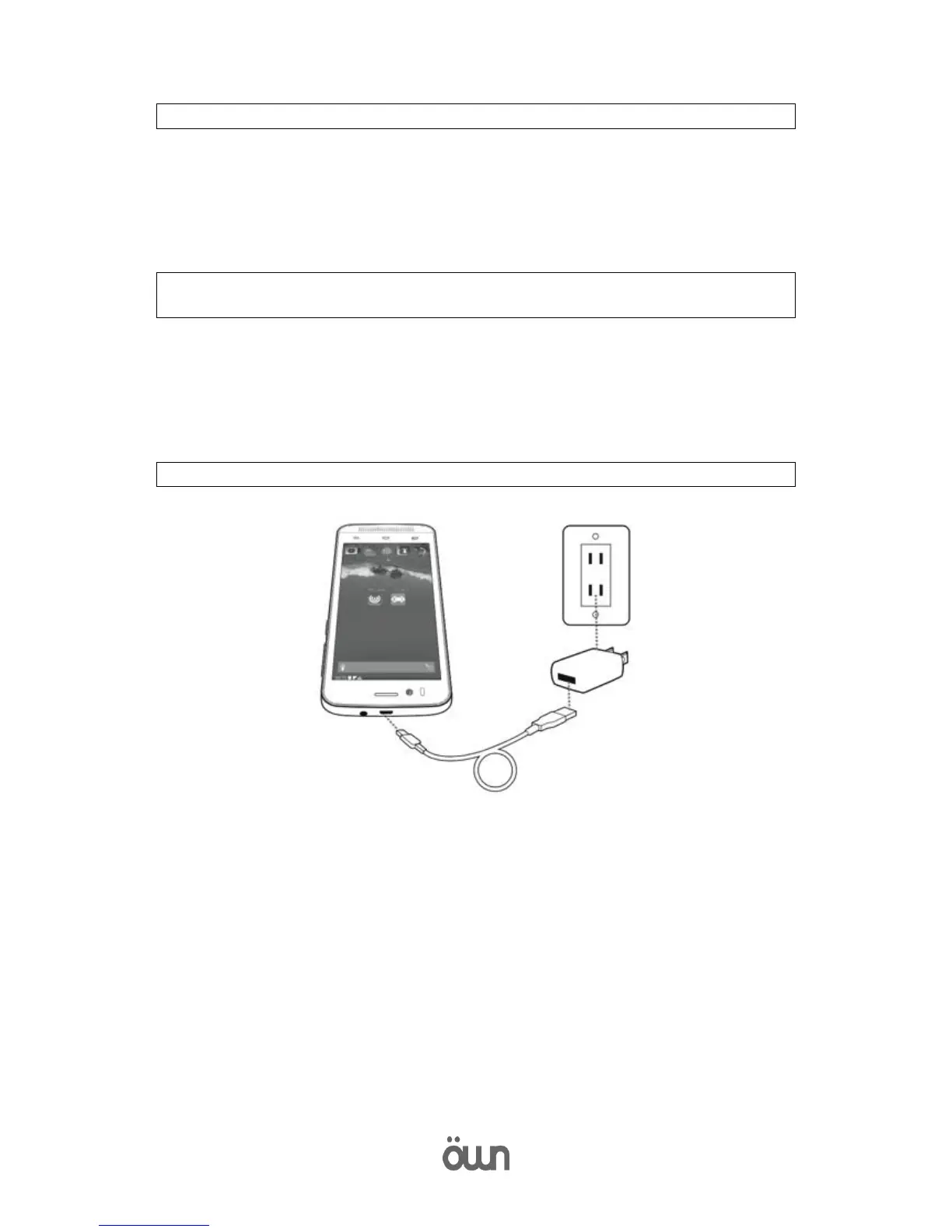
6. Charge the battery
Make sure that the micro-USB end of the cable is properly connected to the port
micro-USB device.



 To Next Page