Need help?
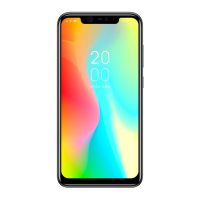
Do you have a question about the Own Selfie and is the answer not in the manual?
Explains Power, Volume, Search, Home, Back keys and their functions.
Instructions for opening the battery cover and installing SIM/memory cards.
Guides on how to turn the phone on/off and charge the battery.
Explains Tap, Tap & Hold, Drag, Flick, and Pinch gestures for screen interaction.
Information on RoHS, product disposal, and battery disposal.
Covers FCC rules, user information, and Specific Absorption Rate (SAR) guidelines.
 General
| Brand | Own |
|---|---|
| Model | Selfie |
| Category | Cell Phone |
| Language | English |


 To Next Page