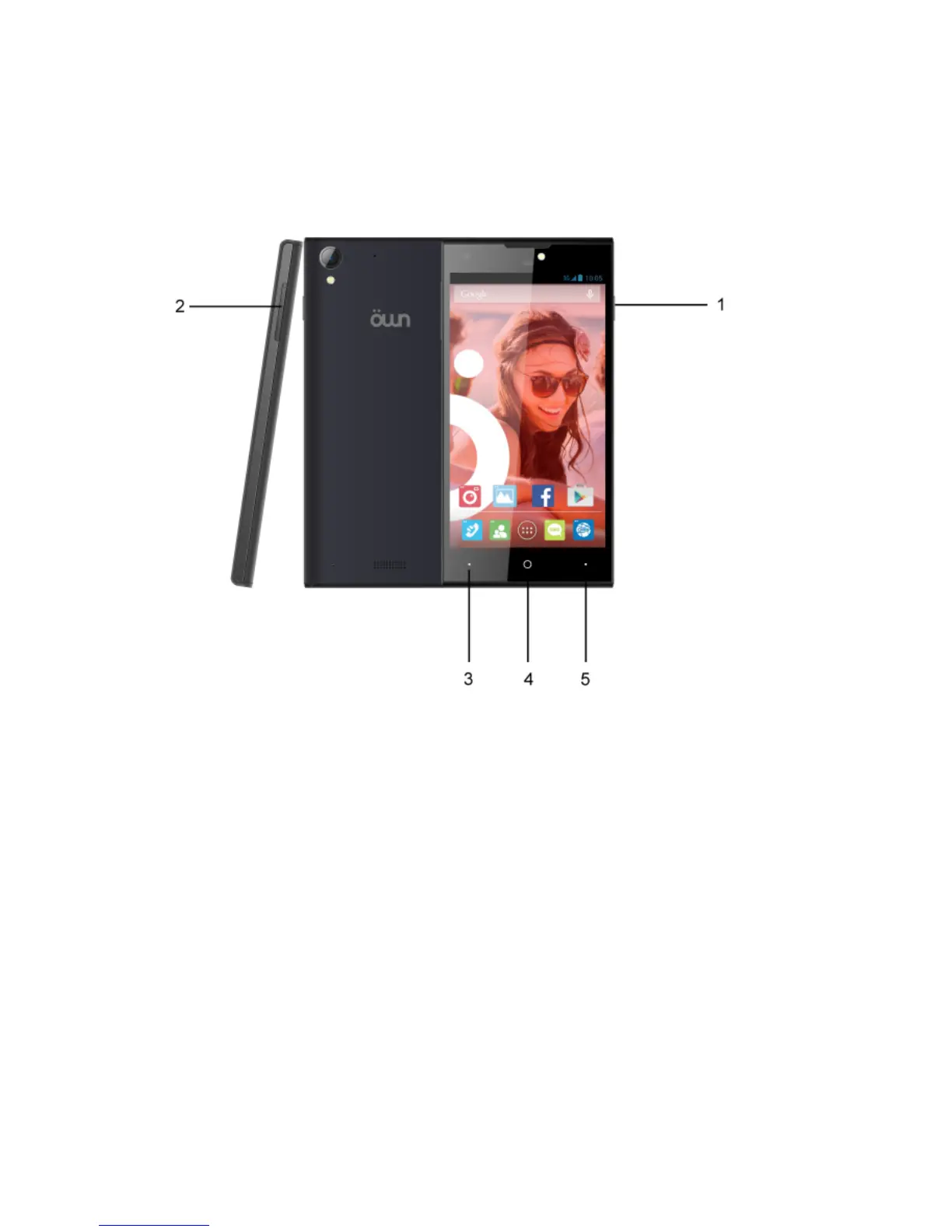
NAVIGATION BAR
1.Power key: Press the power key to lock/unlock your screen. Press and
hold Power key to power on/o the phone.
2.Volume key: Press the volume keys to change the ring volume (on the
home screen) or the arpiece volume (during a call).
3.Search key: Press search key to open Bing search or Cortana
(personal assistant).
4.Home key: Press home key to close any menu or app and return to
the start screen. On the start screen, tap an app to open it.
5.Back key: Opens the previous screen you were working in. If the
onscreen keyboard is open, closes the keyboard.
PHONE OVERVIEW
Quick Start Guide - GB



 To Next Page