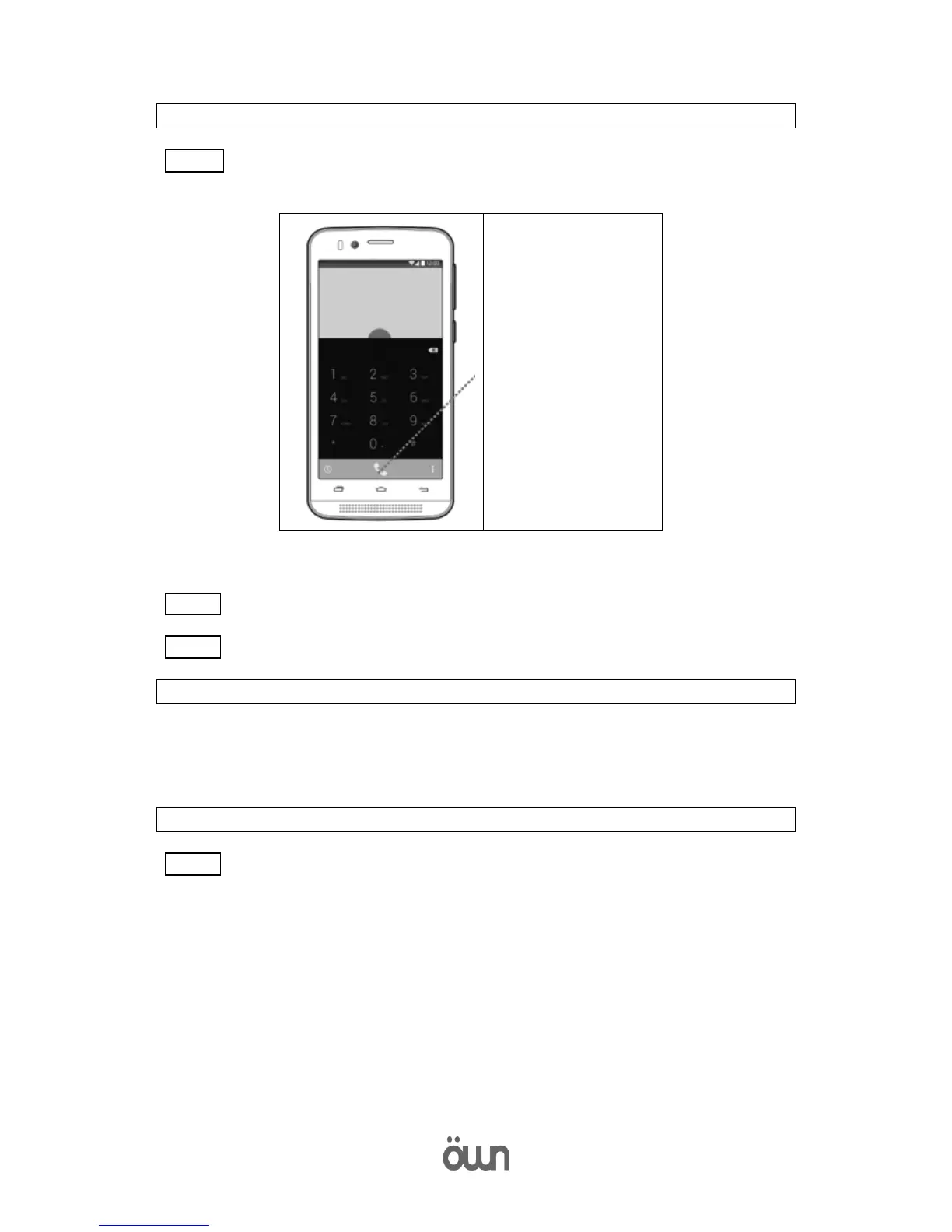
Step 02 Enter a telephone number.
Step 03 Then press the call button to make a voice call.
11. enter text
Use the screen keyboard to enter text.
To display the keyboard, press the text input field.
Press the back button to hide the keyboard.
12. Send messages
Step 01 Press the messages button on the home screen. Touch the new message button.



 To Next Page