LASER LEVEL - USER MANUAL
11
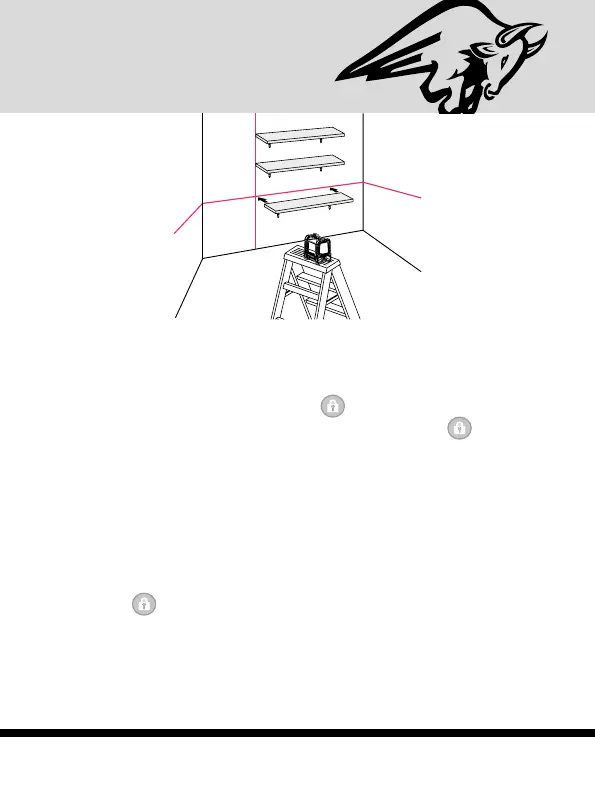
Working in Manual mode:
In Manual mode the 870’s self-leveling mechanism is disabled
and the laser lines can be set at any angle required.
1. Press the Manual mode button
. The laser will project
the cross lines and the red LED near the button
will light
up. The green LED of the laser beams near V/H button will
light up as well.
2. Choose the beams that you want to work with by pushing
the Beam Selector button V/H
3. To mark a slope, tilt the laser to adjust the right angle and
the height.
4. To turn the manual mode off, press again the Manual mode
button
.
5. While in Manual mode, turning the locking switch #1 from
OFF to ON will turn off the Manual mode and the red LED


 To Next Page