EasyManua.ls Logo

OXO BREW Conical Burr - User Manual

OXO BREW Conical Burr
16 pages
Print Icon
To Next Page IconTo Next Page
Loading...
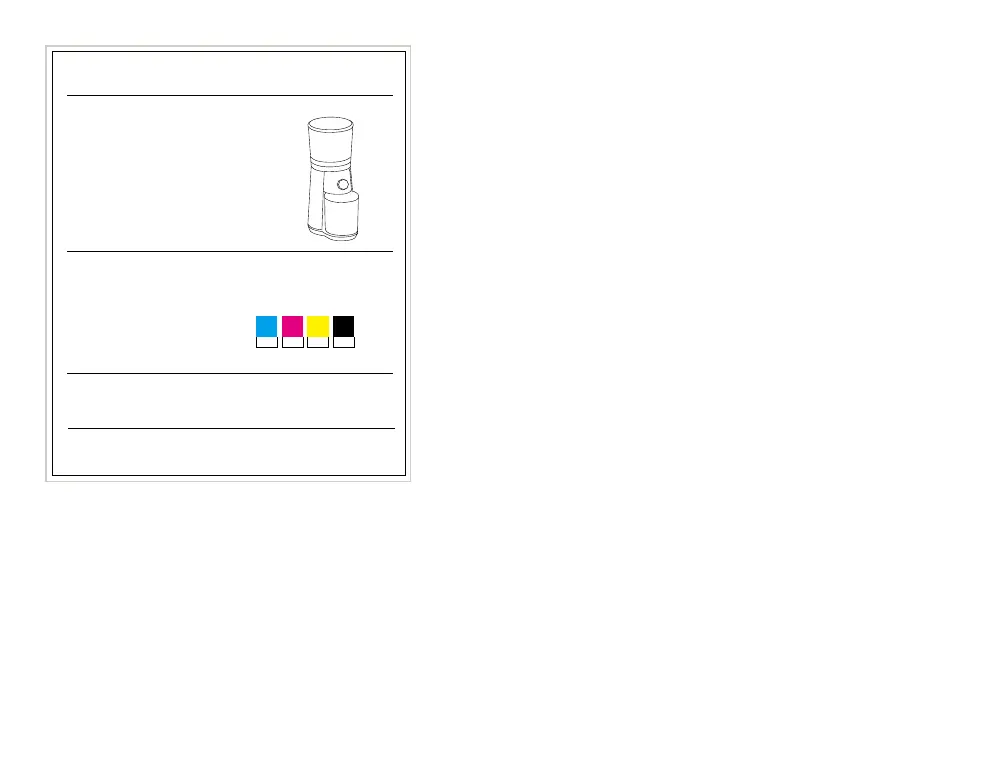
Material, Size, Ink Specs
Manufacturer: Dolim
OXO Designer: Nick V, Phen Grant, Sary
Created: 03.23.18,
Modified: 02.17.21, 05.23.23
Production: K Schmidt
Modified: 04.22.21
Line Art:
Material without Printing
Staples-
2 staples with flat side facing out
Configuration: Instruction Booklet
Print Materials:
Bright white art Paper - 0.11mm thick
Sided: 2
Colors: 4
Varnish/Lam: Matte Varnish
Size: 7" x 5.4"
Process Inks:
Notes:
– Only fold booklet where indicated on artwork file.
Cyan Magenta Yellow Black
Brew_8717000V5_Conical_Burr_Grinder_Booklet
M

Questions and Answers

  • C
    Cameron LawrenceJul 30, 2025
    What to do if my OXO BREW Conical Burr starts but produces no coffee grounds?
    • B
      Brian EscobarJul 30, 2025
      If your OXO Coffee Grinder starts but doesn't produce coffee grounds, several issues could be the cause. First, check the hopper trap door for any stuck beans. Clear the grounds chute using a small flexible brush. Ensure beans are flowing freely by stirring them with a wooden spoon or cleaning the hopper. Also, confirm the upper burr is securely locked into place by turning the handle clockwise until it clicks.
  • D
    Derek WilliamsAug 4, 2025
    Why is my OXO BREW Conical Burr Coffee Grinder louder than normal?
    • M
      michaellangAug 4, 2025
      If your OXO Coffee Grinder is louder than normal, it might be blocked by a foreign item. To resolve this, unplug the power cord, remove the hopper, and inspect both the hopper and burrs for any foreign objects. Remove any obstructions you find.
  • W
    Wendy PerkinsAug 11, 2025
    What to do if my OXO Coffee Grinder stops mid-cycle?
    • M
      margaretjamesAug 11, 2025
      If your OXO Coffee Grinder stops mid-cycle, it could be due to a foreign item trapped in the burrs or overheating. First, unplug the grinder and remove the hopper to inspect for any foreign objects in the hopper, upper, and lower burrs. If you find any, remove them. If there are no foreign objects, the grinder might have overheated, wait 30 minutes to allow it to cool down before trying again.
  • J
    Jennifer WyattAug 17, 2025
    Why is my OXO BREW Conical Burr Coffee Grinder creating more static than usual?
    • F
      fbakerAug 17, 2025
      Increased static in your OXO Coffee Grinder can be caused by various factors, including the type of coffee beans, roast, and humidity levels. Try wiping down surfaces with a damp towel and drying them thoroughly. You can also let the grounds rest in the container for about 30 seconds to dissipate the static. Also, ensure the grounds container is properly seated under the chute by clearing any coffee grounds from the grinder base and pushing the container until it clicks into place.
  • B
    Brady FischerAug 22, 2025
    What to do if my OXO BREW Conical Burr does not start after pressing the button?
    • J
      John PenningtonAug 23, 2025
      If your OXO Coffee Grinder doesn't start after pressing the button, there are a few things to check: 1. Ensure the grinder is plugged into a 110V/120V outlet. 2. Make sure the bean hopper is correctly attached. Remove and reinstall it to ensure it's properly seated. 3. The grinder may have overheated. If so, wait 30 minutes for it to cool down before trying again.

Summary

A Note About Safety

Important Safeguards

Essential safety precautions and warnings for using the coffee grinder to prevent fire, shock, or injury.

Our Guarantee

Meet Your Grinder

Before You Begin

Using Your Grinder

Cleaning Your Grinder

Caring for Your Grinder

Troubleshooting

OXO BREW Conical Burr Specifications

General IconGeneral
Grind Settings15
Weight4.5 lbs
Power150 W
TimerYes
Hopper Capacity12 oz
Burr TypeConical
MaterialStainless Steel, Plastic
ColorStainless Steel

Related product manuals