Need help?
Do you have a question about the OXS S3 and is the answer not in the manual?
Explains the scope and content of the paper user manual.
Details how to access or download the comprehensive digital manual.
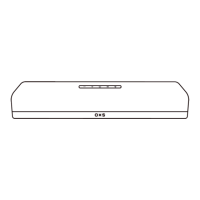
Identifies and explains the functions of the device's physical buttons.
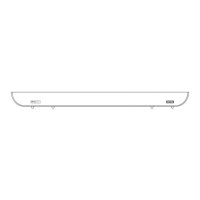
Identifies and explains the purpose of the device's connection ports.
Describes indicator light behavior during volume adjustments.
Explains indicator light behavior for power and standby modes.
Details indicator colors for different sound modes like Music, News, Movie.
Explains indicator colors corresponding to selected audio input sources.
Matches audio sources with optimal sound modes for listening.
Step-by-step instructions for securely mounting the soundbar to a wall.
Instructions for connecting the soundbar via USB for audio input.
Guide for connecting the soundbar using optical and coaxial digital audio cables.
Instructions for connecting the soundbar using a standard AUX audio cable.
Steps for connecting the power adapter and plugging the soundbar into a power outlet.
Guide on how to pair and use the Bluetooth function with external devices.
 General
| Brand | OXS |
|---|---|
| Model | S3 |
| Category | Speaker System |
| Language | English |

 To Next Page