Need help?
Do you have a question about the OXS S5 and is the answer not in the manual?
This manual covers product installation, components, and connection methods.
The complete manual is available for download from the OXS website.
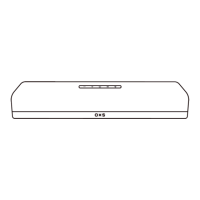
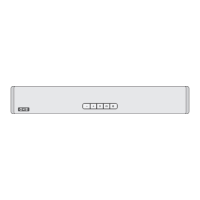
Details the touch-sensitive buttons on the soundbar for adjusting volume and selecting sources.
Identifies and describes all input/output ports on the soundbar for various device connections.
An overview of the remote control's buttons and their functions for operating the soundbar.
Instructions for connecting the soundbar to power and performing initial startup operations.
Step-by-step guide for connecting the soundbar to a TV using the HDMI OUT (eARC/ARC) port.
How to connect external devices to the soundbar using an HDMI cable for input.
Instructions for connecting external devices using an OPT (optical) cable.
Guide to connecting external devices to the soundbar using an AUX cable.
Steps for playing audio from a connected USB drive on the soundbar.
Instructions for pairing and connecting Bluetooth-enabled devices to the soundbar.
Detailed procedures for securely mounting the soundbar onto a wall.
 General
| Brand | OXS |
|---|---|
| Model | S5 |
| Category | Speaker System |
| Language | English |

 To Next Page