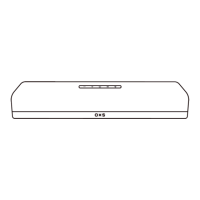
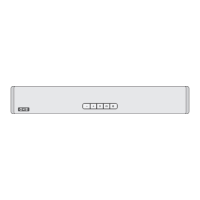
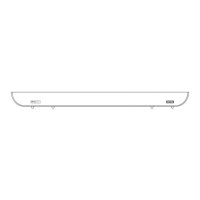
DEVICE LAYOUT
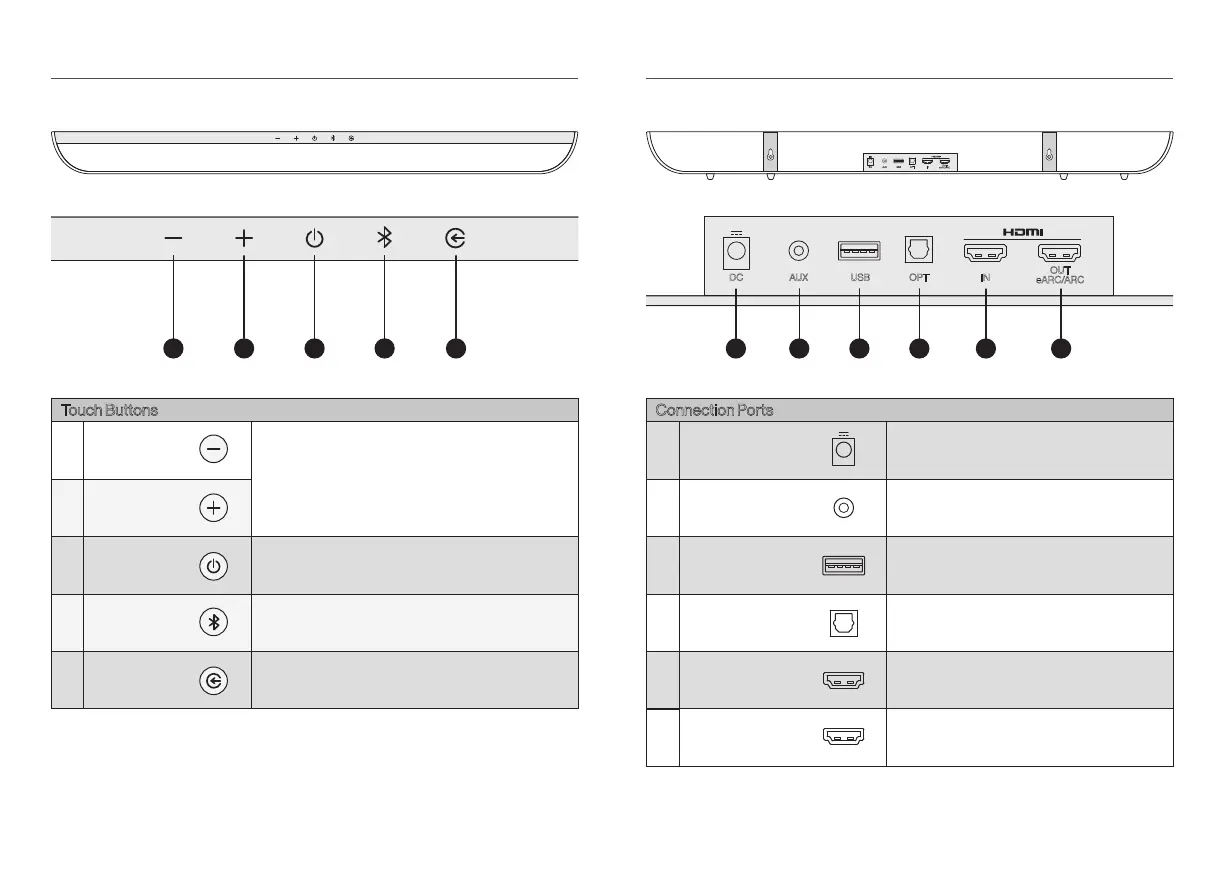
1 2 3 4 5
DC AUX USB OPT IN
OUT
eARC/ARC
DC AUX USB OPT IN
OUT
eARC/ARC
1 2 3 4 65
Standby
In standby mode, press the standby button to
turn on speaker system.
Volume up
Volume down
Audio source
selection
Switch the audio input source by short press.
TV
→
HDMI
→
OPT
→
USB
→
BT
→
AUX
Bluetooth
Switch to Bluetooth source, or Bluetooth pairing.
Touch Buttons
3
2
1
5
4
DC
AUX
USB
OPT
HDMI IN
DC power port
AUX audio input
USB audio
(The USB interface is only used for data transmission.)
OPT audio input
Connect HDMI input
HDMI OUT
(eARC/ARC)
Connection Ports
Connect HDMI (eARC/ARC) of TV
3
2
6
1
5
4
OXS USER MANUALENG-05 OXS USER MANUAL ENG-06


 To Next Page