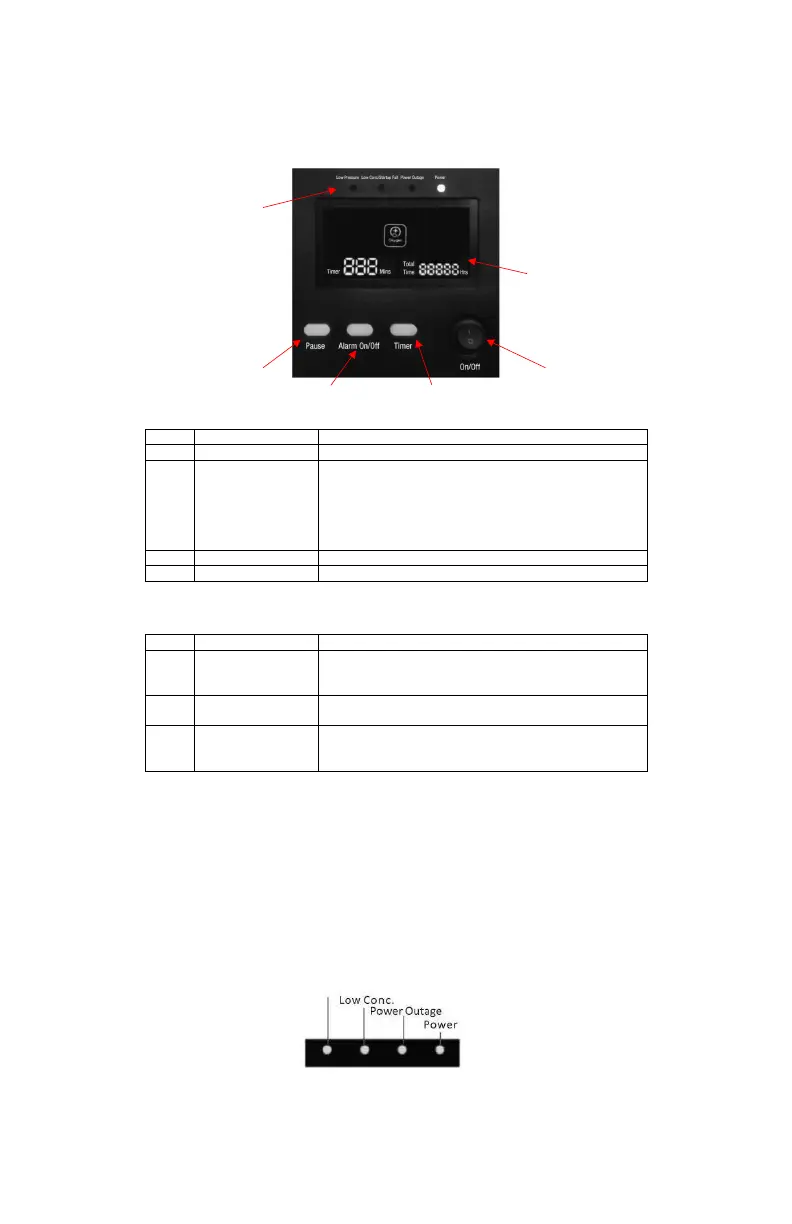
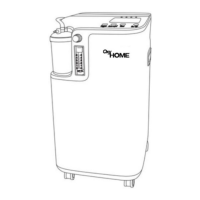
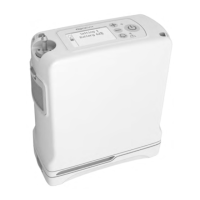
Control Panel
User Controls
User Interfaces
Indicator Lights
There are 4 indicator lights on the device, please see below for descriptions.
1. Low outlet pressure indicator (Low Pressure): Outlet pressure is less than 2.2 psi, the indicator light
will flash yellow every two seconds and an alarm will sound.
2. Low oxygen purity indicator (Low Conc.): If the oxygen concentration drops below 82% (V/V) the
indicator light will flash yellow, and the alarm will sound.
3. Power loss indicator (Power Outage): When there is a power outage, the indicator light will flash yellow
every 2 seconds and the alarm will sound.
4. Power status indicator: When the concentrator is powered on, the indicator light will remain solid green
if the concentrator is working normally.
Item Descri
tion Function
1 On / Off Switch Press the switch to turn the device “On” or “Off”
2 Timer After the device starts to deliver the oxygen, you can
set the treatment time by pressing and holding the
Timer button for 10 seconds. You can set the timer
from 10 minutes to 300 minutes in 10-minute
increments. After the timer setting expires, oxygen
delivery will be shutdown automatically.
3 Alarm On / Off Press and hold this button for 10s to mute alarm sounds.
4 Pause Button Press the button to pause oxygen delivery.
Item Description Function
5 Display The LCD panel displays total running time, timer, and
alarm indicators. Alarm indicators will appear when
there is an error.
6 Indicator Lights There are four indicator lights on the device, see table
below for descri
ions.
7 Audible Signals An audible signal (beep) indicates either a change in
operating status or a condition that may need
res
alert
.
1
2 3
4
5
6
Low Pressure


 To Next Page