3. CONTROLS
OPERATION
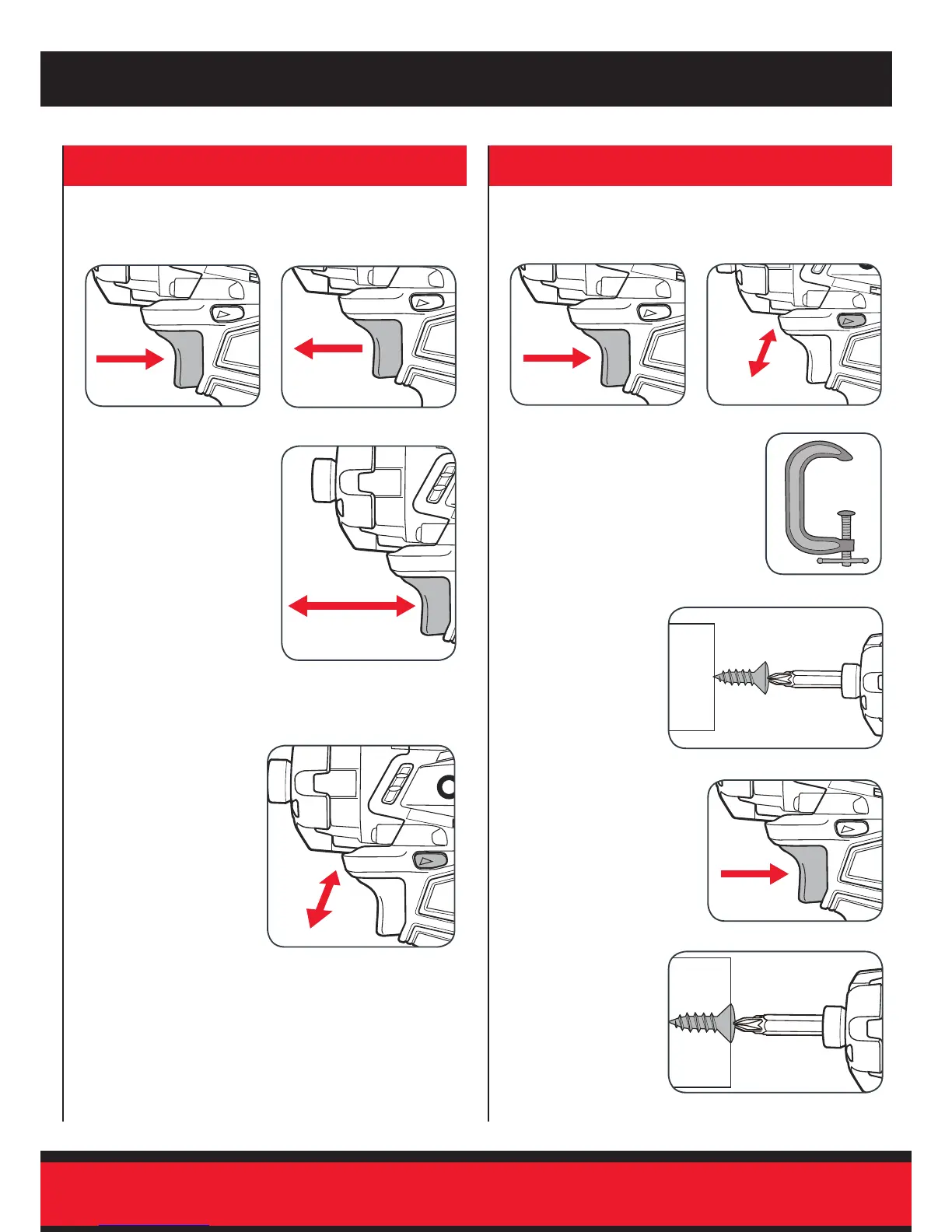
Variable Speed Trigger
Forward/Reverse Lever
3 Control the speed by
adjusting the amount of
pressure applied to the
trigger.
2 To remove screws and
bolts, push the fwd/rev
lever hard right.
1 To start the driver, squeeze
the variable speed trigger.
2 Release the variable speed
trigger to stop the driver.
1 To drive screws and bolts,
push the fwd/rev lever hard
left.
4. DRIVING PROCEDURE
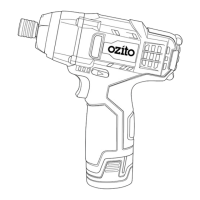
PXIDS-300
Note: Do not force the driver or apply side pressure to elongate
the hole. Let the impact driver do the work.
2 Check the forward/reverse
lever is on desired setting.
5 Lightly squeeze the
variable speed trigger to
start the driver.
1 Depress and release the
on/off trigger to ensure it is
not locked.
4 Hold the driver
rmly against the
fastner to stop it
slipping.
3 Ensure the work piece is
secured to stop it turning
whilst driving.
6 Slowly increase
pressure on trigger
to appropriate
torque for
circumstances until
screw or bolt is
tightened.


 To Next Page