EasyManua.ls Logo

Ozito SSH-240 - User Manual

Ozito SSH-240
16 pages
Print Icon
To Next Page IconTo Next Page
Loading...
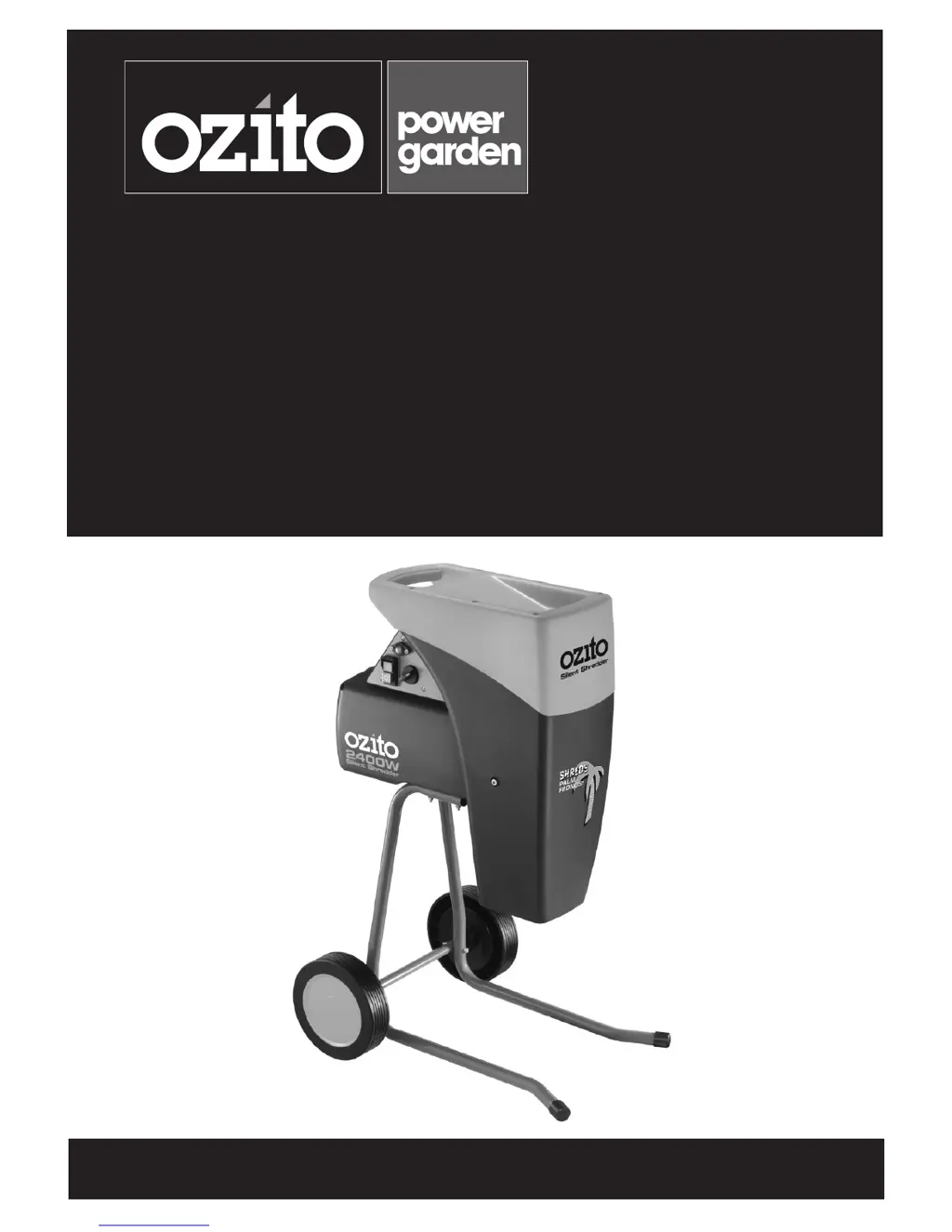
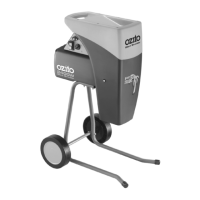
Silent Shredder
2400W
Instruction Manual
2 Year Replacement Warranty
SSH-240
CAUTION: Read this operation manual before using this tool.
To view the full range visit: www.ozito.com.au
0114

Questions and Answers

  • P
    Paul BallardAug 1, 2025
    Why Ozito SSH-240 Paper Shredder motor does not run?
    • B
      Barbara DelgadoAug 1, 2025
      If the motor of your Ozito Paper Shredder isn't running, there might be a power failure. Check the power supply cord and your house's fuse box. If that's not the case, set the direction control switch to the '0' position and press the reset button. Then, turn the direction control switch to either the feed or reverse position and turn on the shredder.
  • S
    Samuel NguyenAug 11, 2025
    What to do if material is not pulling through Ozito Paper Shredder?
    • J
      Jessica RamseyAug 11, 2025
      If the material isn't pulling through your Ozito Paper Shredder, it could be due to several reasons. First, if the cutting blade is running in reverse, turn off the shredder and change the direction control switch to the feed position. Second, if the material is jammed in the roller blade, set the control switch to the “O” position and switch the shredder on, then pull the material from the hopper. Finally, if the rolling cutter head is blocked, set the direction switch to the reverse position and switch the shredder on to release the blocked material.
  • J
    Jeremy MillerAug 20, 2025
    How to improve shredding quality of Ozito SSH-240?
    • N
      Natalie ArroyoAug 21, 2025
      If your Ozito Paper Shredder isn't shredding material sufficiently, ensure the metal plate is correctly adjusted in relation to the rolling cutter head. Refer to the “Prior to operation” section for detailed instructions.

Summary

Specifications

Introduction

General Safety Rules

Work Area Safety

Guidelines for maintaining a safe and clear workspace to prevent accidents.

Electrical Safety Precautions

Precautions related to power supply, cords, and avoiding electric shock hazards.

Personal Safety Measures

Recommendations for operator alertness, protective equipment, and avoiding personal injury.

Power Tool Use and Care

Proper usage, maintenance, and storage guidelines for power tools.

Service and Repair

Procedures for professional repair and replacement of damaged parts to maintain safety.

Additional Safety Instructions for Shredders

Assembly

Operation

Prior to Operation

Steps for adjusting the metal plate for efficient shredding performance.

Direction Control Switch

Explanation of the switch for controlling shredder rotation direction.

Starting the Shredder

Procedures for connecting power and starting the shredder motor.

Overload Protection

Details on the built-in system that prevents motor overloading.

No-volt Release Switch

Information on the automatic shut-off feature during power loss.

Shredding Guidelines

Guidelines and types of materials suitable for shredding with the machine.

Mulching Palm Fronds

Specific instructions for shredding palm fronds and adjusting for hardness.

Composting Shredded Material

Various methods for composting the shredded material.

Maintenance

Cleaning Procedures

Steps for cleaning the shredder after each use to maintain efficiency.

Trouble Shooting

Spare Parts

Description of Symbols

Caring for the Environment

Warranty Information

2 Year Replacement Warranty

Details of the product's 24-month replacement warranty and exclusions.

Ozito SSH-240 Specifications

General IconGeneral
BrandOzito
ModelSSH-240
CategoryPaper Shredder
LanguageEnglish

Related product manuals