4
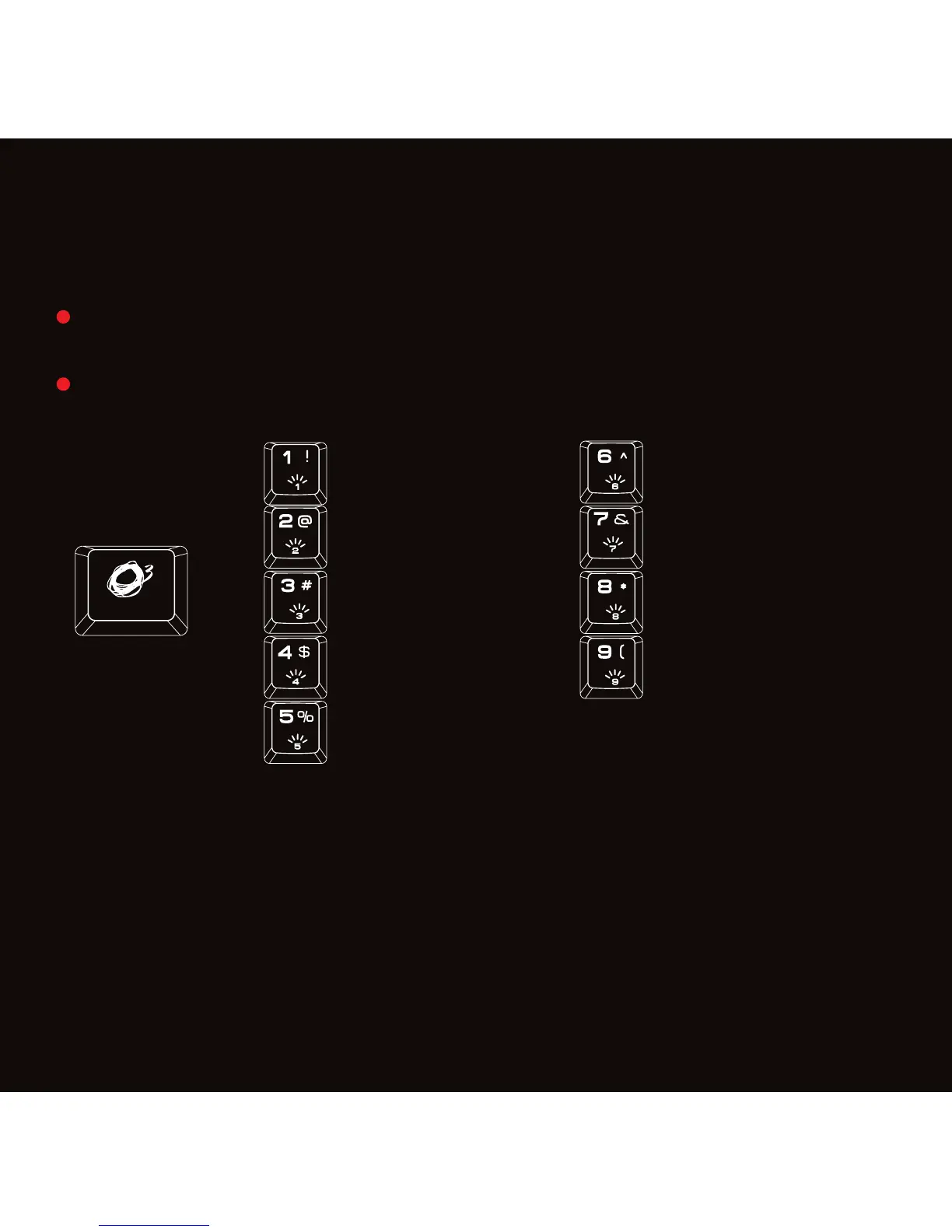
Press o + 1 to 9 on keyboard to set the lighting effect
Defined Areas*
Press FN + 7 twice in 2s, backlit will flash twice in white.
Repress FN+ArrowUp or Arrow Down to choose the color for the selected
area.
FN + ArrowLeft or ArrowRight to choose the area.
Sound Reactive**
Press FN + 9 once for 7 colors effects one by one.
Press FN + 9 twice for red color effect.
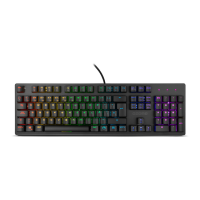
Fully 104/105 mechanical hybrid switched gaming keyboard with back-lighting
effects.
Spectra Wave
Spectra Scanning
Spectra Breathing
3 Color Wipe
Static Color (press to change the color)
Spectra Growing
Defined Areas*
Color Explosion
Sound Reactive**
+
alliance
KEY FUNCTIONS


 To Next Page