7
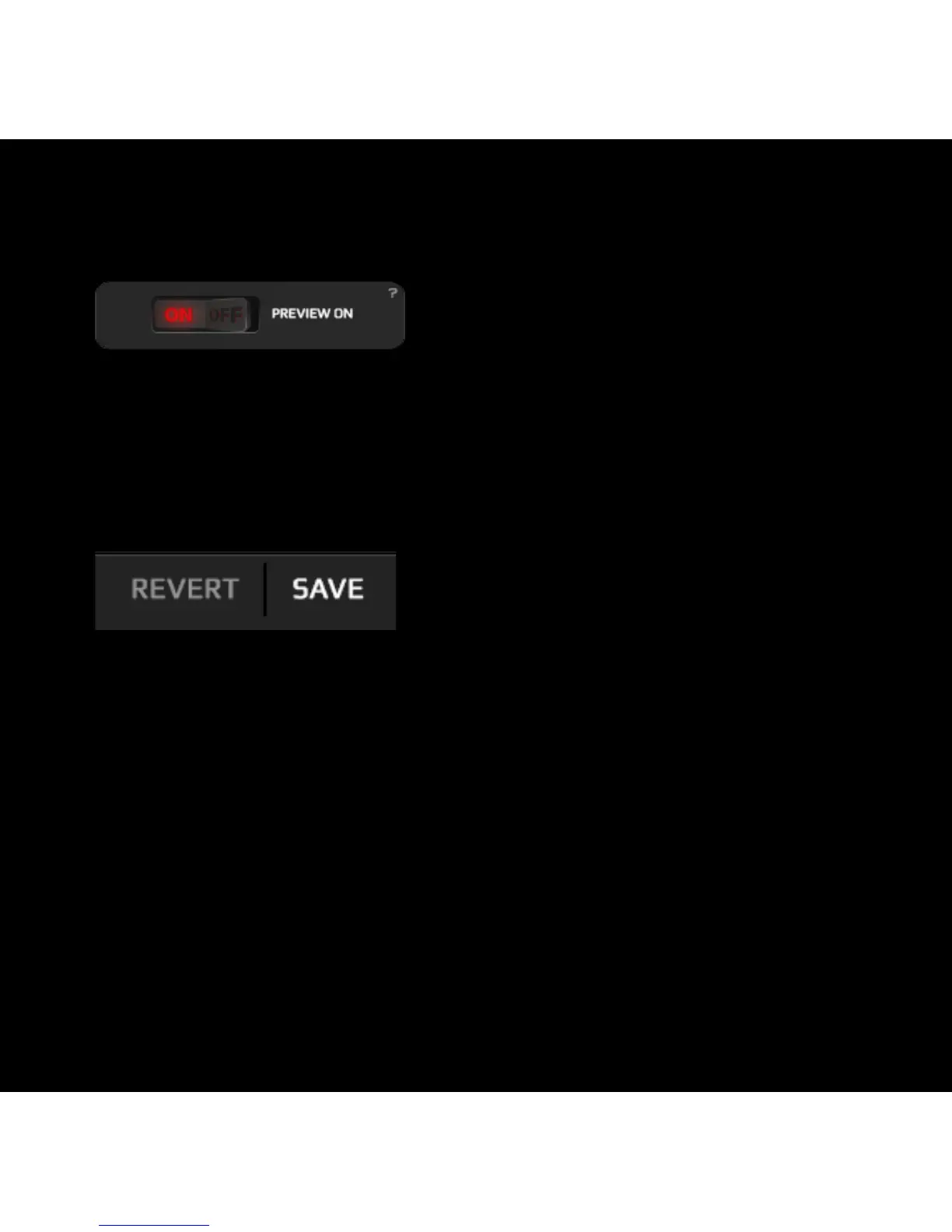
3. Preview mode
4. Save / Revert
Click on the switcher to change the
preview mode to ON or OFF.
Click on Save to store and apply your
selected settings.
When the preview mode is On, you can see all the changes you make
in the mouse instantly. If the preview is Off you have to click on the
Save button to store and apply the new configuration.
Click on Revert to discard all the changes previously made.



 To Next Page