Need help?
Do you have a question about the PABX 432AC and is the answer not in the manual?
Highlights critical safety information regarding unit installation and operation.
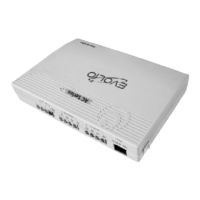
Identifies front, left, and right views of the PABX unit and lists its parts.
Details the process for making calls between extensions within the PABX system.
Explains various methods for extensions to access external CO lines for making calls.
Outlines prerequisites and guidelines before starting system programming.
Explains the procedure to unlock the system using the default or new password.
Details how to modify the system password for enhanced security.
A table summarizing programming functions, formats, and corresponding page numbers.
A table summarizing operating functions, codes, and corresponding page numbers.
 General
| Model | 432AC |
|---|---|
| Category | Switch |
| Ports | 32 |
| Type | PBX |
| Power Supply | AC |


 To Next Page