-13-
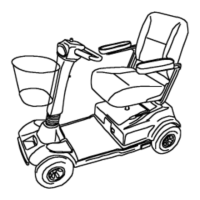
Operating the PaceSaver
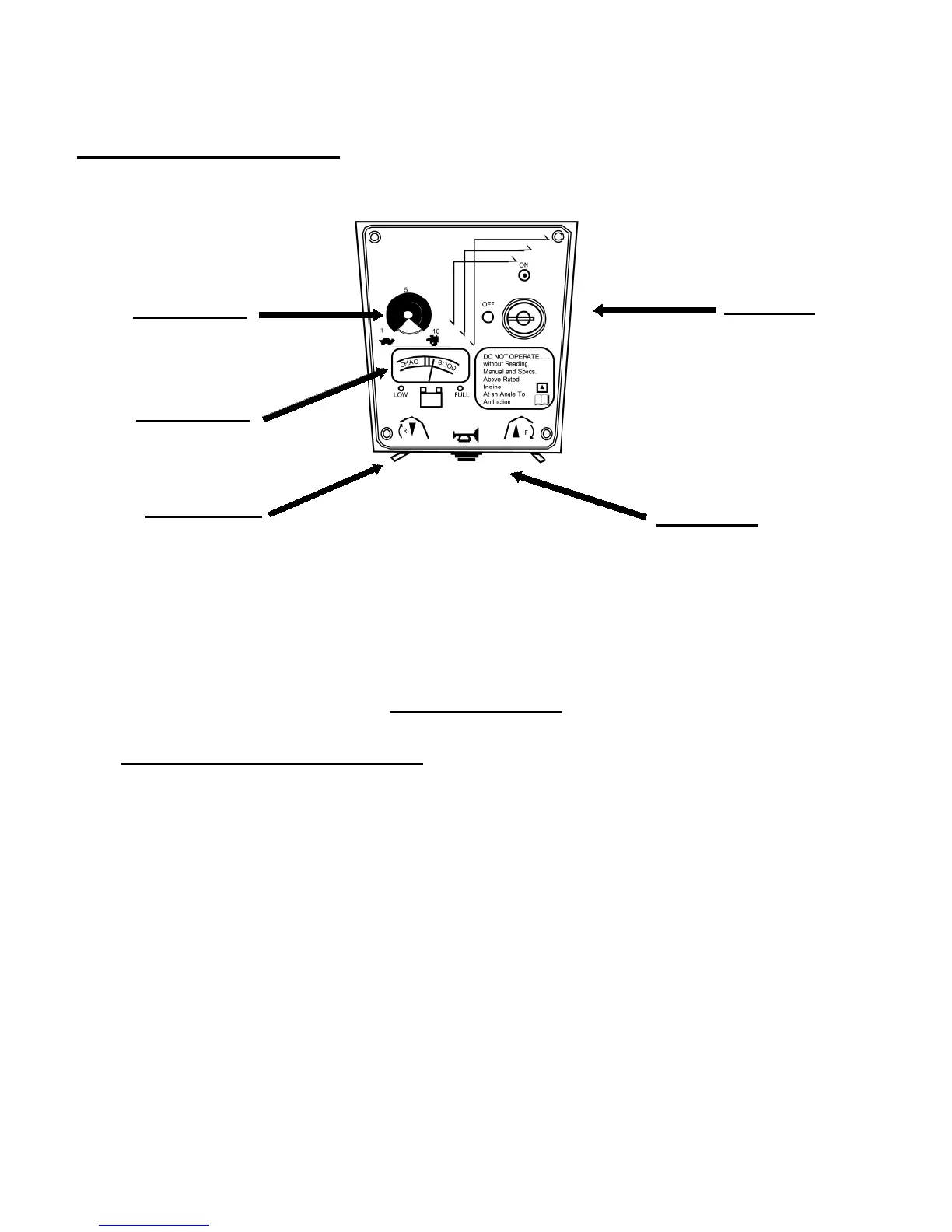
All controls for PaceSaver operation are located on the tiller mounted panel (See FIGURE 1).
Become familiar with all controls with the key in the OFF position. Each is described in
the following section.
Control Console
1. ON and OFF KEY SWITCH. Turning the key to the ON position turns the power
on. In this position, the key cannot be removed. NOTE: There is a 3 second diagnostic delay
when key is turned on. Turning to the OFF position turns the power off. The key should al-
ways be in the OFF position when you are not driving, or when getting off or on the scooter.
The key can only be removed when in the OFF (stopped) position.
SAFETY INFORMATION - The key switch can also be used as a master switch for the
scooter's braking system. In the improbable event that the scooter should fail to stop or return
to the off position, turning the key switch to the off position automatically and immediately
causes the brake to engage and the scooter to come to a quick halt. Use great care in this situ-
ation to avoid an accident!
ATTENTION: When using the scooter key ring, DO NOT attach additional keys or acces-
sories to the key ring. These additional weights, coupled with scooter vibrations, may cause
the to key to momentarily move to the OFF position. This occurrence may cause the scooter
to come to a sudden stop.
Faceplates may vary in appearance.
Throttle Lever
Key Switch
Speed Control
Horn Button
Control
Console
Battery Meter
FIGURE 1



 To Next Page