Pachanko Labs User Manual (English) 26
ROON SETUP
1) If you have not already done so, install Roon on your computer
2) The download files can be found at the Roon Labs website: www.roonlabs.com/downloads.html
3) Install Roon Remote App on your Tablet, Phone or PC/MAC
4) Launch Roon Remote App
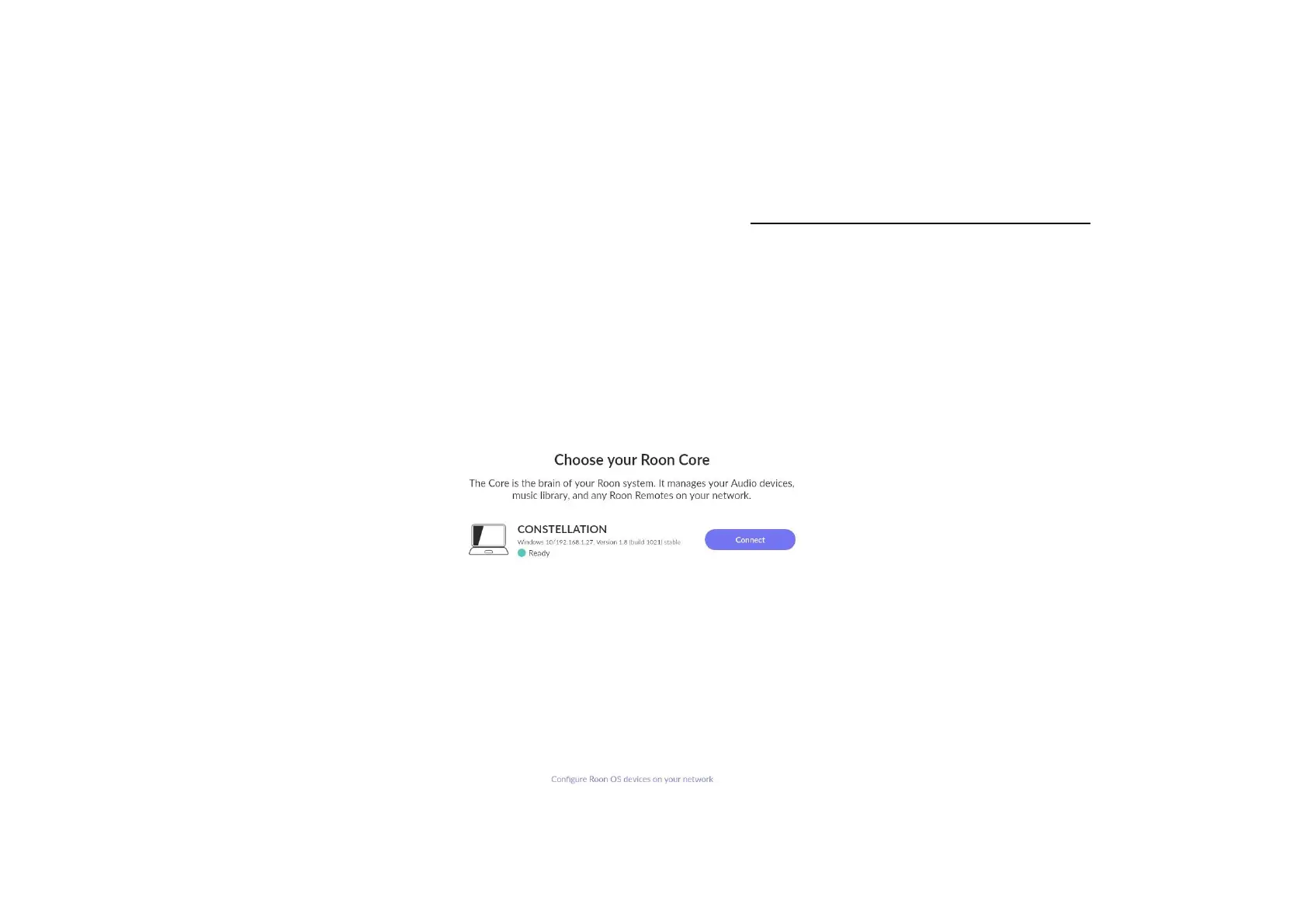
5) Connect to the CONSTELLATION Roon core as shown in the picture bellow:



 To Next Page