12
PRODUCE SCANNED IMAGES
A. Prescan Your Filmstrip
With a filmstrip, you can select a single image to prescan (step 1
below), or you can prescan the entire filmstrip and roll film (step 2
below ). Even if you want to prescan a full strip or roll film, It is
recommended that you start with step 1 to ensure proper frame
alignment.
Prescan a single image
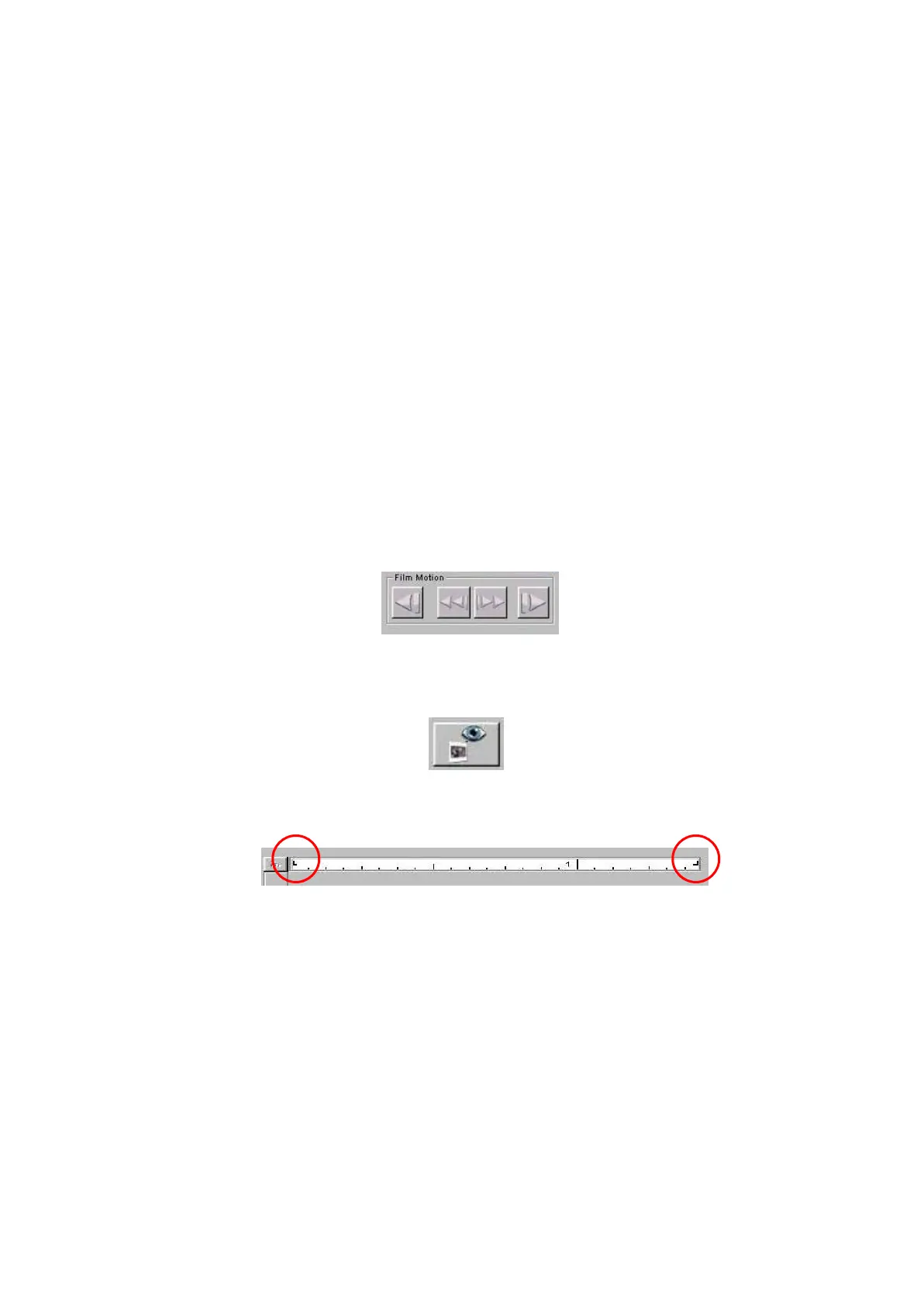
1. Advance the filmstrip to the desired image using the Reverse and
Forward buttons in the Film Motion area of the software after you
preview the films. From left to right the buttons below are Reverse
Eject, Reverse, Forward and Forward Eject.
2. Prescan the single frame currently located in the scan position in the
scanner by clicking the Prescan Frame button.
3. If the frame is not centered properly in the scan position, use the tab
positions as needed to move the filmstrip in fine increments over the
current frame.
Instruction: move any of the “Tab Position Indicator”to the
edge of the film then the scanner will move the film to its
proper position automatically.



 To Next Page