4
QUICK INSTALLATION GUIDE
INSTALL SCANNER
SOFTWARE…
CONNECT THE SCANNER…
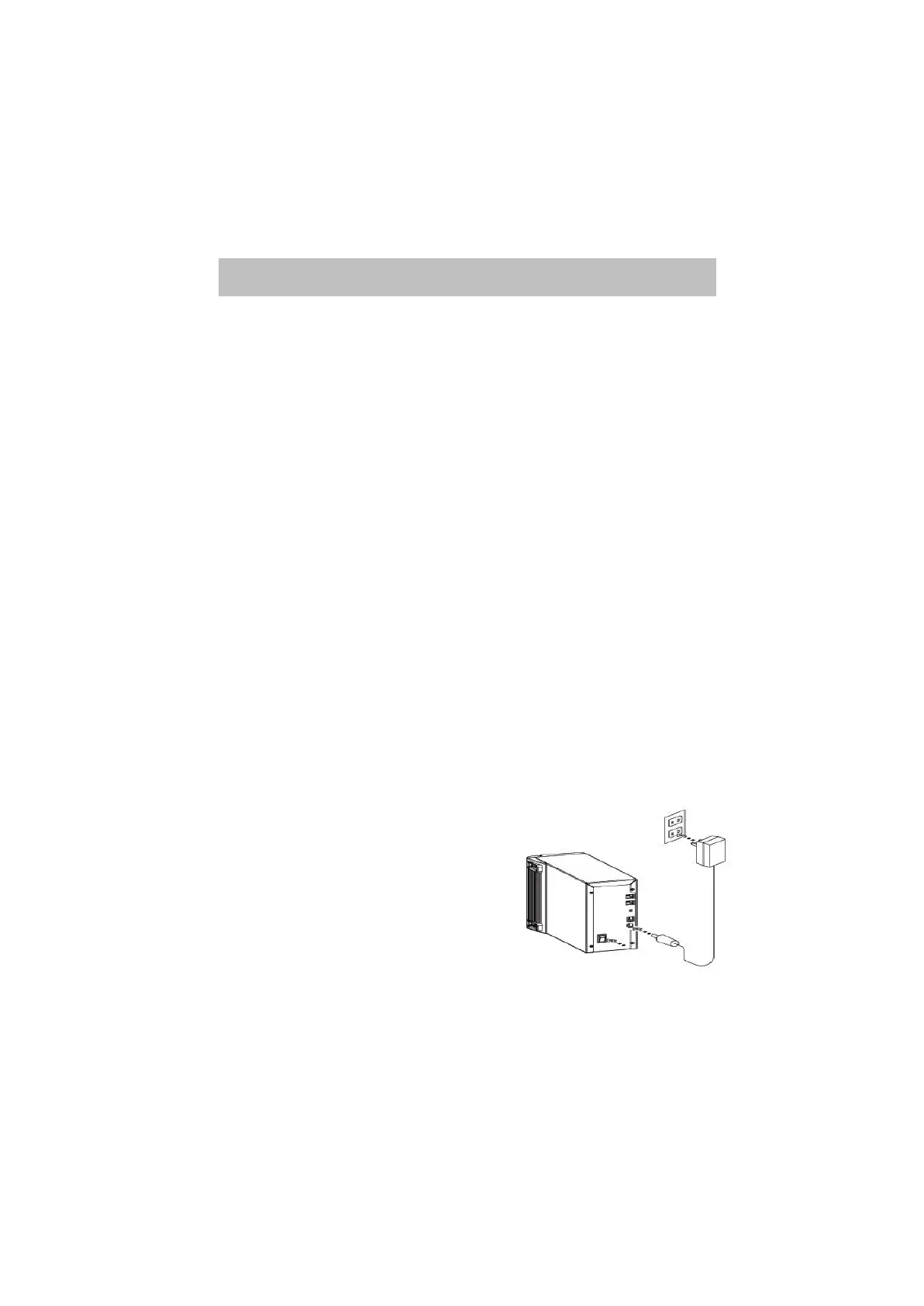
… to a power source
Scanner driver Installation:
• Place the scanner CD into the CD-ROM.
• The setup program will appear automatically on the screen.
• Click “Install CyberView TWAIN data source”to initiate the
installation.
• Click “Next”to continue driver setup.
• Click “Install”to start the installation and follow the instruction on
the screen.
•Make sure the scanner power is OFF.
•Plug the DC jack with the scanner. (AC à DC)
•Plug the AC adapter with power source.
v Be sure to install Adobe Photoshop Element before
install scanner driver
v You may install the scanner driver directly if you
have already installed Twain compliant application
software or Mac plug-in in your computer.
v (Install the CyberView 35 driver first before you
connect the film scanner to the host computer!)



 To Next Page