5
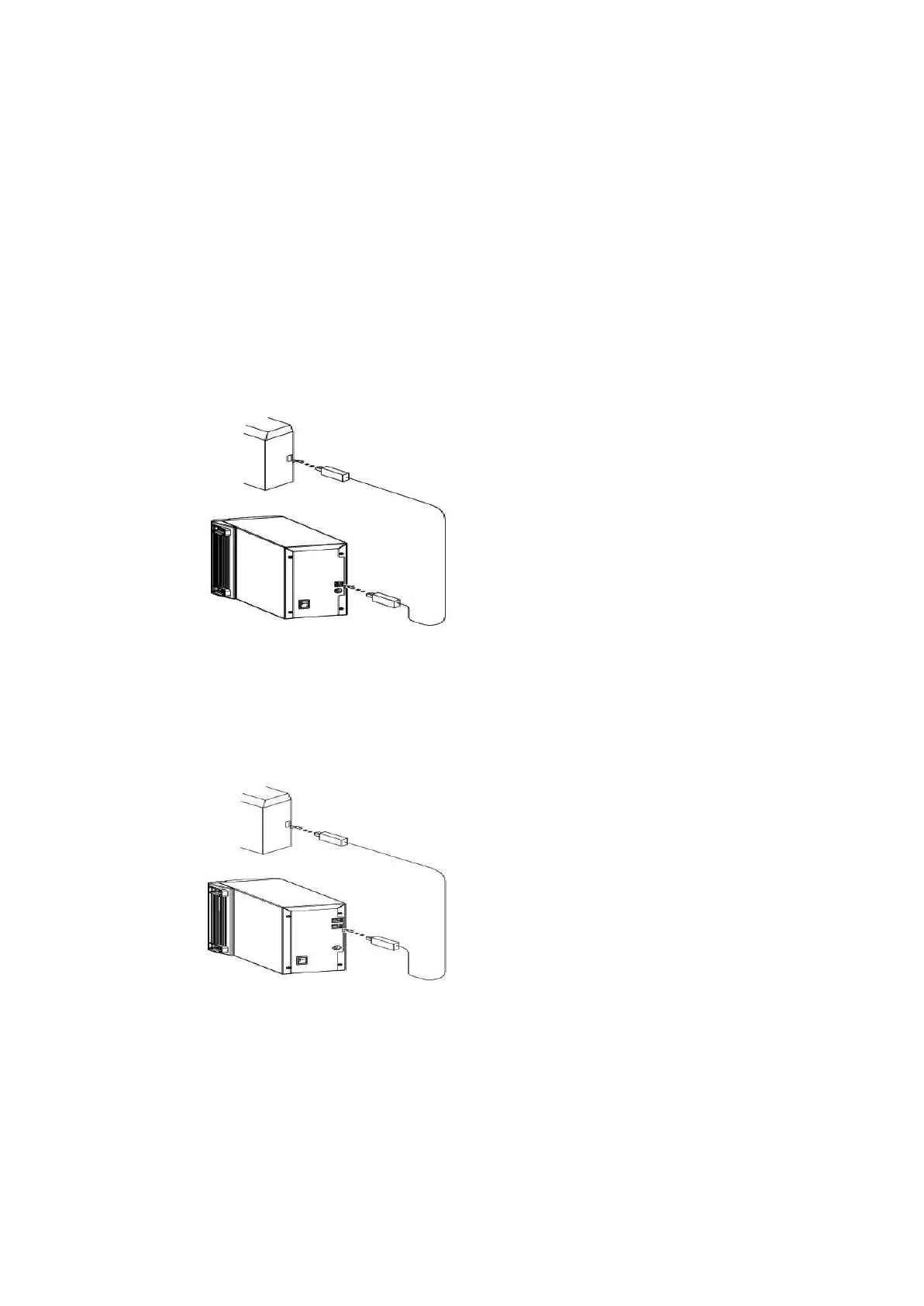
If the scanner comes with USB port…
1. Attach the appropriate USB cable end
to the computer.
2. Attach the other end to the scanner.
If the scanner comes with IEEE 1394 port…
1. Attach the appropriate IEEE1394
cable end to the computer
2. Attach the other end to the scanner.



 To Next Page