15
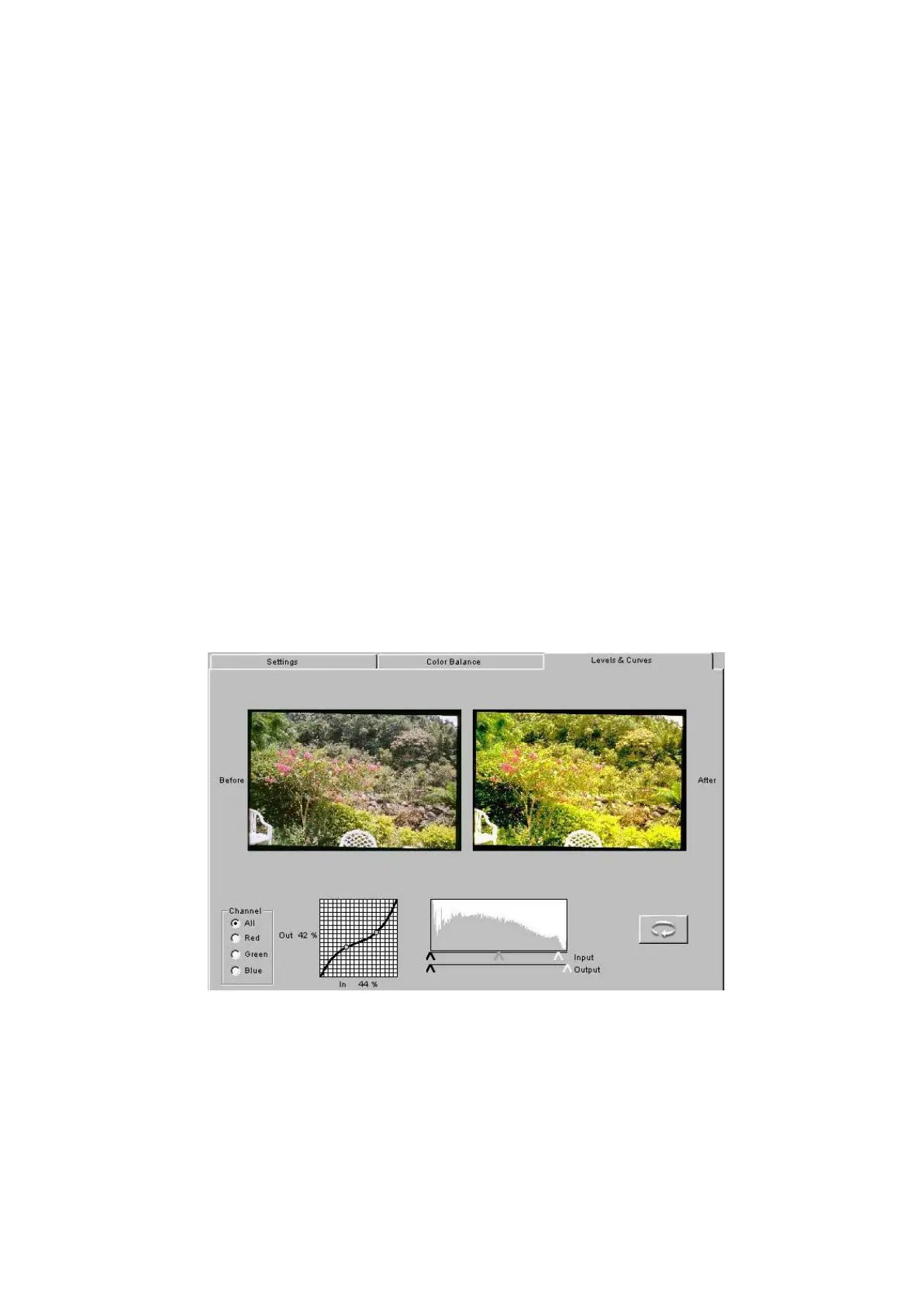
B. Level & Curves
1. Click the Levels & Curves tab for more advanced tools for adjusting color.
Note that a Before and an After version of the current image appear on
this tab.
2. Set the channel to All, or separately to Red, Green, or Blue; the
histogram and tone curve choices apply to your Channel selection.
3. Create up to 4 new points on the tone curve by clicking in the grid or
Control-clicking (Windows) or Command-clicking (Macintosh) on the
desired position on the Before image. Points on the curve are fixed until
you move or delete them. Move a point by dragging it to a new location;
delete a point by dragging it off the side of the curve.
The histogram and tone curve functions behave similarly as in the
Photoshop version.



 To Next Page