Need help?
Do you have a question about the Packard Bell M10905-32 and is the answer not in the manual?
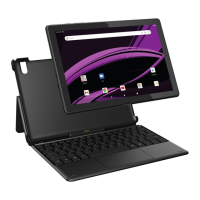
Lists the tablet, smart keyboard, USB cable, and adapter.
Covers safe usage, charging, cleaning, and handling precautions.
Highlights warnings for electrical shock, moisture, and hearing damage.
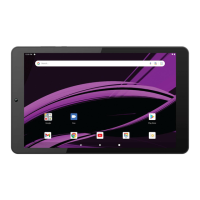
Locates buttons, ports, cameras, and card slots on the tablet.
Details the quick connector pins on the smart keyboard.
Instructions for inserting and removing a Micro SD card.
Steps to connect the tablet to a power source using the provided adapter.
Recommendations for extending battery life and efficient charging.
How to turn the device on, off, and lock the screen.
Guide on using the reset button to troubleshoot issues.
Instructions for powering on the tablet for the first time.
Guides through the setup wizard and basic configuration steps.
Steps for signing into or creating a Google Account.
Introduction to Google Play for entertainment and apps.
How to add widgets to the home screen.
Instructions for swiping up to view all installed applications.
How to access and view notifications by swiping down.
How to access and use quick settings like Wi-Fi and Bluetooth.
How to enable/disable Wi-Fi and Bluetooth via quick settings.
 General
| Brand | Packard Bell |
|---|---|
| Model | M10905-32 |
| Category | Tablet |
| Language | English |

 To Next Page