PageFlip Lite User Guide 4.2 Battery Installation: Wireless Pedal
4.2 Battery Installation: Wireless Pedal
1. Turn off wireless pedal before inserting the batteries.
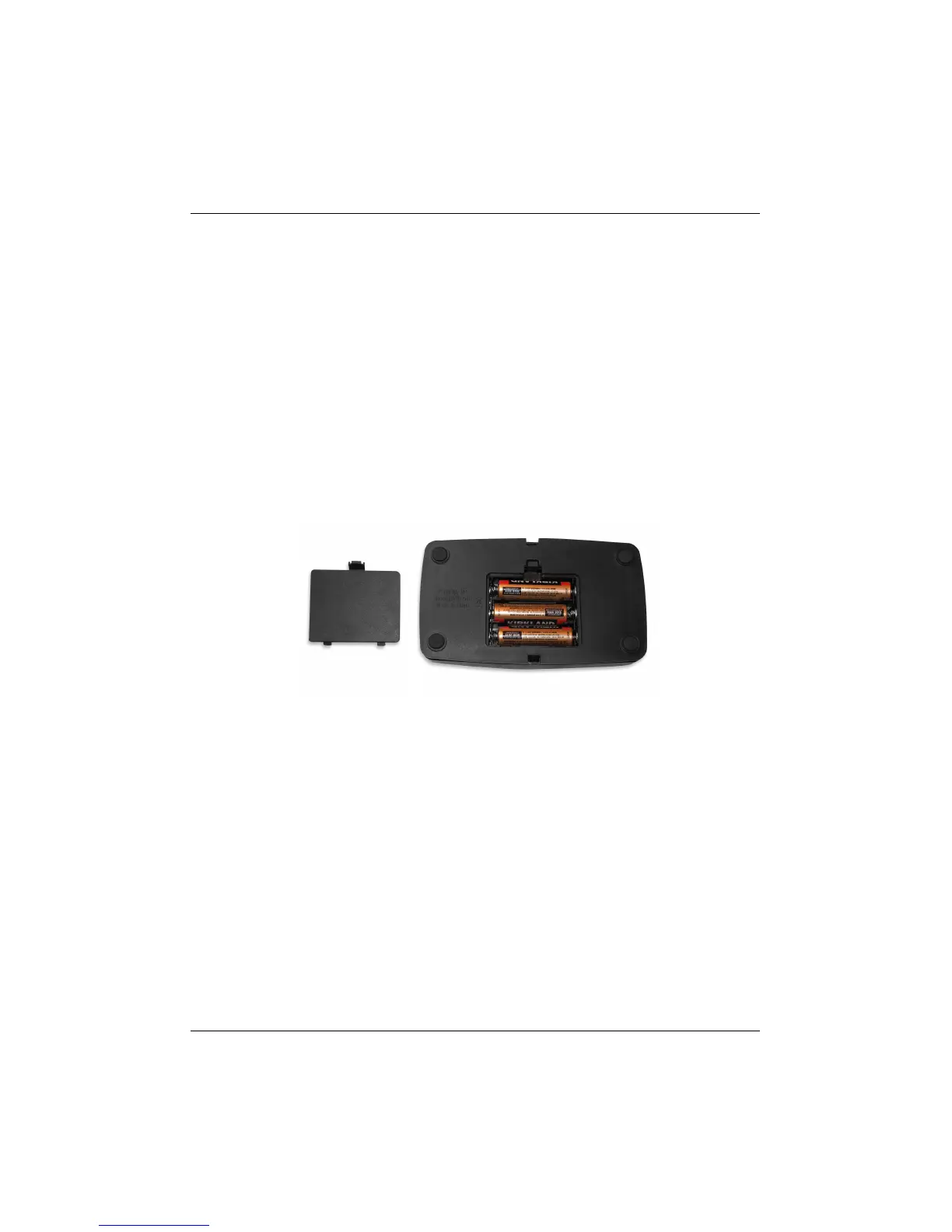
2. Remove battery cover on the bottom of wireless pedal (Fig. 3).
3. Install three new AA batteries.
4. Slide the battery cover back on.
Note: To conserve battery power, turn off pedal when not in use.
The pedal automatically turns off after 30 minutes of inactivity.
Figure 3: Battery cover is located at the bottom of the wireless pedal.
PageFlip, Inc. 11 www.pageflip.com



 To Next Page