PageFlip Lite User Guide 4.6 Setting Up the Book Clamp
(a) (b)
(c) (d)
(e) (f)
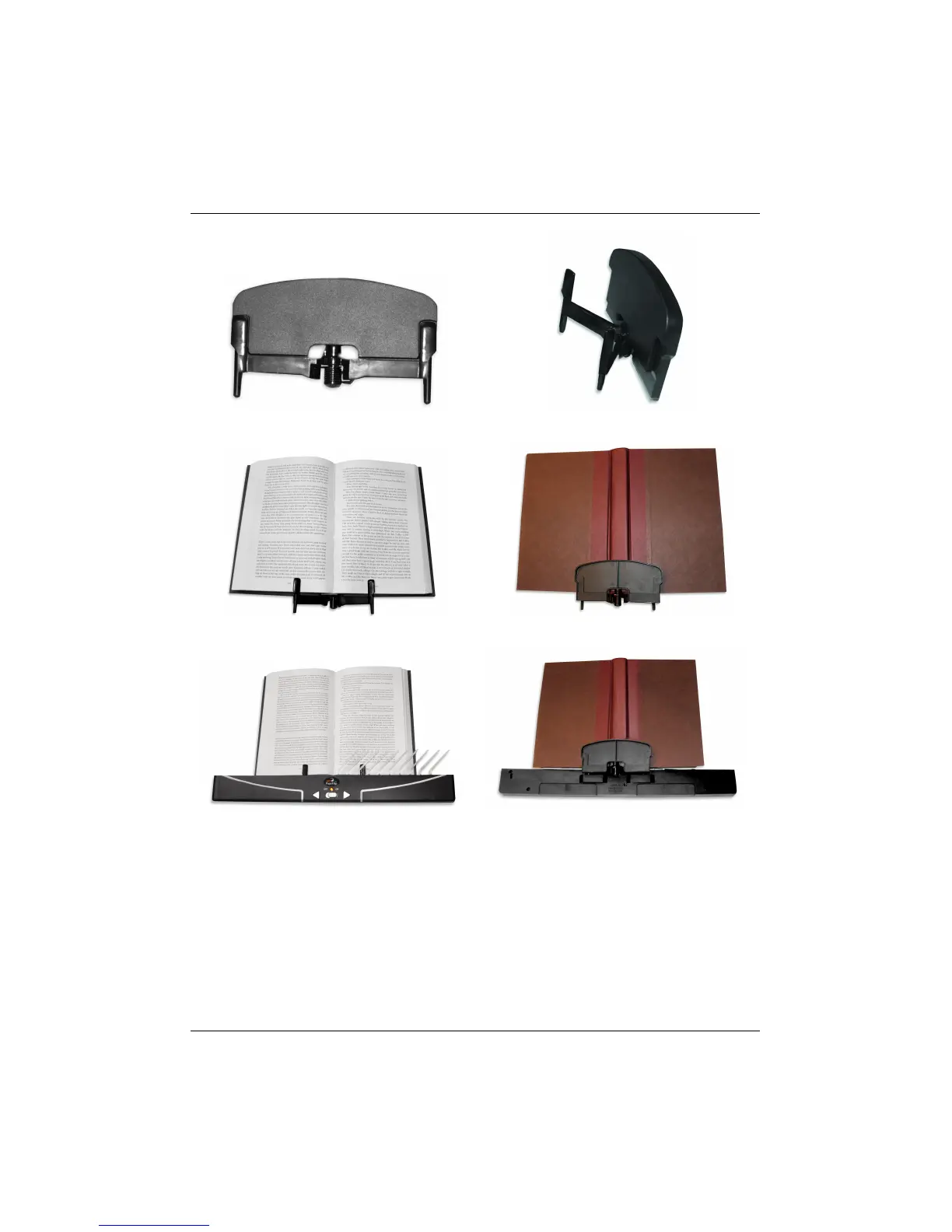
Figure 7: (a) Book clamp; (b) Pull spring-loaded arms outward to slide
book between flexed arms and supporting plate. (c) Front and
(d) rear view of book clamp with mounted book; (e) Front and
(f) rear view of book/clamp assembly mounted on PageFlip Lite.
Notice that clamp snaps into rear slots of PageFlip Lite.
PageFlip, Inc. 16 www.pageflip.com



 To Next Page