12
Menu
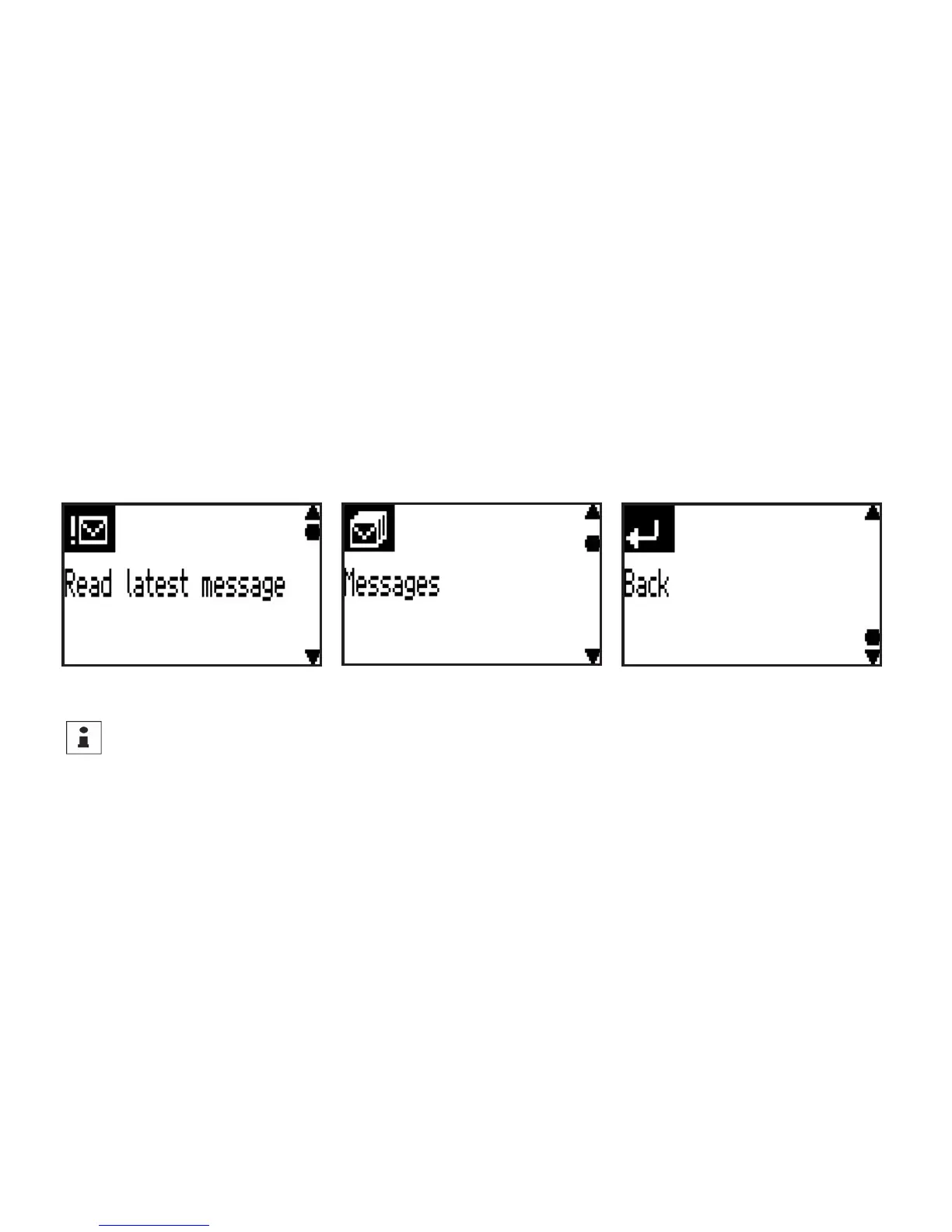
To switch to the main menu in stand-by mode press the conrmation key
<OK>
. The rst item to appear on
the menu is generally Read latest message. The main menu can be scrolled upwards or downwards by pressing
on the lower
<bottom>
and upper
<top>
scroll keys. By repeatedly pressing on the conrmation key
<OK>
a
selection of items on the menu is obtained or else there is a change to the submenu that has been selected.
The current menu can be exited in each case by means of the menu item
Back
.
Directly switching back to stand-by
To directly switch back to the stand-by mode press and hold the upper scroll key
<top>



 To Next Page