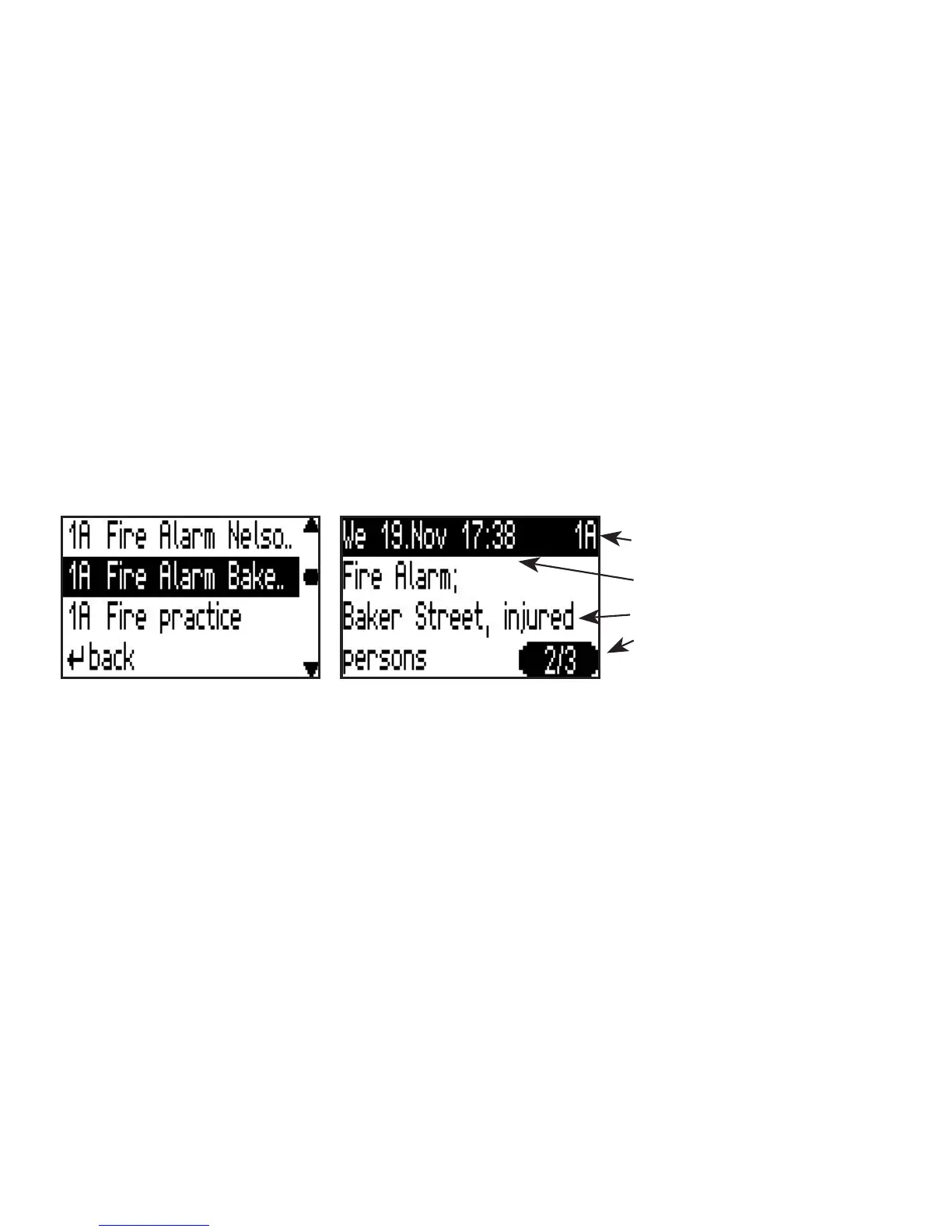
Main address and subaddress
Time and date the message was
received
Text message
Second of three messages
14
Call memory
Reading, deleting and saving messages
Messages designated as read are led in the
Messages
menu under
Read Messages
.At the end of the message by
pressing the conrmation key
<OK>
, the menu to save or delete this message will be shown. Additionally the
complete message list can be deleted.
Using
Save message
the current message can be saved. As a result
Saved messages
will appear in the menu. The
protection of saved messages can be removed again in the same way. The message is then to be found under
Read Messages
.
Using
Delete Message
the message will nally be deleted.
Delete message list
deletes all messages in a list of
messages.


 To Next Page