43
Insert 1x CR2032 battery, so that the “+” symbol is
visible and facing toward you. Replace the battery
cover.
Note: 2x batteries are included with the device.
One is provided as a spare.
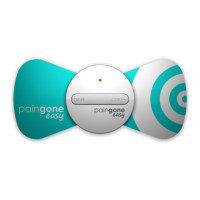
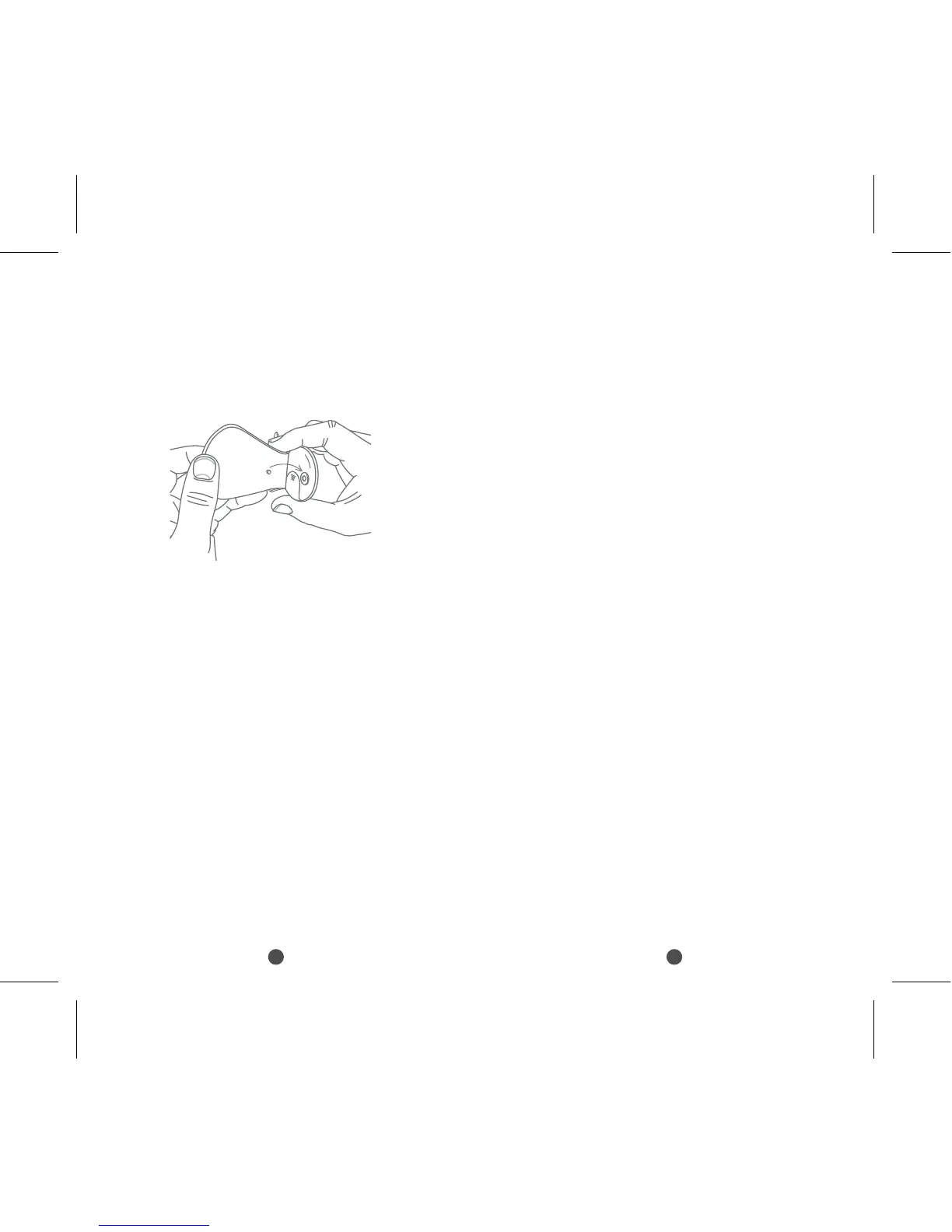
Attach an electrode pad to the control unit, using the
press studs.
Mode 1 – Soft pulse
Mode 2 – Strong pulse
Mode 3 – Combination soft and strong pulse
Switching modes will cause the intensity to reset to level 0.
You will need to increase the intensity again using the
“on/+” button.
Powering off The device will automatically cycle through a
pre-set programme of therapeutic pulses. The treatment will
last for 15 minutes. After this time the device will automatically
turn off. You can also force the device to power off by
pressing and holding the “OFF/ – ” button for 3 seconds. The
device will beep and the green light will turn off.
You can begin a new therapy session by re-activating the
device with the “on/+” button. The maximum recommended
time for any therapy session is 60 min.
If it is not attached to the skin the device will always
automatically turn off after 1 minute, to conserve battery life.
After using the device, replace the protective film onto the
electrode pad. Store the device in a dry, ventilated place.
Replacing the electrode pads
Each electrode pad can be used approximately 80 times
(based on 2 uses per day, with 15 minutes application time).
When an electrode pad has lost its stickiness entirely it should
be replaced with a brand new pad.
ONLY USE OFFICIAL PAINGONE EASY ELECTRODE PADS WITH
THIS DEVICE. Please do not try to attach any other electrode
pad to this product.
ONLY USE ONE PAIR OF PADS PER USER OF THE DEVICE.
To purchase replacement electrode pads contact Tower
Health Ltd. Tel: 0800 953 1666
E-mail: enquiries@tower-health.co.uk
Replacing the battery
One CR2032 battery provides approximately 8 hours use.
Once the battery charge is exhausted, replace with a new,
fully charged battery.
Further notes on usage
If Paingone Easy is not in contact with the skin, it will not emit
an electrical pulse. The treatment intensity will not be
adjustable if the electrode has poor contact with your skin.
Cleaning and maintenance
Keep the surface of electrode pads clean. Avoid dust, oily
matter and viscous matter. These can cause the adhesiveness
of the electrode pads to decline.
Remove the protective film from the electrode pad.
The device is now ready to use.
How to use Paingone Easy
Apply the electrode pad to the desired area of the
body. Ensure that the pad is firmly pressed against the
skin. A poor connection will affect performance of the
device.
Press and hold the “ON/+” button briefly to activate
the device. The device will beep and a green light will
show. Now, press the “on/+” button repeatedly to
increase the intensity to a level you find comfortable. If
the intensity is too strong, press the “OFF/ - ” button to
reduce the strength of the pulses.
The device will beep with each step up or down in
intensity. There are 12 steps of intensity in total.
Changing Modes
While the device is in use, you can switch between 3
different treatment modes. To do this hold down the
“on/+” button.


 To Next Page
 Loading...