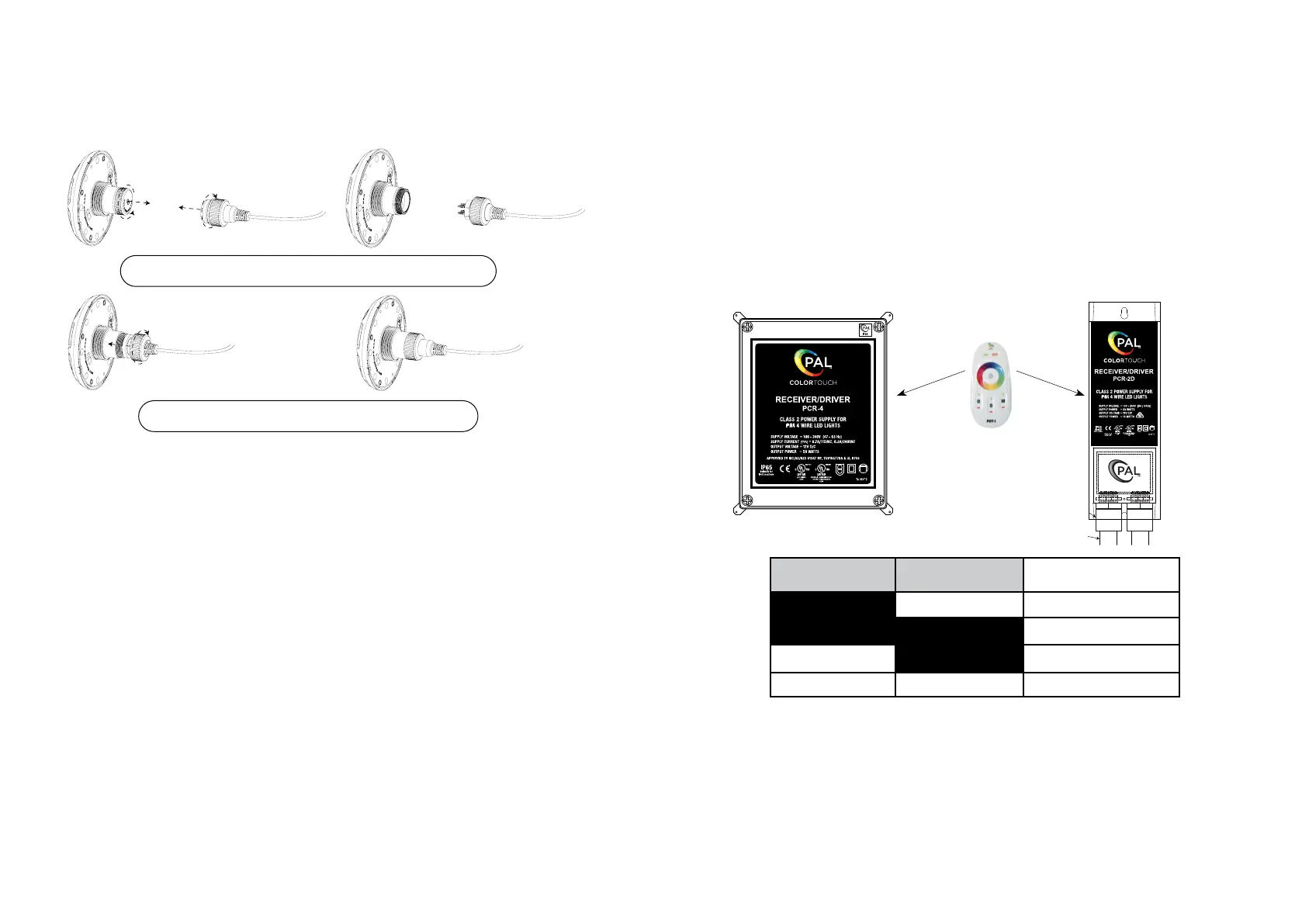
CONNECTING TO LIGHT
Remove protective caps from plug and light socket by unscrewing.
Insert plug into light and secure with screw-on cap.
6
CONNECTING TO DRIVER
PAL COLOR TOUCH DRIVER
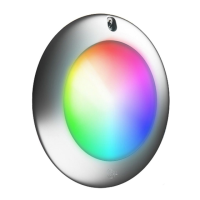
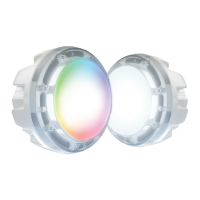
The PAL-EGF is powered by the PAL PCR-4 Class 2 LED Driver or PCR-2D that is controlled with the
PCT-1 Wireless transmitter.
Refer to PCR-4 or PCR-2D for Detailed Installation Instructions.
PCR-4 Driver
50 watts (PCR-4U-CL)
PCT-1 Transmitter
NOTE:
• Must turn off power before making DIP switch selection.
• When synching PAL lights to other OEM lights, static colors will match but color change mode
timing may vary.
• If the PAL Lights are to be used with Automation, do not use the handheld remote control and
disconnect the Wi-Fi module from the board if so equipped.
• If the Automation does not turn the PAL lights on or off and there is power to the driver, press the
S1 button one time to turn on the PAL Driver.
• Note that the PAL features of innite color selection and dimmability are not available while in
Cloned mode.
PCR-2D Driver
16 watt version (PCR-2D-16)
35 watt version (PCR-2D-35)
55 watt version (PCR-2D-60)
DIP 1 DIP 2
CLONING DIP SWITCH
SETTING
OFF ON JANDY
OFF OFF PENTAIR
ON OFF HAYWARD
ON ON PAL
1/2” PVC
Conduit
Adaptor
1/2” PVC
Conduit
1/2” PVC
Conduit
Adaptor
1/2” PVC
Conduit
Refer to PCT-1 information
sheet for full operation details
& features
7
Cloning Feature


 To Next Page