Start Here
Here’s what you’ll do with this
guide:
• Charge and set up your handheld.
• Install Palm
®
Desktop software and
other software.
• Synchronize your handheld with
your computer.
Important! Already use a
palmOne™ handheld?
Before going on to step 1, synchronize your
current handheld with your computer so
that the information is up-to-date.
For more information on upgrading, go to
www
.palmOne.com/intl/support.
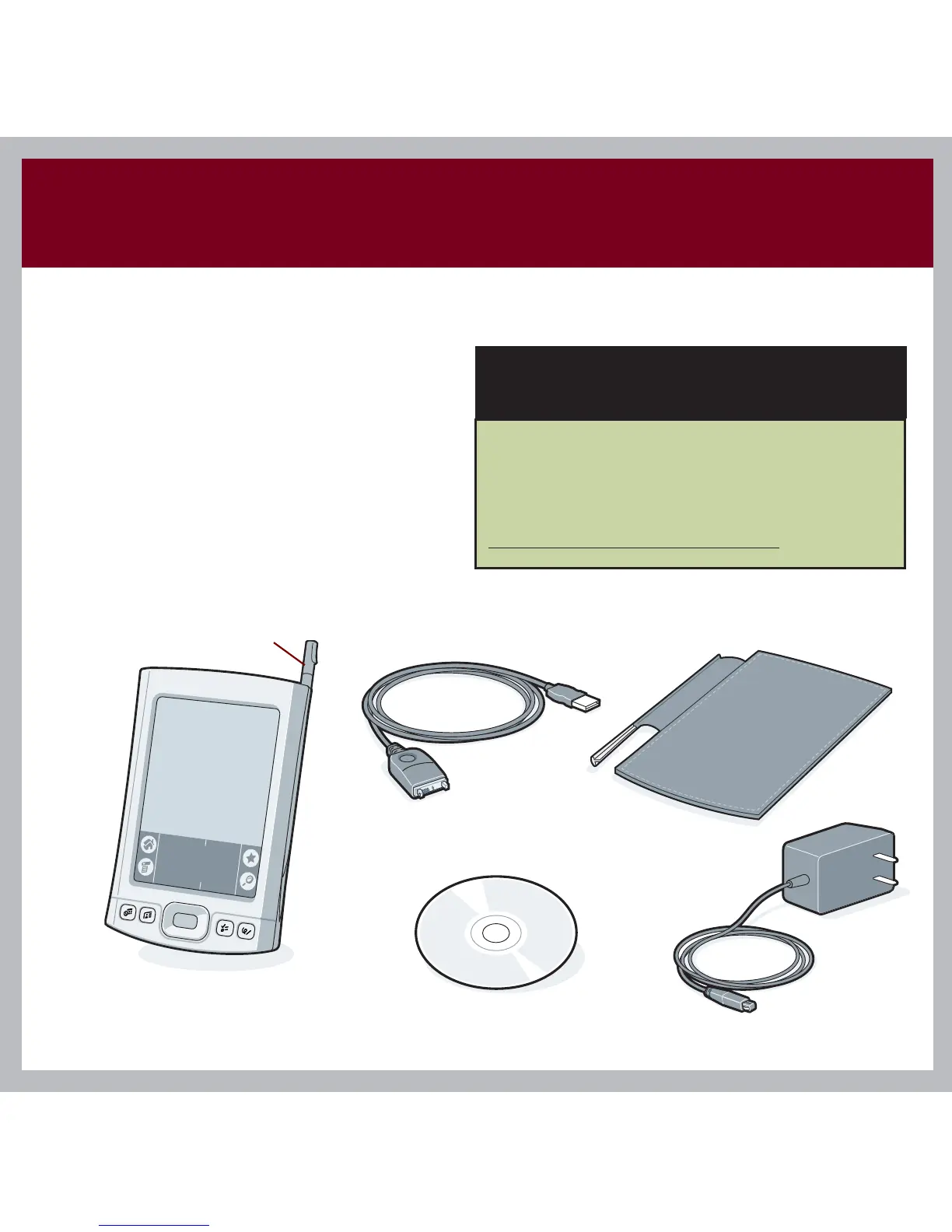
Stylus
USB sync cable
Tungsten™ E2 handheld
by palmOne
Software installation CD
AC charger
Flip cover



 To Next Page