Install software
3
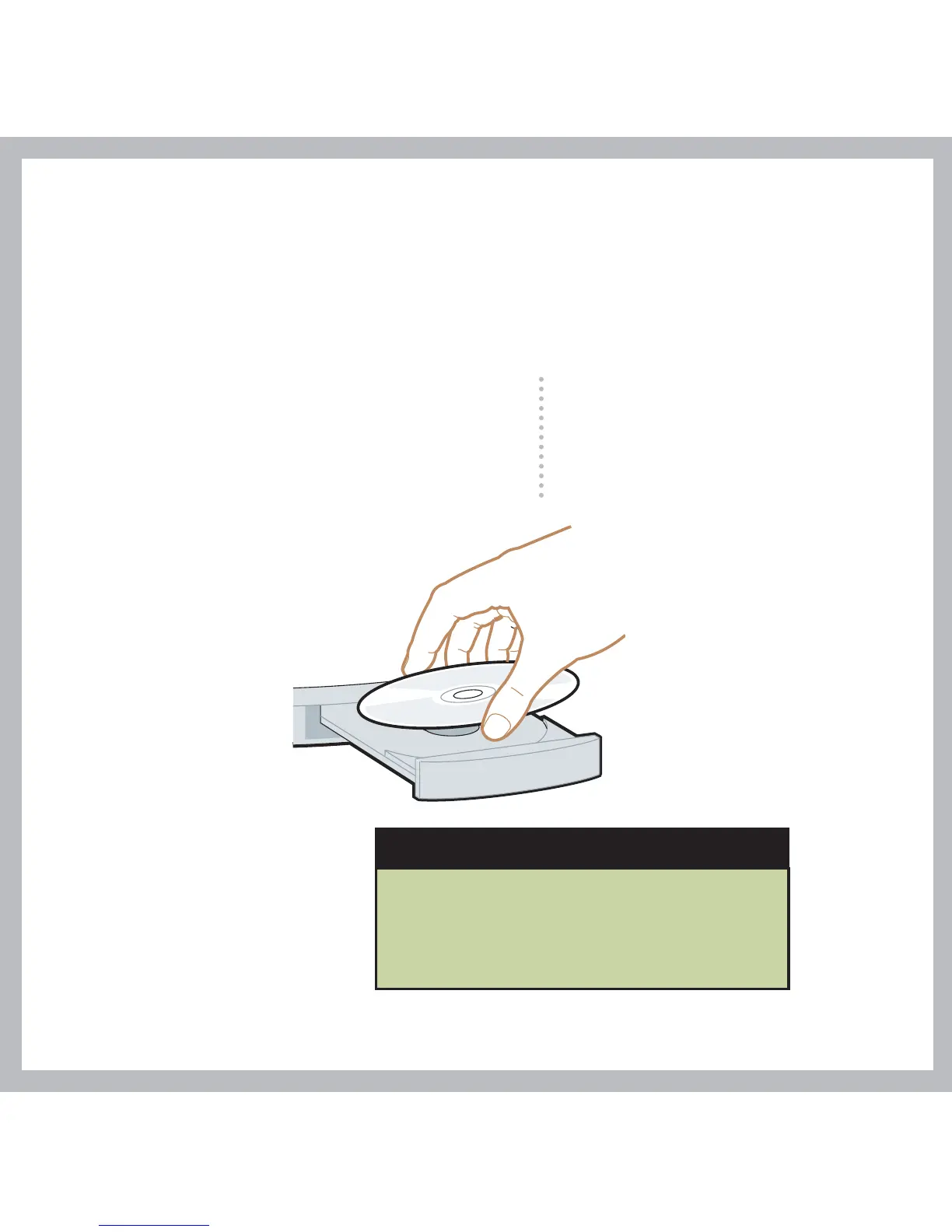
To install Palm Desktop software and other important software, insert
the CD into your computer’s CD drive.
Problems? See the "Troubleshooting"
section in the upcoming pages.
Windows:
Follow the installation instructions
that appear on your computer
screen.
Mac:
Double-click the CD icon,
and then double-click
palmOneDesktop.pkg.
Already use a palmOne handheld?
Want to synchronize with Microsoft
Outlook? Select “Change your
synchronization method” at the end
of the installation process on the CD.



 To Next Page