Set up
2
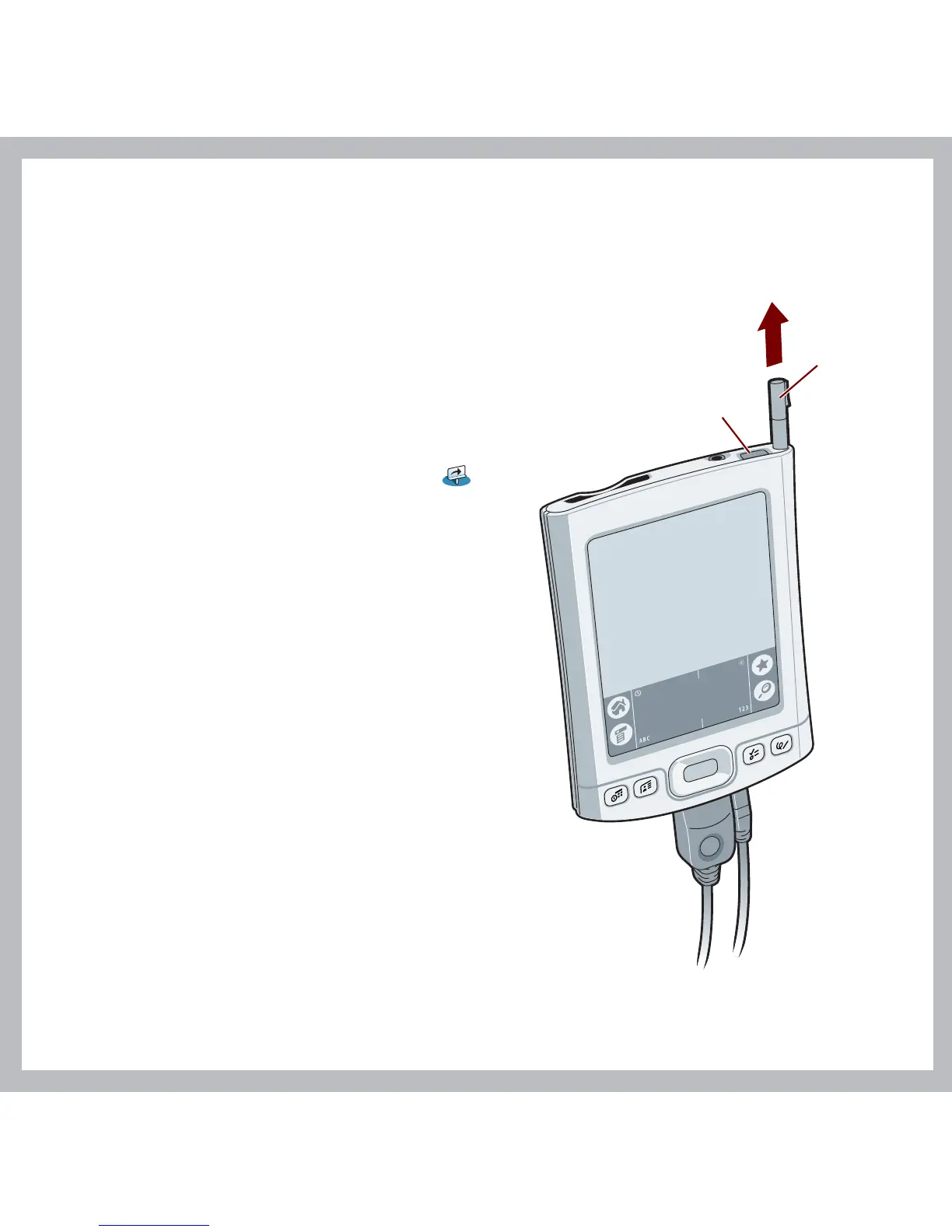
a. Press the power button.
b. Remove the stylus.
c. Follow the onscreen instructions
to set up your handheld.
Tip: Take the Quick Tour to
learn more about the great
features of your Tungsten E2
handheld.
Power button
Stylus
Problems? See the "Troubleshooting"
section in the upcoming pages.



 To Next Page