Look for these great features
On your computer
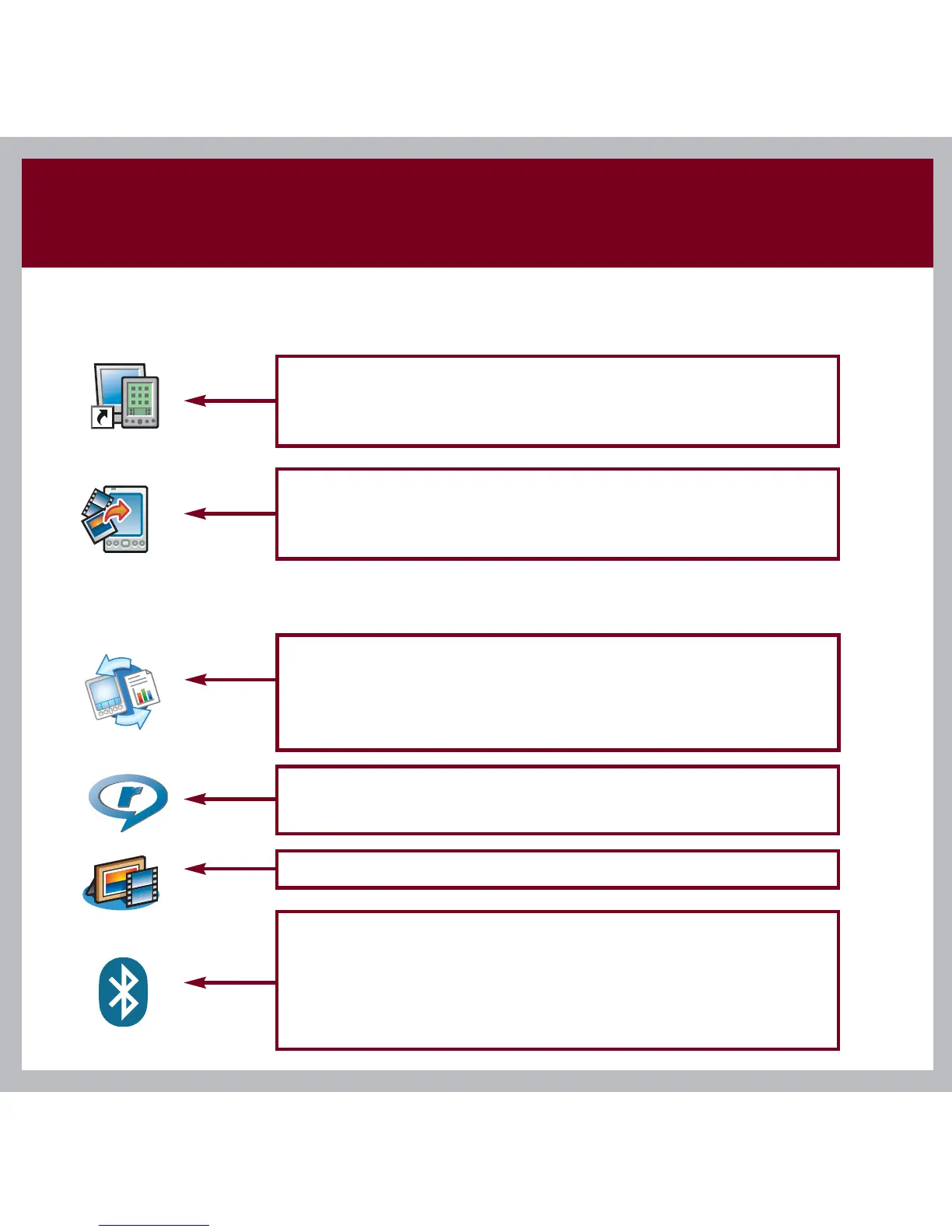
Palm Desktop software. Enter info in Palm Desktop
software and it shows up on your handheld the next
time you synchronize.
palmOne Quick Install (Windows only). Install
multiple applications, photos, videos, and more on
your handheld the next time you synchronize.
Documents. Install this from the CD. Synchronize
Microsoft Word, Excel, and PowerPoint files between
your handheld and your computer. Create, view, and
edit these files on your handheld.
On your handheld
Music. Play your favorite songs stored on your
expansion card (sold separately) (Installed from CD).
Media. View and organize photos and videos.
Bluetooth
®
wireless technology. Set up wireless
communication to sync with your desktop computer.
Browse the web and send email and short messages
(requires phone with Bluetooth wireless capability,
data service, and ISP, sold separately).



 To Next Page