If Synchronization does not begin
Be sure the sync cable is plugged into your handheld and a USB port on the back
of your computer.
Check your computer:
Windows:
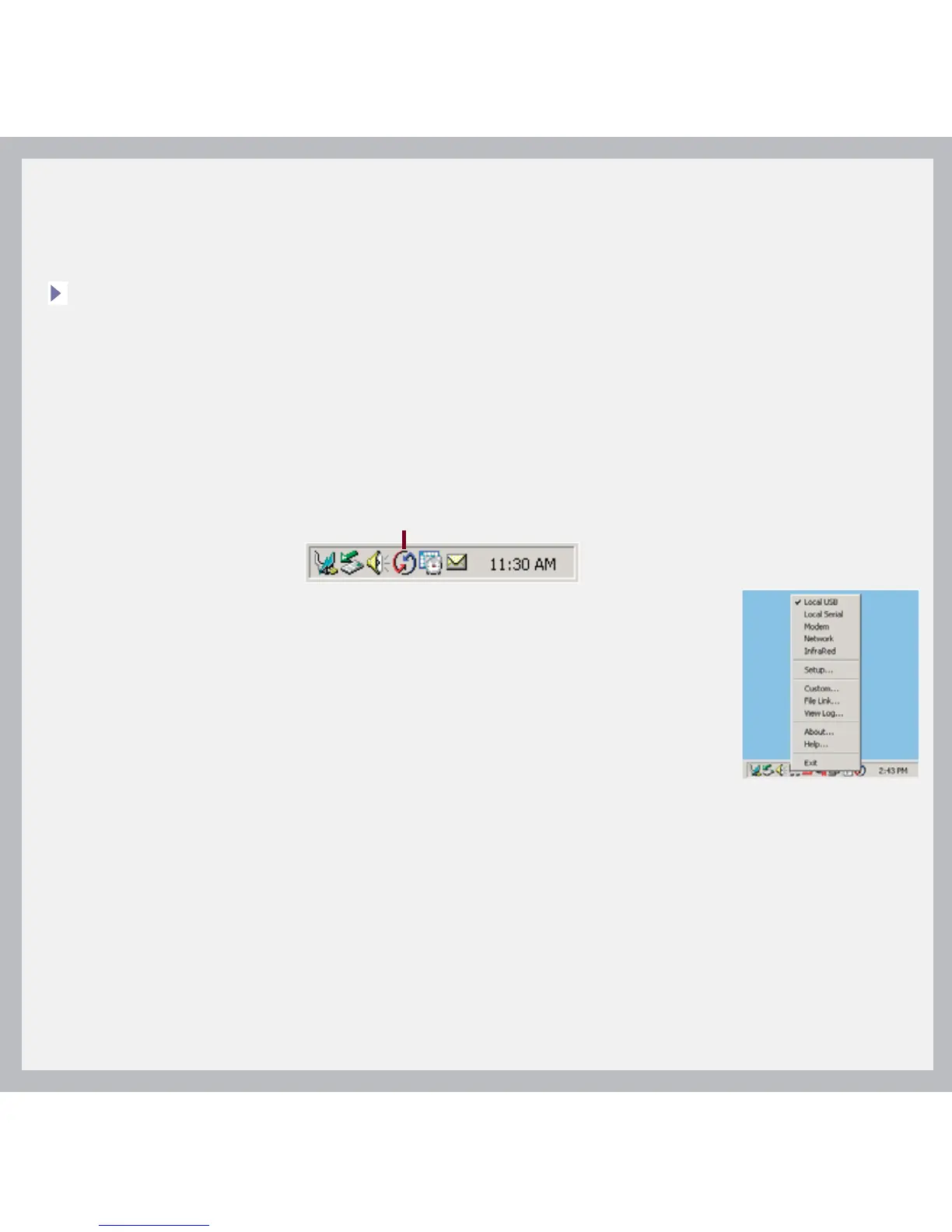
1. Make sure the HotSync
®
icon appears in the group of icons in the lower-right
part of your screen.
If not:
a. Click the Start button and select Programs.
b. Select palmOne, and then select HotSync Manager.
2. Check the connection type:
a. Disconnect and then reconnect the sync cable.
b. Make sure there is a checkmark next to Local USB.
If not, click Local USB.
Mac:
1. Make sure the HotSync Manager is enabled:
a. Double-click the HotSync Manager icon in the Palm folder.
b. In the HotSync Controls tab, click Enabled.
2. Make sure the USB connection is working:
a. Disconnect and then reconnect the sync cable.
b. Restart your computer.
HotSync icon



 To Next Page