Tungsten™ T5 Handheld 239
CHAPTER 12 Writing Memos
Viewing and editing a memo
0
1 Go to Applications and select Memos .
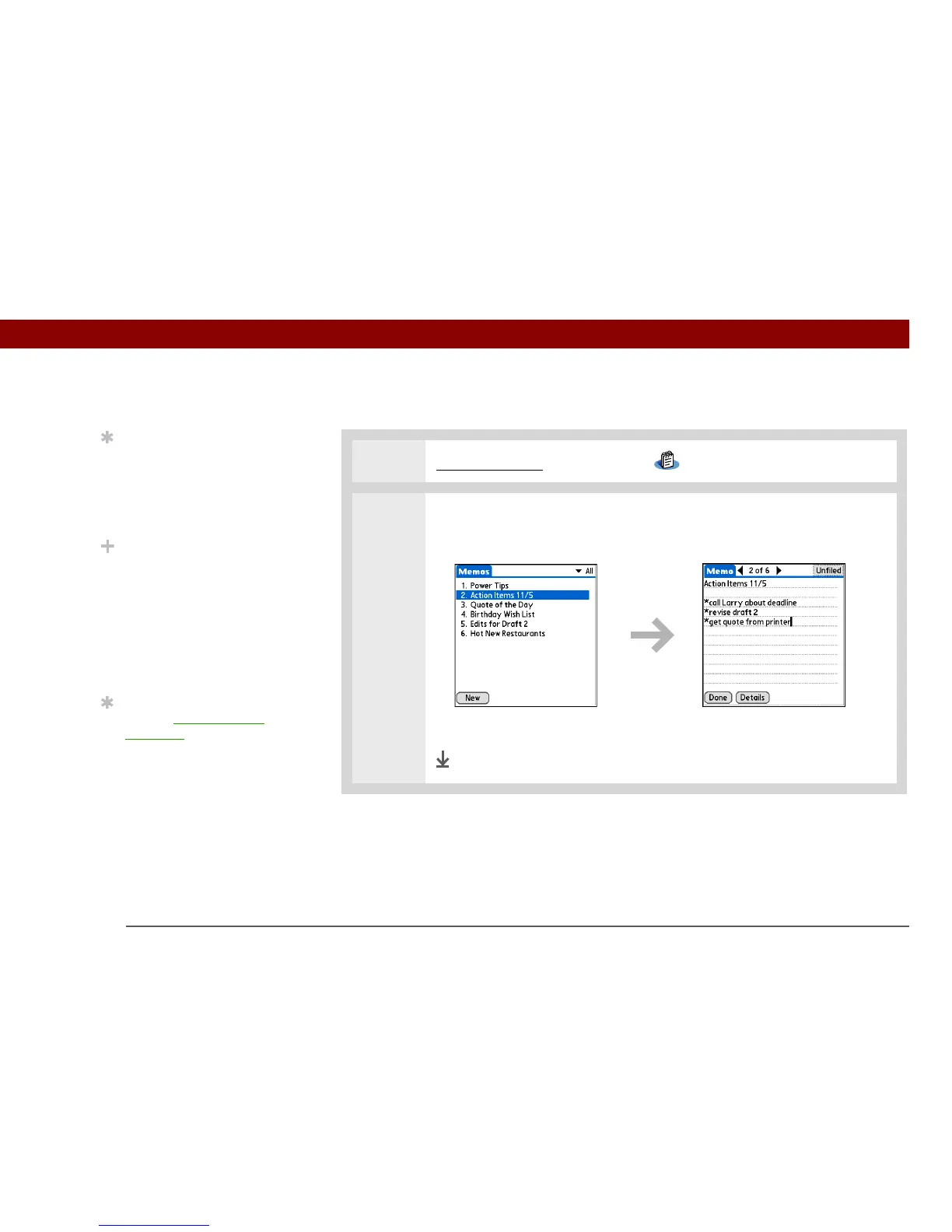
2 View or edit the memo:
a. In the Memos list, select the memo you want.
b. Read or edit the memo, and then select Done.
Done
Tip
The Memos list shows
the first line of each
memo, so make sure that
first line is something you
will recognize.
Did You Know?
You can connect your
handheld to a portable
keyboard and type your
memos on the go without
carrying around a heavy
laptop. You can purchase
a variety of portable
keyboards.
Tip
You can change the size
of the text in Memos to
enhance readability.



 To Next Page