EasyManua.ls Logo

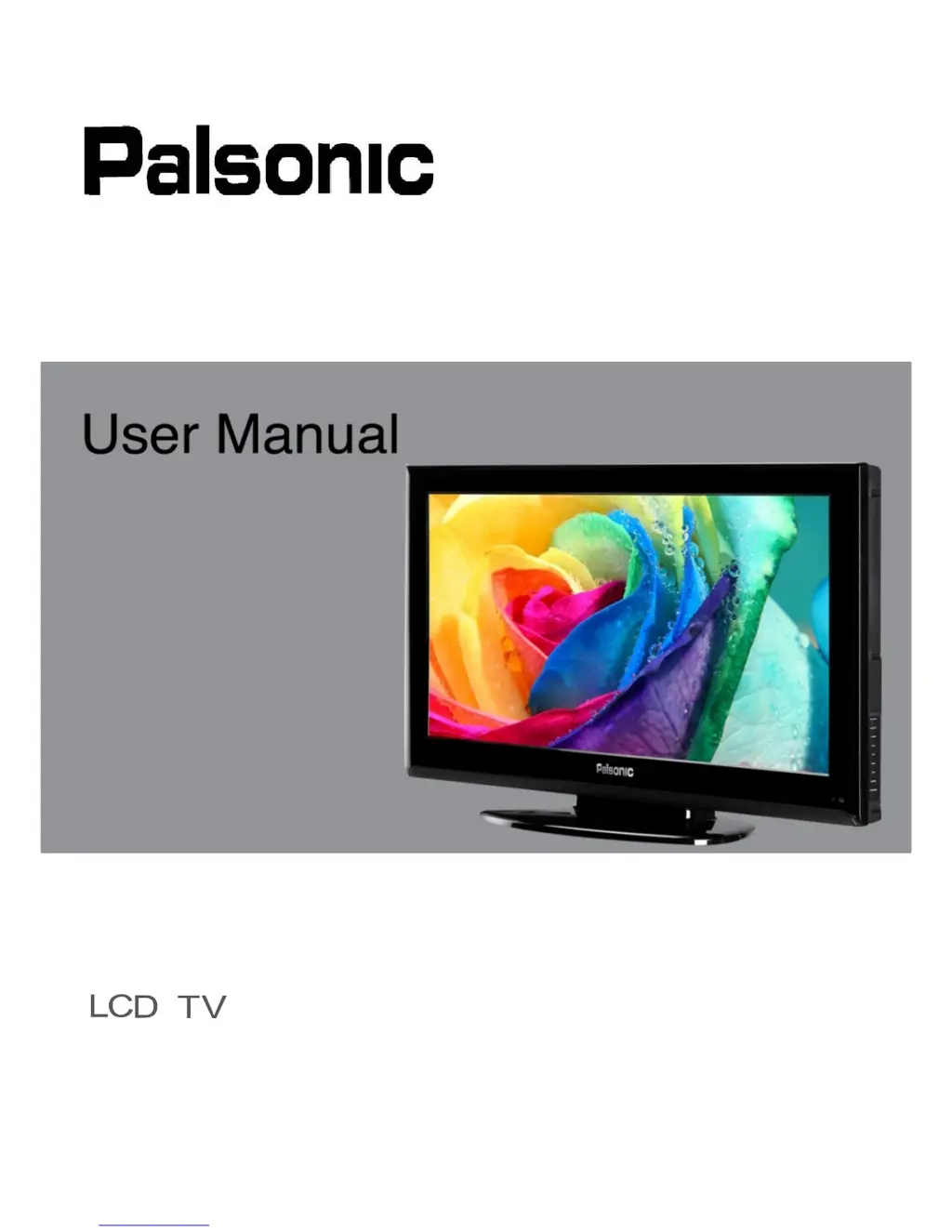
Palsonic TFTV326FHD - User Manual

Palsonic TFTV326FHD
20 pages
Print Icon
To Next Page IconTo Next Page
Loading...
TFTV326FHD
User Manual
PALSONIC CUSTOMER SERVICE Telephone AUSTRALIA : 1300 657 888
www.palsonic.com.au

Questions and Answers

  • Y
    Yvonne ParsonsJul 31, 2025
    Why does my Palsonic TFTV326FHD remote control not operate?
    • R
      richardsparksJul 31, 2025
      If the Palsonic LCD TV remote control isn't working, first ensure the batteries are correctly inserted with the proper polarity (+,-). If they are, check if the batteries are discharged and replace them with new ones. Also, avoid using the remote under strong or fluorescent lighting or near a fluorescent light. Finally, make sure the path between the remote and the TV's sensor is clear and that you're aiming directly at the sensor.
  • R
    Ryan WardAug 6, 2025
    How to fix a Palsonic TFTV326FHD LCD TV with no power?
    • A
      anthony57Aug 6, 2025
      If your Palsonic LCD TV has no power, ensure the TV and the power cord are correctly connected. Check if you have pressed the POWER button on the remote control. If the indicator on the front panel is red, press POWER on the remote control or the front control panel.
  • R
    Ruth SimpsonAug 13, 2025
    What to do if my Palsonic TFTV326FHD LCD TV power is cut off suddenly?
    • G
      grahamjeffreyAug 13, 2025
      If your Palsonic LCD TV suddenly cuts off, check if the off timer or sleep timer are set. Also, ensure that the unit's vents are not blocked and clean them to remove any dust, as the unit's internal temperature may have increased.
  • J
    James McculloughAug 17, 2025
    Why does my Palsonic TFTV326FHD have strange color?
    • E
      Erica GonzalezAug 17, 2025
      If you notice strange color, light color, or color misalignment on your Palsonic LCD TV, the room might be too bright, making the picture appear dark. Also, verify the input signal setting.
  • J
    James ParkAug 25, 2025
    How to adjust the screen if the Palsonic TFTV326FHD LCD TV picture is cut off?
    • B
      Brian ReyesAug 25, 2025
      If the picture on your Palsonic LCD TV is cut off or has a side bar screen, verify that the image position is correct. Also, check that the screen mode adjustments, such as picture size, are correctly set.

Summary

User Manual

Important Safety Information

Essential safety warnings and precautions for using the television.

Grounding Information

Instructions for ensuring proper and safe grounding of the apparatus.

Product Disposal

Guidelines for the environmentally responsible disposal of the LCD TV.

Safety Precautions

Crucial rules for safe installation, operation, and servicing of the TV.

LCD Screen Handling

Recommendations for safely handling and caring for the LCD screen.

Broken Glass and Liquid Crystal Leakage

Procedures for dealing with broken LCD panels and liquid crystal leakage.

Overview of the LCD TV

Features

Highlights the main features and capabilities of the LCD TV.

Opening the Packing

Instructions for unpacking and verifying the contents of the TV box.

Product Components

Front View

Identification of buttons and indicators on the front panel of the TV.

Rear View

Identification of input/output ports on the rear panel of the TV.

Remote Control

Using the OSD Menus

Channel Adjustment

Guide for tuning and managing TV channels using the OSD menu.

Picture Adjustment

How to adjust picture settings like contrast, brightness, and color.

Sound Adjustment

Instructions for configuring audio settings like volume, treble, and bass.

Time Adjustment

How to set sleep timers and auto standby functions for convenience.

Lock Adjustment

Settings for parental controls and channel locking features.

Setup Adjustment

Options for configuring OSD language, aspect ratio, and initial setup.

Specifications

Troubleshooting

Palsonic TFTV326FHD Specifications

General IconGeneral
Display TypeLCD
Aspect Ratio16:9
USB Ports1
Refresh Rate60Hz
Built-in SpeakersYes
Screen Size32 inches

Related product manuals