EasyManua.ls Logo

Palsonic TFTV826HD - User Manual

Palsonic TFTV826HD
31 pages
Print Icon
To Next Page IconTo Next Page
Loading...
Offering Australians quality since 1958 | www.palsonic.com.au
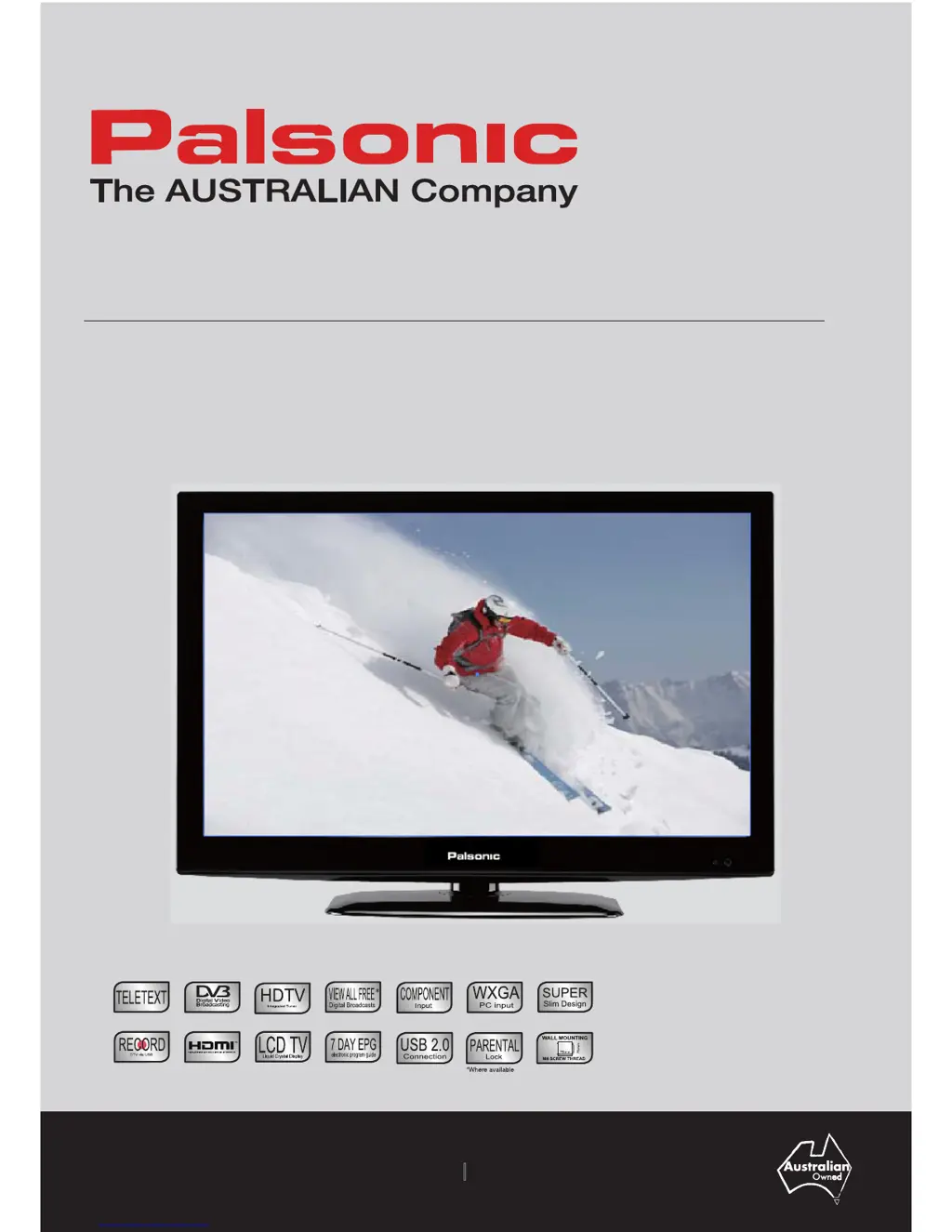
User’s Manual
TFTV826HD
80cm (31.5”) HD LCD TV

Questions and Answers

  • W
    William CruzJul 31, 2025
    Why does my Palsonic TFTV826HD LCD TV power off suddenly?
    • J
      Jessica MillerJul 31, 2025
      If your Palsonic LCD TV suddenly loses power, first verify if the off timer or sleep timer are enabled. If the timers are not the cause, the unit’s internal temperature may have increased. Ensure that no objects are obstructing the vents, and clean them to remove any accumulated dust.
  • C
    Cynthia BrownAug 7, 2025
    How to fix Palsonic LCD TV remote control that is not working?
    • L
      Larry MillerAug 7, 2025
      If your Palsonic LCD TV remote control isn't working, check the batteries. Ensure they are correctly inserted with the proper polarity (+, -). If they are old, replace them with new ones. Strong or fluorescent lighting can interfere with the remote; avoid using it under such conditions. Also, make sure nothing is blocking the path between the remote and the TV's sensor, and aim the remote directly at the sensor.
  • O
    ojonesAug 15, 2025
    Palsonic TFTV826HD won't turn on, what to do?
    • P
      Paul ArellanoAug 15, 2025
      If your Palsonic LCD TV isn't turning on, ensure that the TV and the power cord are properly connected. Also, check if you have pressed the POWER button on the remote control. If the indicator light on the front panel is red, press the POWER button on either the remote or the front control panel.
  • R
    Randy GilesAug 23, 2025
    How to adjust picture size on Palsonic LCD TV to avoid cut off?
    • R
      Rose BarnettAug 23, 2025
      If the picture on your Palsonic LCD TV is cut off or has side bars, verify that the image position is correct. Also, check the screen mode settings, such as picture size, to ensure they are adjusted properly.

Summary

Important Safety Information

Grounded Information

Ensuring safe operation by inserting the grounded plug into a standard grounded power outlet.

Product Disposal Guidelines

Guidelines for disposing of the TV, containing liquid crystal and mercury, responsibly.

General Safety Precautions

Essential rules for installation, use, and servicing to prevent electric shock or fire hazards.

Handling the LCD Screen

Handling Broken Glass and Liquid Crystal Leakage

Important Notice on Panel Defects

Overview of the LCD TV

Features

Highlights the key features of the LCD TV, including resolution and input support.

Opening the Packing

Details the items expected in the product packaging and what to do if items are missing.

Product Components

Front View

Illustrates and labels the control buttons and indicators on the front of the TV.

Rear View

Identifies and describes the various input and output ports on the rear of the TV.

Remote Control

Remote Control Button Functions

Detailed explanation of each button's function on the remote control.

EPG (Electronic Program Guide)

Using the OSD Menu

Channel Adjustment

Steps for adjusting channel settings using the On-Screen Display menu.

Auto Tuning

Procedure for performing an automatic search for available channels.

ATV Manual Tuning

Manual tuning process for Analog TV channels, including color and sound system selection.

DTV Manual Tuning and Program Management

Signal Information

How to view detailed signal information for the currently watched channel.

Picture Adjustment

Picture Mode

Selecting and customizing picture modes like Dynamic, Standard, and Personal.

Contrast, Brightness, Color, Tint, Sharpness

Adjusting key picture parameters like contrast, brightness, color, tint, and sharpness.

Sound Adjustment

Sound Mode

Choosing sound presets such as Standard, Music, Movie, Sports, or Personal.

Treble, Bass, Balance

Fine-tuning audio settings for treble, bass, and speaker balance.

SPDIF Mode and AD Switch

Configuring SPDIF output and enabling Audio Description for DTV.

Time Adjustment

Sleep Timer

Setting a timer to automatically turn off the TV after a specified period.

Auto Standby and OSD Timer

Configuring automatic standby and OSD display duration.

Lock Adjustment

Lock System and Set Password

Enabling lock system with password for parental controls and setting new passwords.

Block Program and Parental Guidance

Selecting programs to lock and setting parental guidance ratings to restrict content.

Key Lock

Enabling or disabling the physical key panel buttons on the TV.

Hotel Mode Settings

Source Lock, Default Source, Default Program

Configuring source lock, default source, and default program for hotel use.

Volume, Import, Export, Clear Lock

Managing volume limits, importing/exporting settings, and clearing lock configurations.

Setup Adjustment

OSD Language and TT Language

Selecting display language for OSD menus and language for Teletext information.

Hearing Impaired and PVR File System

Enabling features for hearing impaired and managing PVR file system on USB.

Aspect Ratio

Adjusting the picture aspect ratio (e.g., 16:9, 4:3, Zoom).

Blue Screen, First Time Installation, Reset

Software Update and PC Mode

Recording Function

USB Disk Management (Format, Time Shift, Speed)

Managing USB disk for recording: formatting, time shift size, and speed check.

Recording Live DTV

Instructions on how to record live Digital TV broadcasts.

Time Shift and Schedule Recording

Media Operation - Photo

Basic Photo Playback Functions

Basic playback controls for photo files, including pause, previous, and next.

Media Playback Controls

Music Playback

Basic Music Playback Functions

Basic playback controls for music files, including pause, fast forward, and rewind.

Movie Playback

Basic Movie Playback Functions

Playback controls for movie files, including pause, fast forward, rewind, and slow motion.

Advanced Movie Playback Features

Text File Viewing

Basic Text File Functions

Controls for navigating and viewing text files, including page navigation and stop.

Specifications

Troubleshooting Guide

Palsonic TFTV826HD Specifications

General IconGeneral
BrandPalsonic
ModelTFTV826HD
CategoryLCD TV
LanguageEnglish

Related product manuals