6
User’s Guide Power Cable Adaptor Remote Control
User Guidance Information
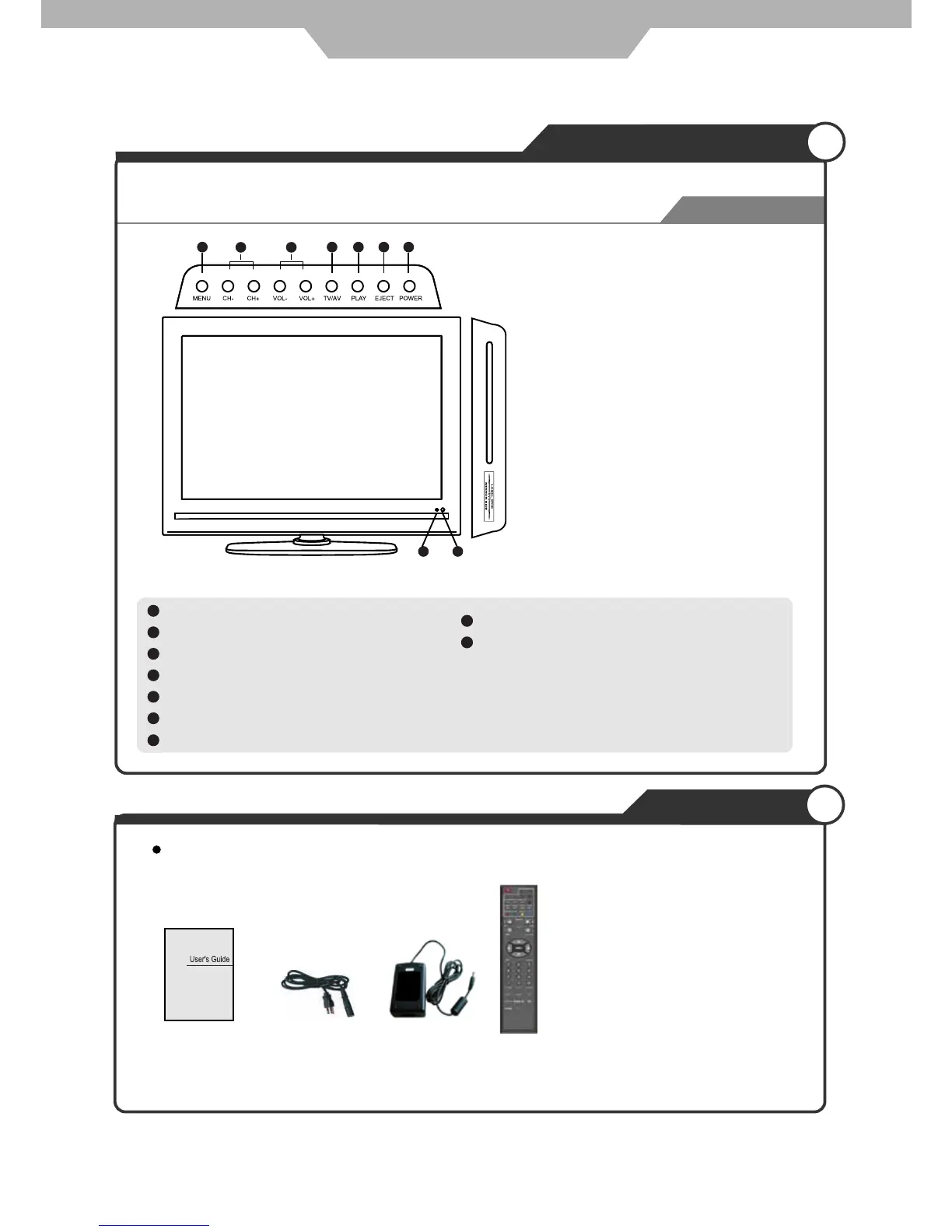
Names of each part
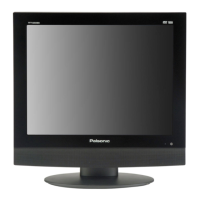
Front View
Accessories
The configuration of the components may look different from the following illustration.
4
TV/AV button - Input Source Select Button
1
MENU button - OSD Menu Display Button
2
CH+/- button - Channel/Program +,- Button
3
VOL+/- button - Volume +,- Button
7
POWER button
8
9
Eject the disc
Play / Pause the disc playing
5
LED Indicator
6
Remote Control Window
Please insert a 12cm disc
according to the silk
1
2 3
4 5 6 7
8 9



 To Next Page