EasyManua.ls Logo

Panamax M1500-UPS - User Manual

Panamax M1500-UPS
20 pages
Print Icon
To Next Page IconTo Next Page
Loading...
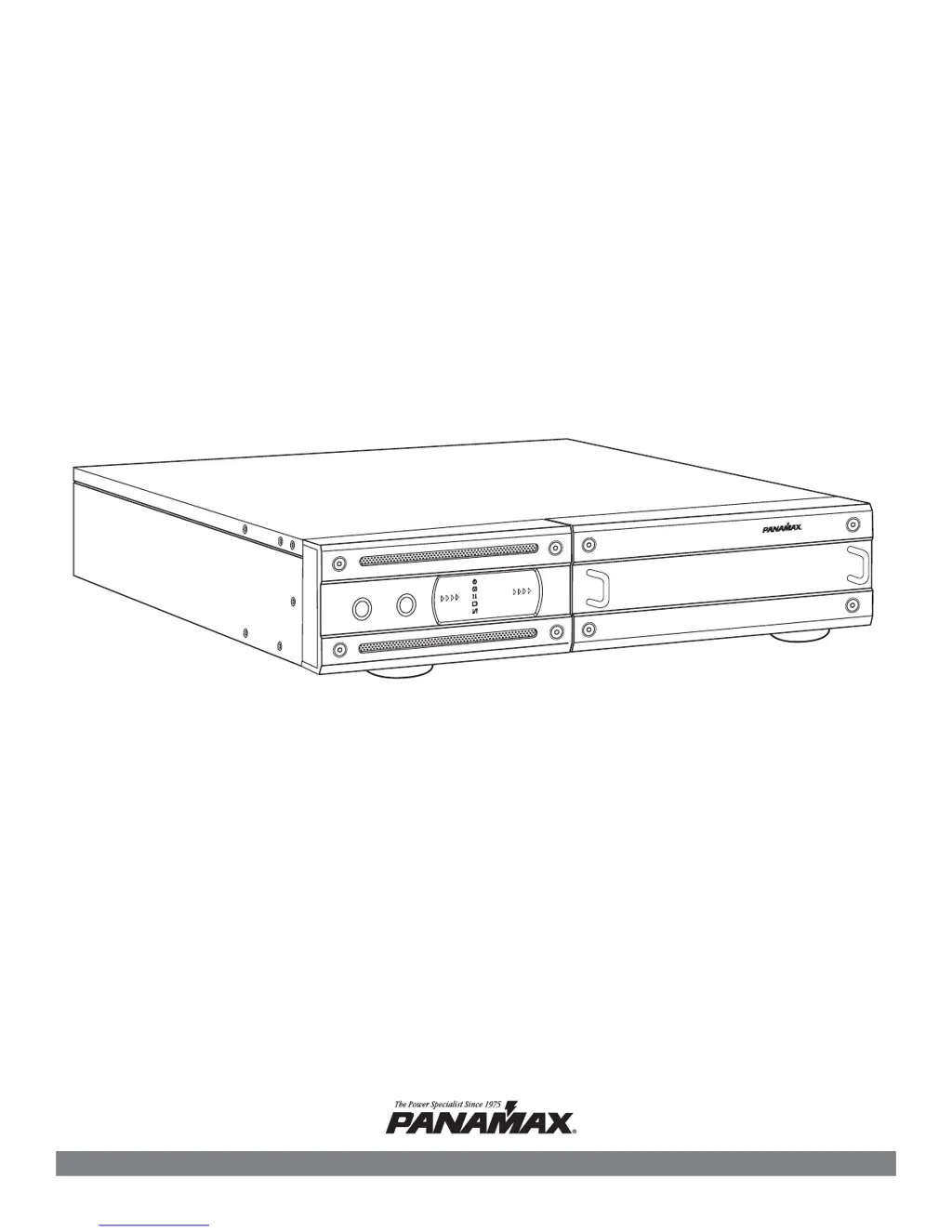
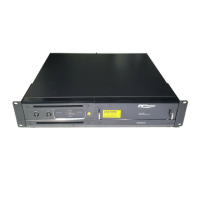
MAX® Home Cinema UPS
Owner’s Manual
POWER
TEST
M
AX
®
Hom
e Cinem
a
UPS
Pure Sine Wave
Intelligent Critical Load Control
UNSAFE VOLTAGE
LINE FAULT
POWER ON
AVR MODE
BATTERY MODE
BATTERY LEVEL
LOAD LEVEL
1690 Corporate Circle, Petaluma, CA 94954 • www.panamax.com
M1500-UPS

Questions and Answers

  • E
    Eugene RussellJul 30, 2025
    What to do if Panamax M1500 outlets do not provide power?
    • G
      gbergJul 30, 2025
      If the outlets on your Panamax UPS aren't providing power, it could be due to a tripped circuit breaker from an overload. To resolve this, turn the UPS off, unplug at least one device, wait 10 seconds, reset the circuit breaker, and then turn the UPS back on. It may also be that the batteries are discharged. In that case, recharge the unit for at least 4 hours. Another reason might be that the unit has been damaged by a surge or spike. To resolve this, recharge the battery by leaving the UPS plugged in.
  • M
    Mike ClarkAug 6, 2025
    Why my Panamax M1500 UPS will not turn on?
    • C
      Christy HoweAug 6, 2025
      If your Panamax UPS won't turn on, there are several potential causes. First, the on/off switch is designed to prevent damage from rapid cycling, so turn the UPS off, wait 10 seconds, and then turn it back on. Also, ensure the unit is properly connected to a 110/120v 60Hz outlet. It's also possible that the battery is worn out, in that case contact Panamax about replacement batteries. Finally, if there is a mechanical problem, contact Panamax.
  • E
    elizabethgomezAug 14, 2025
    What to do if Panamax M1500 UPS software is inactive?
    • N
      Natalie DeanAug 14, 2025
      If the software for your Panamax UPS is inactive, first ensure the serial cable is correctly connected to both the UPS unit and an open serial port on your computer, using the cable included with the unit. If it's connected, try using a different serial port on your computer. If the unit is not providing battery power, shutdown your computer, turn the UPS off, wait 10 seconds, and then turn it back on to reset the unit. Finally, make sure you are using the serial cable that was provided with the unit.
  • H
    hkingAug 21, 2025
    Why Panamax M1500 does not perform expected runtime?
    • D
      Diane WilsonAug 22, 2025
      If your Panamax UPS isn't providing the expected runtime, it could be because the battery isn't fully charged. Recharge the battery by leaving the UPS plugged in. Another reason might be that the battery is slightly worn out, in that case contact Panamax about replacement batteries.

Summary

Before You Begin

Unpacking the UPS Unit

Inspect the UPS upon receipt. Verify all included items like UPS unit, cords, and software.

Important Safety Instructions

General Safety Precautions

Read and follow all instructions carefully for installation and operation. Ensure proper connections and environment.

Installing Your UPS

Hardware Installation Guide

Step-by-step instructions for physically installing the UPS, connecting equipment, and initial power-up.

Basic Operation

Basic Operation Continued

Advanced Operation

Critical Load Function

User programmable setting for low battery shutoff of non-critical loads to reserve power for critical loads.

Home Cinema Power Control Software

Software Installation

Instructions for installing the Panamax Home Cinema Power Control software on Windows XP, 95/98/Me, 2000, and NT 4.0.

Battery Features

Testing the Battery Backup Function

Instructions on how to test the UPS battery using the front panel button or software self-test.

Battery Replacement

Safety precautions and general advice for battery replacement.

Battery Replacement Procedure

Step-by-Step Battery Replacement

Step-by-step guide to safely remove and replace the UPS battery pack.

Troubleshooting

Common Problems and Solutions

Lists common issues like no power, short runtime, or unit not turning on, with their possible causes and solutions.

Panamax M1500-UPS Specifications

General IconGeneral
Power Rating1500 VA
Output Power900 W
Voltage120 V
Input Voltage Range90 - 140 V
Output Voltage120 V
Number of Outlets8
Form FactorTower
Outlets8 NEMA 5-15R
Battery Capacity12 V / 9 Ah
Waveform TypeSimulated Sine Wave
Communication PortsUSB
Battery TypeSealed Lead Acid (SLA)
Battery RuntimeVaries by load
Frequency60 Hz
Transfer Time4 ms
Typical Recharge Time8 hours

Related product manuals