EasyManua.ls Logo

Panasonic CCQ-C5401W - User Manual

Panasonic CCQ-C5401W
18 pages
Print Icon
To Next Page IconTo Next Page
Loading...
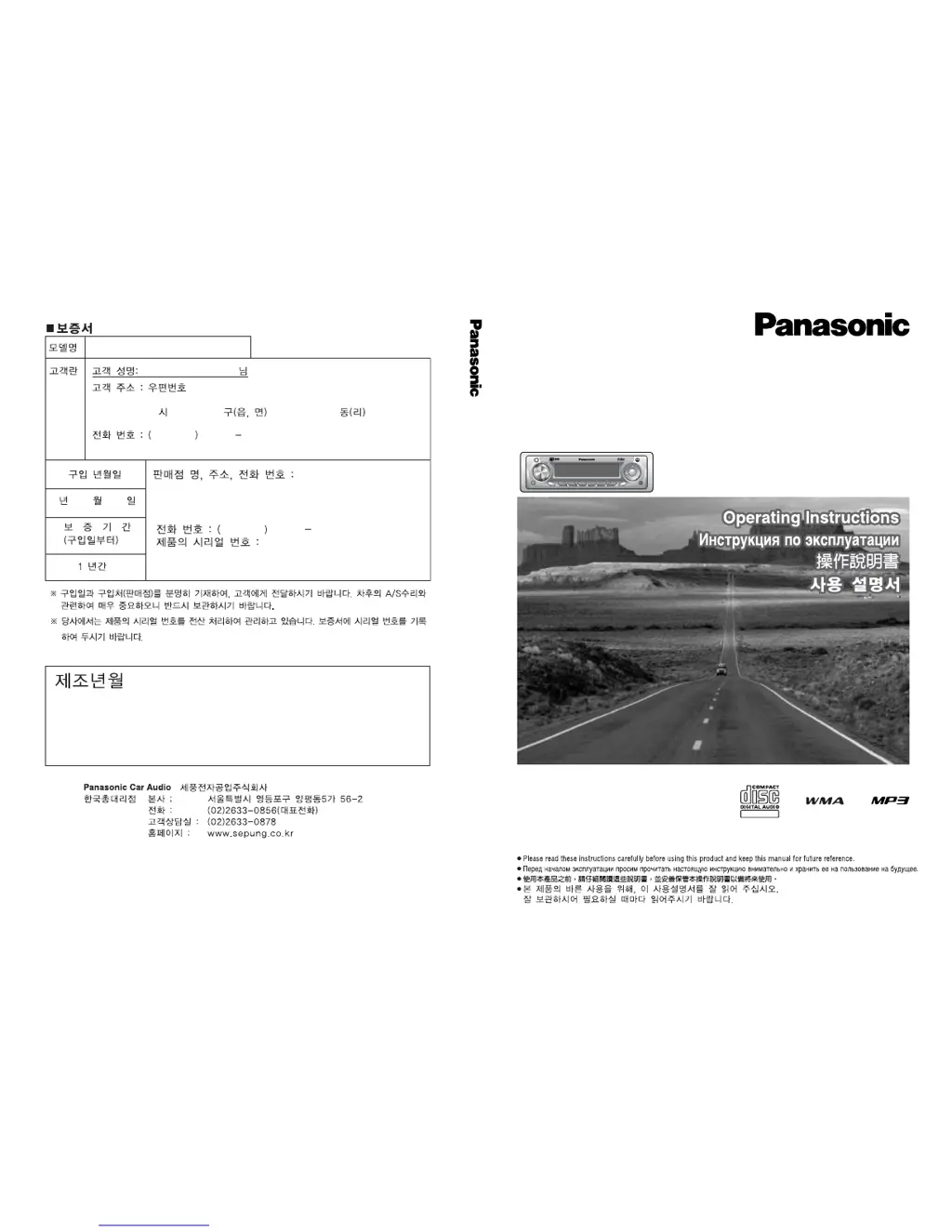
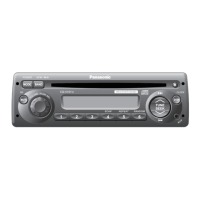
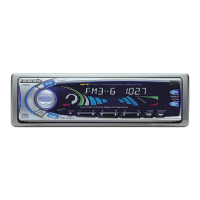
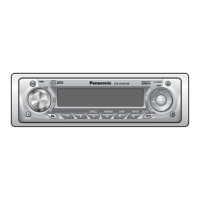
CQ-C5401W/C5301W
WMA MP3 CD Player/Receiver with CD Changer Control
WMA MP3 CD-ÔÎÂÂ/ÂÒË‚Âp c ÙyÌ͈ËflÏË yÔ‡‚ÎÂÌËfl CD-˜ÂÈ̉ÊÂÓÏ
WMA MP3 單片CD∕收音機附有光碟換碟控制器
CD체인저 컨트롤 채택 WMA MP3 CD플레이어/라디오
TILT/OPEN
DISC
SCROLL
PWR
MUTE
RANDOM SCAN REPEAT CLOCK
F
O
L
D
E
R
V
O
L
U
M
E
P
U
S
H
S
E
L
T
U
N
E
/
T
R
A
C
K
CQ-C5401W
213
SRC
SQ
45 6
DISP
BAND
APM
TEXT
(CQ-C5401W)
CQ-C5401W/C5301W
YEFM285616A NT1204-1015 Printed in China
Matsushita Electric Industrial Co., Ltd.
Web Site: http://www.panasonic.co.jp/global/
CQ-C5401W/C5301W

Questions and Answers

  • T
    thompsonmadelineAug 17, 2025
    What to do if my Panasonic Car Receiver has poor reception or noise?
    • D
      Darrell VaughnAug 17, 2025
      If you are experiencing poor reception or noise with your Panasonic Car Receiver, consider the following: * Verify that the antenna is correctly installed and the wiring of the antenna cable is correct. Also, ensure the antenna ground is securely connected to the chassis. * If you are using a film antenna or similar, check the wiring of the antenna battery lead to ensure power is being supplied to the antenna amplifier.
  • D
    Derek PinedaAug 19, 2025
    What to do if my Panasonic Car Receiver displays a demonstration screen and is not operable?
    • M
      Margaret JacksonAug 20, 2025
      If your Panasonic Car Receiver displays a demonstration screen and is not operable: * Press the [DISP] button to exit the demonstration screen. * If the demonstration screen appears frequently, check the battery wiring according to the wiring diagram, as there might be poor contact or incorrect wiring between the unit's battery lead and the car's battery cable.
  • C
    carrilloryanAug 22, 2025
    What to do if my Panasonic Car Receiver is not generating sound?
    • E
      Eric JacksonAug 22, 2025
      If your Panasonic Car Receiver is not generating sound: * Check if MUTE is set to ON. If so, set MUTE to OFF. * Verify the speaker lines are correctly wired according to the wiring diagram. Also, check for any breaks or poor contact in the wiring.
  • S
    Stephanie StevensAug 25, 2025
    What to do if my Panasonic Car Receiver is not playing or ejecting the disc?
    • N
      Nicholas ClarkAug 26, 2025
      If your Panasonic Car Receiver is not playing or ejecting the disc: * Make sure the disc is inserted correctly (not upside down). * Check the disc for flaws or foreign objects, remove any obstructions, or use a flawless disc.
  • I
    Isaac AllenAug 27, 2025
    Why is there no sound from my Panasonic CCQ-C5401W speakers?
    • E
      Eric AllenAug 27, 2025
      There might be several reasons for the absence of sound from your Panasonic Car Receiver speakers. Check the following: * Ensure the Balance/Fader setting is properly adjusted. * Inspect the speaker wiring for any breaks, short circuits, poor contact, or incorrect connections. * Verify that the speaker channels are not reversed between right and left, and perform the speaker wiring in accordance with the wiring diagram. * Confirm that the plus and minus terminals at the right and left channels of the speakers are not connected reversely; refer to the wiring diagram for correct connections.
  • J
    joshuaharrisAug 30, 2025
    Why does my Panasonic CCQ-C5401W Car Receiver make noise?
    • O
      oglassAug 30, 2025
      Noise in your Panasonic Car Receiver can be caused by: * An electromagnetic-wave generator, such as a cellular phone, being near the unit or its electrical lines. Keep such devices away from the unit and its wiring. If the noise persists due to the car's wiring harness, consult your dealer. * Poor contact of the ground lead. Ensure the ground lead is securely connected to an unpainted part of the chassis.
  • L
    lukewebbSep 2, 2025
    Why does my Panasonic Car Receiver make noise in step with engine revolutions?
    • J
      Jerry RodriguezSep 2, 2025
      If your Panasonic Car Receiver makes noise in sync with engine revolutions, it could be due to alternator noise from the car. Try changing the wiring position of the ground lead and consider mounting a noise filter on the power supply.
  • D
    Derrick WrightSep 5, 2025
    What to do if my Panasonic CCQ-C5401W Car Receiver disc is unejectable?
    • P
      Paul HillSep 5, 2025
      If your Panasonic Car Receiver disc is unejectable: * If something like a peeled label is obstructing the disc, press and hold the [OPEN] button for more than 2 seconds when the faceplate is open to force disc ejection. In case that the disc forced ejection does not work, consult your dealer. * If the microcontroller in the unit is operating abnormally due to noise or other factors, unplug the power cord and plug it in again. In case the unit is still out of order, consult your dealer.
  • R
    Robert McdonaldSep 7, 2025
    What to do if my Panasonic CCQ-C5401W has sound skipping or noise?
    • J
      Jasmine ConwaySep 7, 2025
      If your Panasonic Car Receiver experiences sound skipping or noise: * Check the disc for flaws or foreign objects and remove them, or use a flawless disc. * If playing VBR (Variable Bit Rate) files causes sound skipping, try playing Non-VBR files.
  • J
    Jesse MullinsSep 12, 2025
    Why can't I store preset stations on my Panasonic Car Receiver?
    • F
      fred04Sep 12, 2025
      If you are unable to store preset stations on your Panasonic Car Receiver, it may be because the contact of the battery lead is poor, or the battery lead is not always powered. Make sure that the battery lead is connected securely, and preset stations again.

Panasonic CCQ-C5401W Specifications

General IconGeneral
BrandPanasonic
ModelCCQ-C5401W
CategoryCar Receiver
LanguageEnglish

Related product manuals