6
Precautions
CAUTION
l
Install or remove the battery pack on a at stable surface.
l
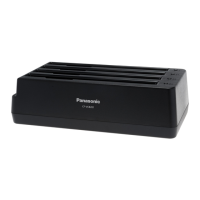
Remove the battery before transporting the battery charger. The battery pack
may fall out while the charger is being carried.
l
Do not touch the battery charger connectors as it can damage or transfer
dust to the connectors and cause malfunction.
l
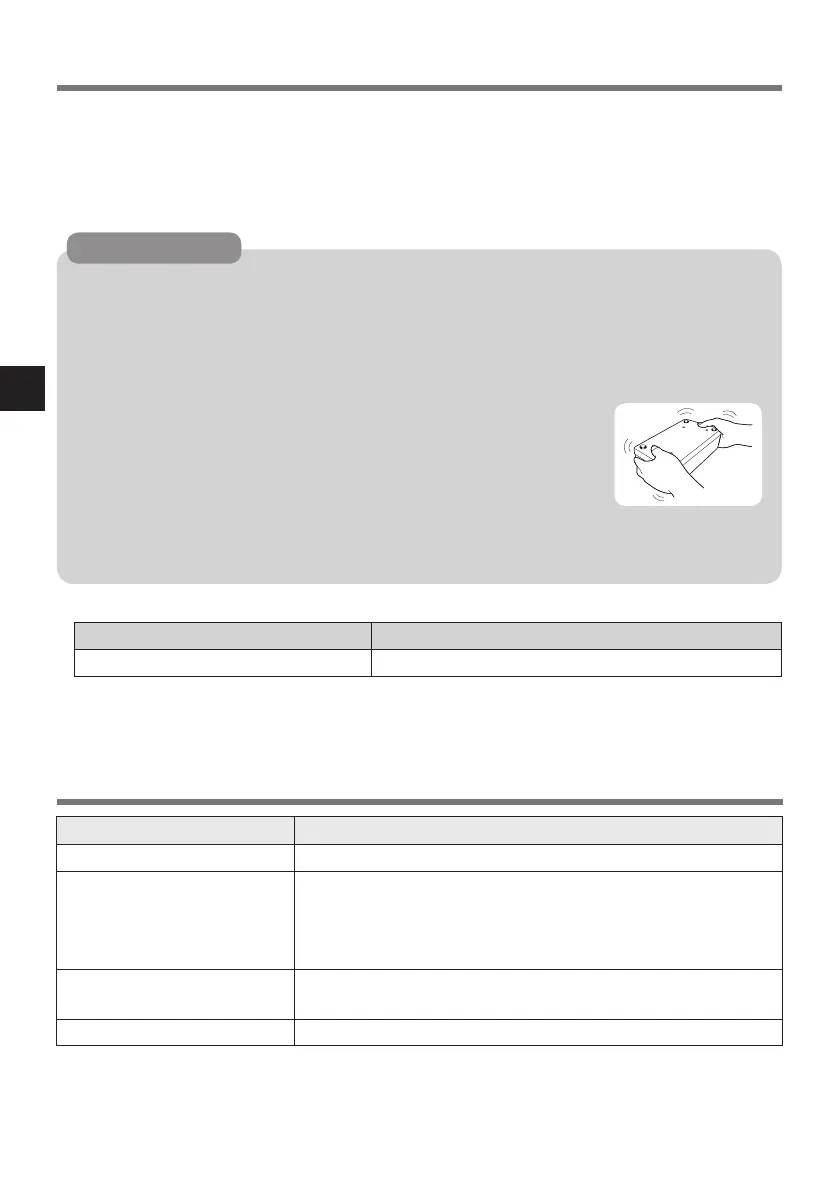
Refer to the “Operating Instructions” that came with the
computer for information on proper handling of the AC
adaptor.
l
If dust or dirt has built up on the connectors, disconnect the AC
adaptor and battery pack, turn the battery charger over, and
remove the dust and dirt. Dust buildup can cause faults and
prevent charging from being performed successfully. Clean away dust regularly. Do not
drop the battery charger or subject it to heavy impacts.
l
Specied Battery Pack
Battery Pack Charging Time*
1
CF-VZSU0Q series Approx. 2.5 hours
*
1
Charging times given above are applicable regardless of the number of
batteries.
Item Description
Power Supply AC adaptor
AC Adaptor*
2
Input: 100 V - 240 V AC, 50 Hz / 60 Hz,
Output: 15.6 V - 16.0 V DC, 5.0 A - 7.05 A
[Do not use other than the specied AC adaptor
(Model No. CF-AA5713A).]
Dimensions
(W × H × D)
Approx. 256 mm × 129 mm × 74 mm
{10.1” × 5.1” × 2.9”}
Weight Approx. 0.7 kg {1.5 lb.}
*
2
<Only for North America>
The AC adaptor is compatible with power sources up to 240 V AC adaptor.
This computer is supplied with a 125 V AC compatible AC cord.
20-M-2-1
Specications
Continuing to use this product while
any of the above conditions are
present may result in re or electric
shock.
• If a malfunction or trouble occurs,
immediately unplug the AC plug.
Then contact your technical support
ofce for repair.
DHQX1127ZA_X1_VCB201_OI_7L_FM151.indb 6 2015/12/04 13:20:58




 To Next Page