EasyManua.ls Logo

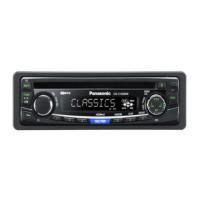
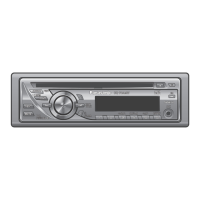
Panasonic CQ-C1505W - User Manual

Panasonic CQ-C1505W
20 pages
Print Icon
To Next Page IconTo Next Page
Loading...
English
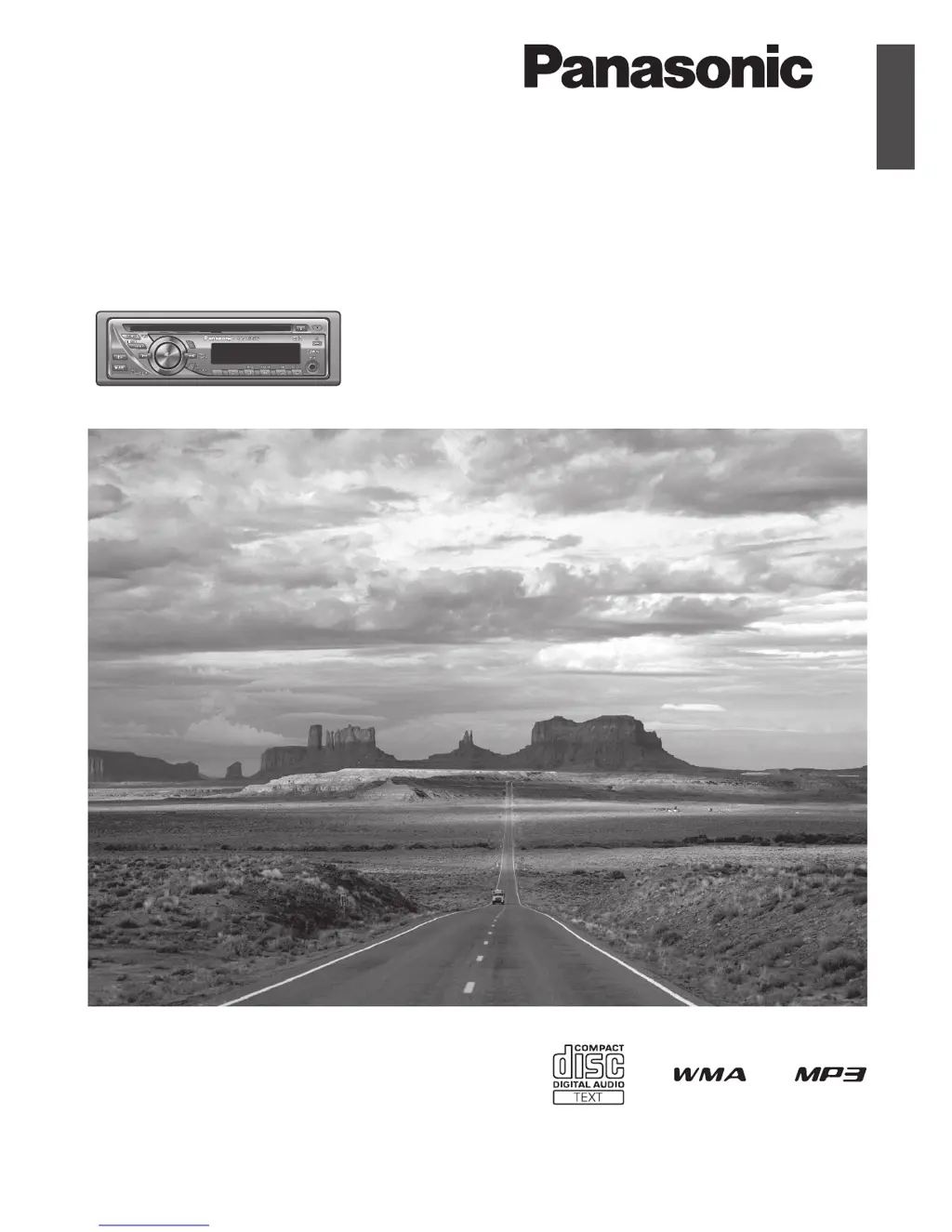
WMA MP3 CD Player/Receiver
Model:
CQ-C1505W
Operating Instructions
Please read these instructions carefully before using this product and keep this manual for future reference.

Other manuals for Panasonic CQ-C1505W

Questions and Answers

  • P
    Paul RochaAug 1, 2025
    What to do if my Panasonic Car Receiver has no sound?
    • B
      Brenda DillonAug 1, 2025
      If your Panasonic Car Receiver is silent, first ensure that the mute function is disabled. Also, verify the wiring connections to confirm they are correct. If moisture is present, wait for the dew to disappear before using the unit.
  • W
    wsnyderAug 7, 2025
    Why my Panasonic Car Receiver has no power?
    • J
      Johnathan LopezAug 7, 2025
      If your Panasonic Car Receiver isn't powering on, try starting the engine or turning the ignition switch to the ACC position. Also, check the wiring, including the battery lead, power lead, and ground lead.
  • J
    Jason Gonzalez MDAug 12, 2025
    How to reduce noise on my Panasonic Car Receiver?
    • D
      Duane ReynoldsAug 12, 2025
      If you're experiencing frequent noise with your Panasonic Car Receiver, try tuning into another station with high-intensity waves. Also, ensure that the antenna is properly mounted.
  • B
    bvaughnAug 19, 2025
    What to do if there is no sound from a specific speaker on my Panasonic CQ-C1505W?
    • S
      Stacy GuzmanAug 19, 2025
      If there's no sound coming from a specific speaker (left, right, front, or rear) in your Panasonic Car Receiver, try adjusting the balance and fader settings. Additionally, verify the speaker wiring to ensure it's correctly connected.
  • R
    Rodney RileyAug 25, 2025
    What to do if disc is not ejectable from Panasonic CQ-C1505W Car Receiver?
    • Z
      Zachary Perez DDSAug 26, 2025
      Press the eject button [?]. If the disc remains stuck, contact the nearest Panasonic Service Center.

Summary

Safety Information

Meaning of Warning Pictograph

Explains the meaning of the warning pictograph indicating potential severe injury or death.

Meaning of Caution Pictograph

Explains the meaning of the caution pictograph indicating potential injury or material damage.

Warnings for Unit Usage

Key safety warnings for operating the unit while driving, power supply, and handling batteries.

Warnings for Installation

Critical safety warnings related to battery disconnection, component usage, and installation location.

Cautions

Cautions for Unit Usage

Advises on keeping volume low, avoiding direct sunlight, heat, water, and dust, and handling AUX connections.

Cautions for Installation

Highlights precautions for wiring, installation angle, handling leads, and connecting the power connector.

Remote Control Battery Precautions

Details on battery type, polarity, replacement, handling, and disposal of the remote control battery.

Battery Leakage Handling

Instructions on how to handle battery leakage, including cleaning and medical attention.

Laser Product Warning

Warning regarding hazardous radiation exposure from laser product and service limitations.

Specifications

General Specifications

Provides general specifications including power, current, output, dimensions, and weight.

Disc Player Specifications

Details specifications for the disc player such as sampling frequency, converter, and laser type.

FM Stereo Radio Specifications

Lists specifications for the FM stereo radio, including frequency range and sensitivity.

AM Radio Specifications

Details specifications for the AM radio, including frequency range and sensitivity.

Preparation

Setting the Clock

Detailed steps for setting the 24-hour clock, including adjusting hour and minute.

Maintenance;Fuse

Fuse Replacement

Information and warnings regarding fuse replacement, including correct rating and potential hazards.

Face Plate Removal and Mounting

Step-by-step instructions for removing and mounting the detachable face plate.

Notes on Discs

Recording MP3;WMA Files on CD

Recommendations for creating discs with MP3/WMA files, including folder structure and naming.

Supported Compression Formats

Details on recommended compression formats for MP3 and WMA files.

Notes on MP3;WMA

MP3;WMA File Creation Tips

Recommendations for creating MP3/WMA files, including bit rate, sampling frequency, and VBR.

MP3;WMA File Naming Caution

Warning against assigning incorrect file extensions to audio files.

Remote Control Unit

Direct Access Operations

How to directly select tracks, files, or folders using the remote control.

Battery Ingestion Warning

Warning to keep batteries away from children due to the risk of accidents if ingested.

Troubleshooting

Troubleshooting Common Issues

Provides solutions for common problems like no power, no sound, or noise.

Common Troubleshooting Categories

Solutions for common problems like no power, no sound, noise, and reversed audio channels.

Disc Player Troubleshooting

Solutions for disc player issues including playback errors, sound quality, and disc ejection.

Radio Troubleshooting

Solutions for radio reception problems like noise and preset data loss.

Irregular Condition Usage Warning

Warning against using the unit in irregular conditions like smoke or foul smell, advising immediate stop.

Error Display Messages

Explains common error messages displayed by the unit and their meanings.

Panasonic CQ-C1505W Specifications

General IconGeneral
TypeCar Receiver
Tuner BandsFM/AM
CD PlayerYes
MP3 PlaybackYes
USB PortNo
Aux InputYes
BluetoothNo
Channels4
Radio TunerYes
DisplayLCD
Remote ControlNo
Tuner TypeDigital Tuner
Dimensions178 x 50 x 160 mm
Playback MediaCD, MP3

Related product manuals